




An administrator is a user who has full access to the PaperCut Hive or Pocket admin console. They can manage users, configure printers, and change system settings.
It’s important to understand that administrator access is separate from a user’s ability to print. A user can be an admin, a print user (end-user), or both.
Viewing your current administrators
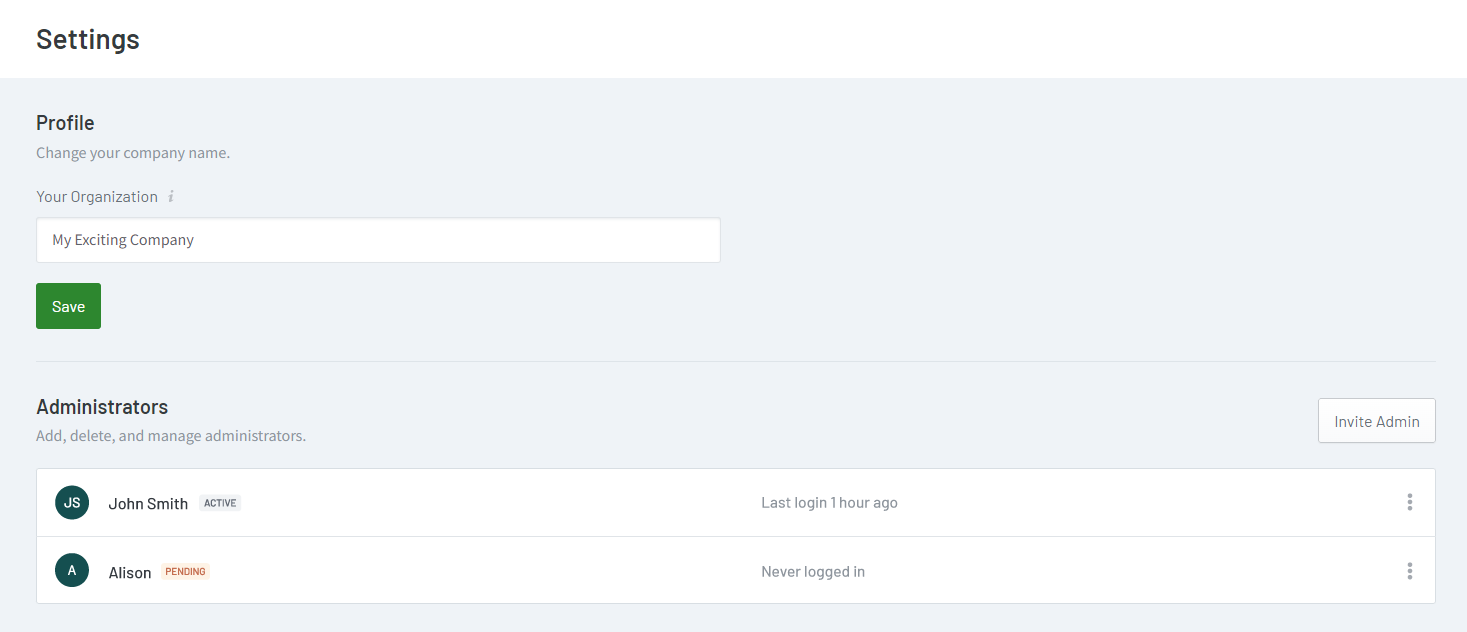
To find out who currently has admin access to your instance of PaperCut Pocket or Hive: Settings > Administrators
Adding new administrators
- From the PaperCut Pocket or Hive admin interface, click on your profile picture in the top-right-hand corner.
- Click on Settings.
- Under Administrators, click on Invite Admin.
- Enter the email address of the user you wish to grant admin access to.
The user will receive an email (titled “You’re invited to be an admin…”) with a link to accept the invitation and set up their admin account.
Their status will show as PENDING until they accept the invitation, after which it will change to ACTIVE. If the newly invited admin fails to accept the invitation within 48 hours, they will need to be invited again.
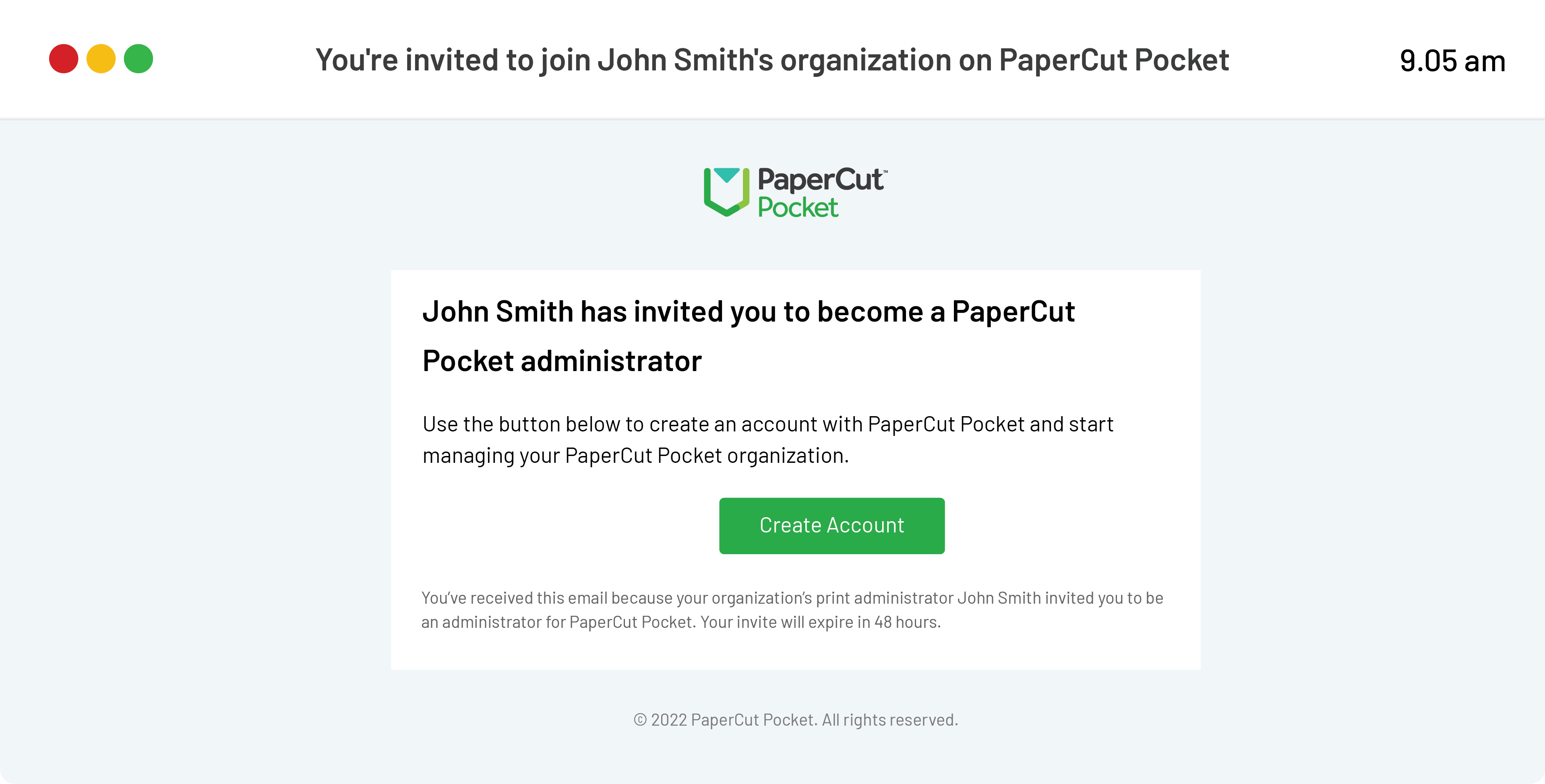
Here's a sample of the email a new administrator will receive allowing them to set up their account.
Removing administrators
It’s essential to remove admin access when a user leaves the business or no longer requires access. Here are the steps to revoke access for an administrator in PaperCut Pocket and Hive.
- From the PaperCut Pocket or Hive admin interface, click on your profile picture in the top-right-hand corner.
- Click on Settings.
- Under Administrators, select the ︙ vertical ellipses next to the administrators’ name.
- Select Remove.
Managing admin access - frequently asked questions (FAQs)
Can I remove the admin permissions from a user?
Yes! Follow our instructions for removing administrators. This will not affect their regular print user account.
Can I invite a user to start printing while also being an administrator?
Yes, a user can help administer your instance of PaperCut Pocket or Hive while also being an active printing user. You will need to send them two separate invitations, one for printing and one for admin access.
Can I give an administrator a limited set of admin rights?
No. All invited administrators have full admin access to the system. Be careful about only giving administrator access to trusted people!
Comments
Comments are not available in this preview environment. On papercut.com, this space shows the live Disqus comment thread for this page.