


 Enable printing in my organization
Print queue deployment and driver management
Push the right print queues and printer drivers to roaming users no matter where they go, all automatically.
Global print driver
A single PostScript driver that simplifies queue management in environments with a mixed fleet of printers.
Cross-platform print experience
A uniform print workflow for users on every major operating system, including mobile and desktop.
Remote/offsite/home printing via cloud
Securely print from remote, off-network, or home office locations and release print jobs in the office.
User web interface
Users can self manage print jobs, check balances, and do more from a simple, intuitive web interface.
Guest printing
Provide controlled, temporary print access for external contractors, clients, or visitors.
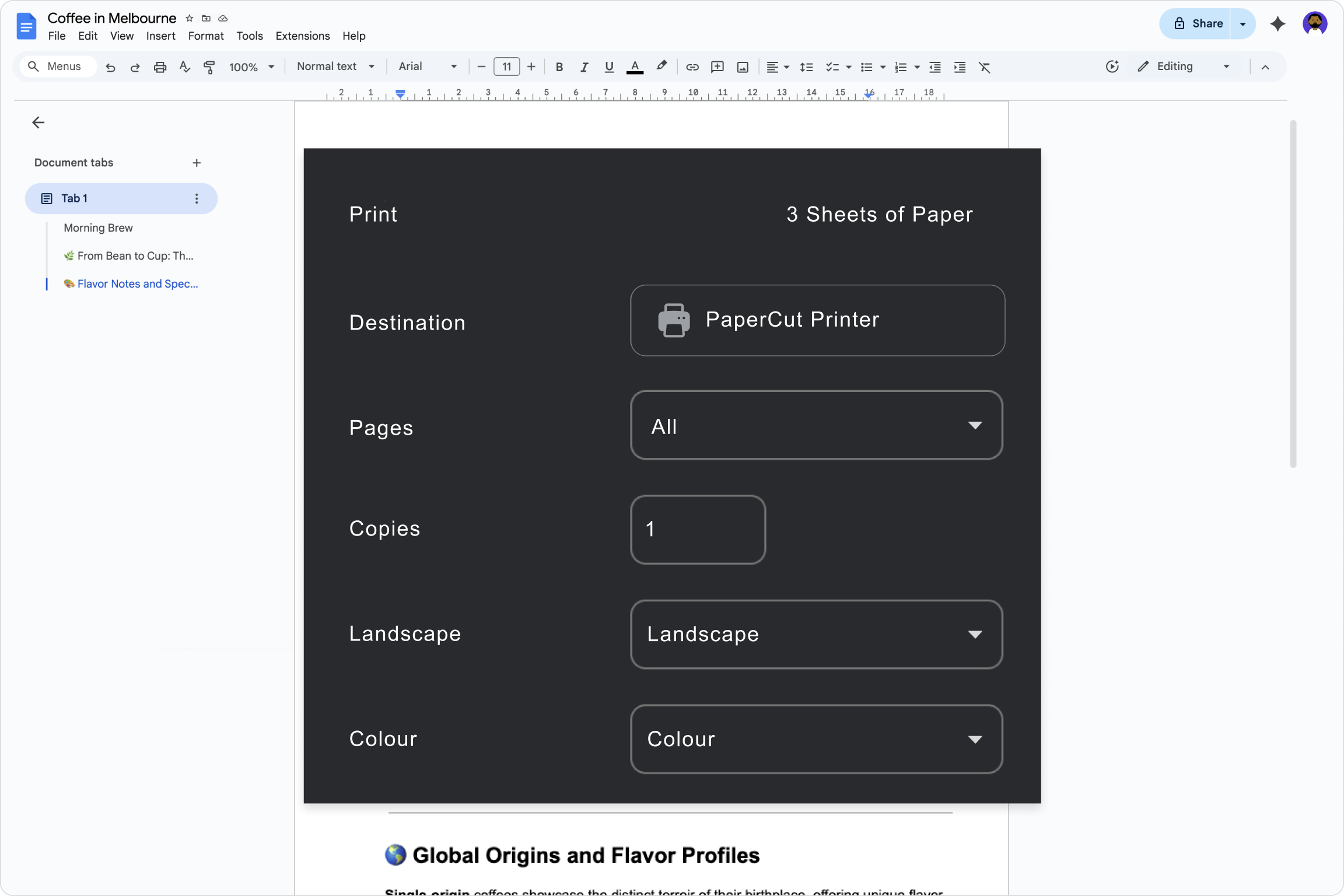

 Track printing on all devices
Auditing, logs, and reporting
Full visibility for auditing usage, controlling costs, and analyzing printer fleet activity with centralized job logs and over 60 built-in reports.
Environmental impact
Environmental statistics for assessing the impact your paper usage has on the environment.
 Secure my printers
Find-Me Printing and secure print release
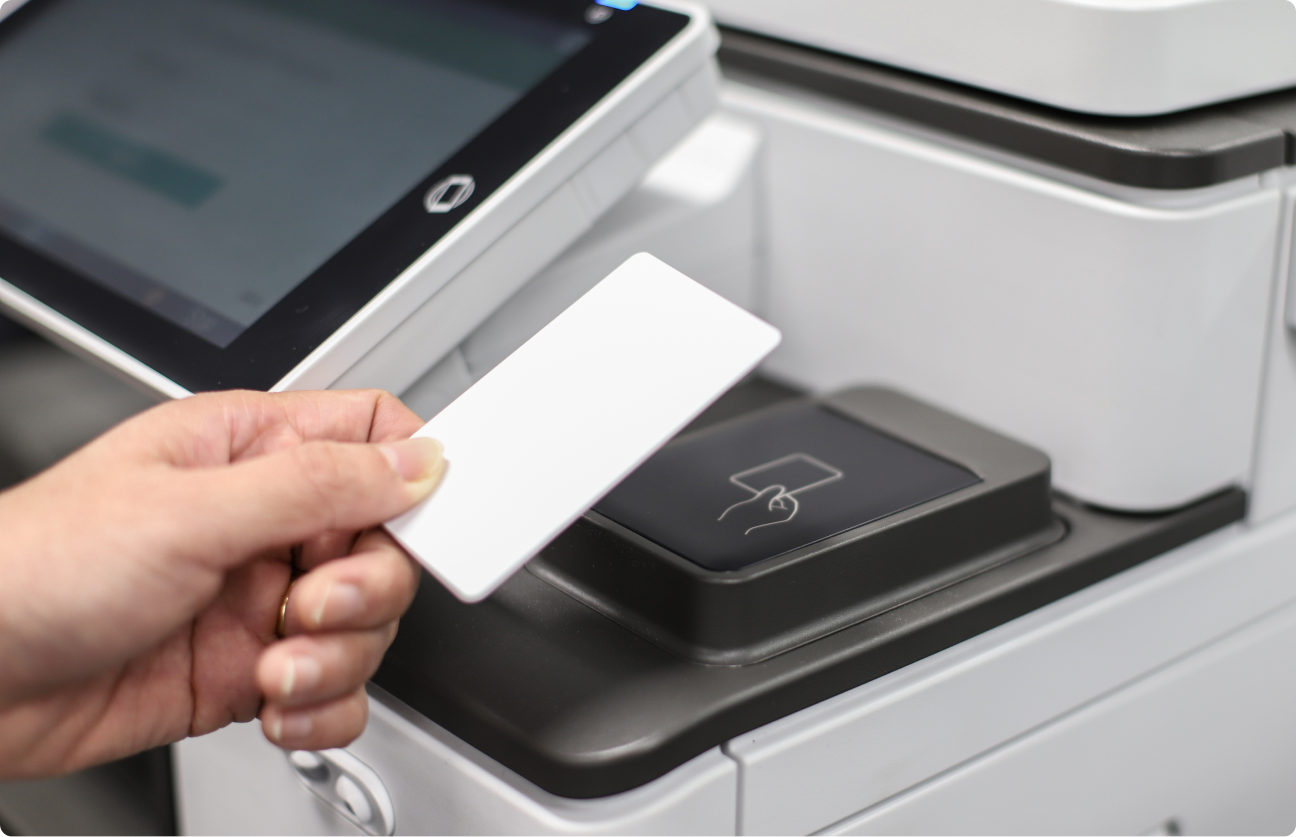
Print jobs are securely held until the verified user authenticates and releases them at the multifunction printer (MFP).
Access control
Restrict or grant MFD and printer functionality based on the user's identity, group, or required permissions.
Print and scan archiving
Create a secure history of all printed and scanned documents for regulatory compliance and audit trails.
Watermarking and digital signatures
Apply unique digital stamps or visible watermarks to all printed documents to ensure accountability.
Advanced scripting
Deploy custom, server-side logic using code to enforce complex printing rules and automatically modify job attributes.


 Manage the cost of printing
Quotas
Set and control user and group print and copy allowances to stop waste, and ensure predictable spending.
Shared accounts
Facilitate accurate cost allocation by allowing print and copy usage to be charged to shared cost centers or specific clients.
Professional client billing
Sync accounts, track jobs, and generate client-ready invoices with ease.
Recharging balances
Manage the top-up process for user accounts, adding funds, credit, or budgets back into individual user accounts.
 Manage my users
Sync users from identity providers
Synchronize user accounts from the Google Workspace or Entra ID directory services.
User management and onboarding
Automate user account provisioning, privilege setting, and credit/quota allocation to effectively manage users across large networks.
User authentication
Secure multifunction printer access for printing, copying, and scanning by integrating with your existing identity management systems.
 Standardize my scan workflows
Integrated scanning
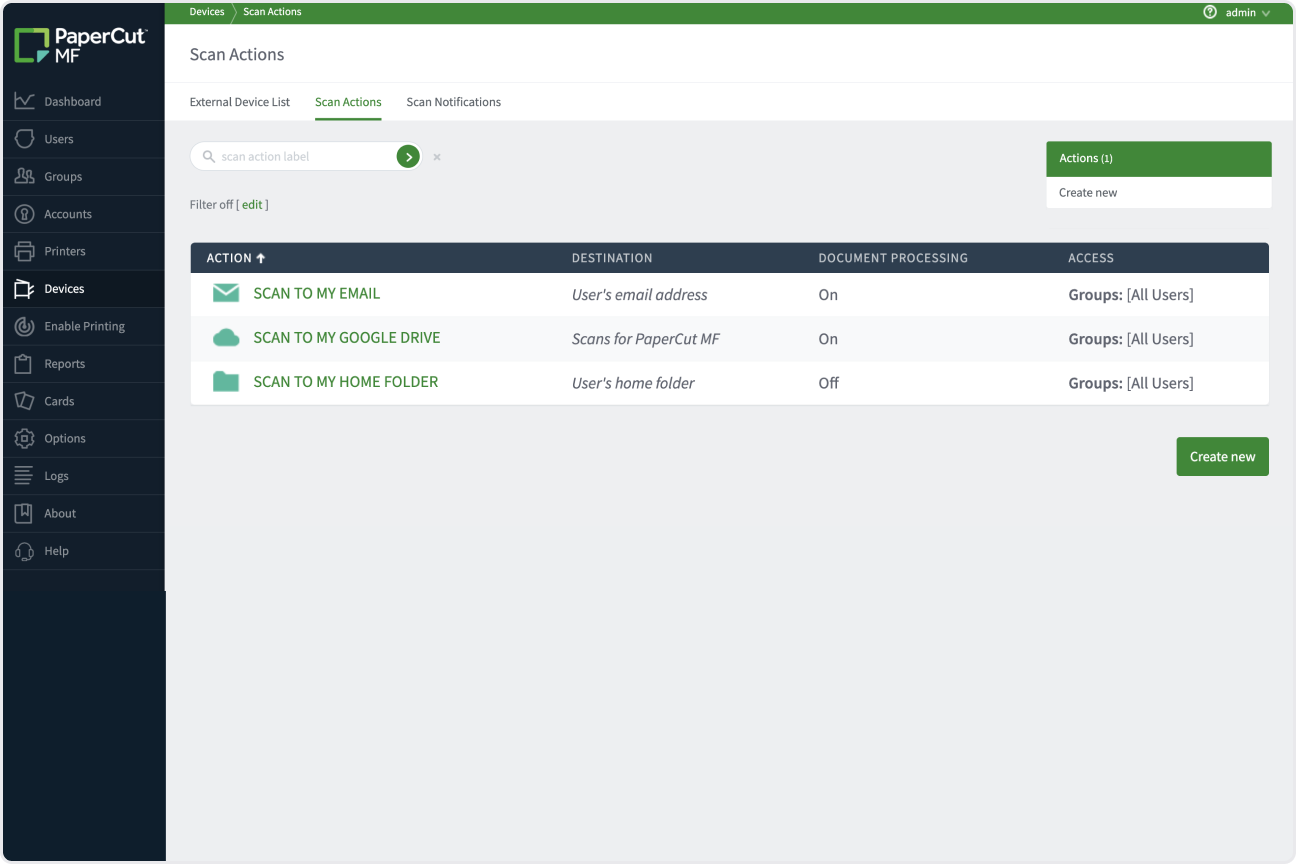
A native, consistent interface on all MFDs for streamlined, one-touch scanning to common destinations.
Advanced scan actions
Design centralized workflows that process, rename, and automatically route scanned files.
Document processing
Enhance and correct scanned output with options like OCR conversion and automatic blank page detection.