Mobile, BYOD, Chromebook, and Cross-platform printing
One of the primary challenges in managing printing today is dealing with the task of providing printing across the multitude of devices that are now available. Most of us have a phone, a laptop, and maybe a tablet — and our preferred operating system. We have our opinions on how we like to use our devices, and expect support for bring-your-own-device (BYOD) in any organization. That’s challenging for today’s SysAdmin.
Our solutions, such as PaperCut Mobility Print and PaperCut Pocket, focus on print enablement — our goal is to make printing super easy to set up and use on all platforms and devices.
Printing has changed
The IT landscape has substantially changed over the last 10 years. We have more mobile devices than ever before, and users expect to be able to print not just from their computer, but also from their:
- Smartphone/Mobile
- iPad
- Tablet
- Chromebook
- BYOD laptop
- … you get the point!
Gone are the days where pushing out a print driver via Windows Group Policy solved printer access! Today’s world is a multi-OS, multi-device world. All of PaperCut’s print management solutions have specific features to solve this complexity.
Let’s address some of these key topics in terms of BYOD, as employees are encouraged to bring, or at least manage, their own devices.
Printing from BYOD laptops
Today’s printing challenge is now led by BYOD. More and more organizations are empowering users to self manage or even bring their own devices. This introduces complexity for printing. Particularly in the area of laptops.
Laptops are a content creation device and are used to manage documents; hence they drive printing. Here’s a list of common problems and how to solve them:
| Problem | Solution | Product |
|---|---|---|
| Users need to know how to set up/install printers quickly (on their Windows or Mac laptop, Chromebook or something strange) | Install PaperCut Mobility Print to provide a driverless native print experience on all major print platforms. Users can get up and running in minutes.BYOD printing also comes out of the box with PaperCut Pocket. | PaperCut MF PaperCut NG PaperCut Hive PaperCut Pocket PaperCut Mobility Print |
| It's difficult to train people on how to print on different systems | Most people already know how native printing works (since they usually have a printer at home). So to make printing work on the organization's network is as simple as making sure native printing just works. Where possible, all of PaperCut's product range are built around the native print dialog and experience, so retraining is not required. | PaperCut MF PaperCut NG PaperCut Hive PaperCut Pocket PaperCut Mobility Print |
| BYOD users should be authenticated. It can't be a security free for all in your network | Use PaperCut Mobility Print together with PaperCut NG and PaperCut MF, or use PaperCut Pocket. They're are 100% encrypted and authenticated by default. User accounts are centrally managed. | PaperCut MF PaperCut NG PaperCut Pocket |
| Support traveling users, road warriors and inter-office, 'working from home' champions | PaperCut Mobility Print and PaperCut Pocket don't require BYOD devices to join a Network Domain. | PaperCut MF PaperCut NG PaperCut Hive PaperCut Pocket |
| Users printing from laptops should also be able to benefit from secure print release | BYOD users can continue to use secure print release and Find-Me Printing via PaperCut Mobility Print or PaperCut Pocket. | PaperCut MF PaperCut NG PaperCut Hive PaperCut Pocket |
| Printing remotely or from untrusted guest networks | Mobility Print’s Cloud Print feature allows users to securely print over the internet and pick up their print jobs from their office or school. | PaperCut MF PaperCut NG PaperCut Mobility Print |
Printing from mobile phones and tablets
Everyone has a mobile/cell device, however across our global customer base, on average only 4% of printing comes from a mobile phone. On the flip side, mobile printing tends to create arguably the most printing headaches. Does your printer support AirPrint or Google Cloud Print (oops, is GCP even a thing anymore?). No problem! We’ve made mobile and tablet printing easy from any printer even if it doesn’t support these features.
| Problem | Solution | Product |
|---|---|---|
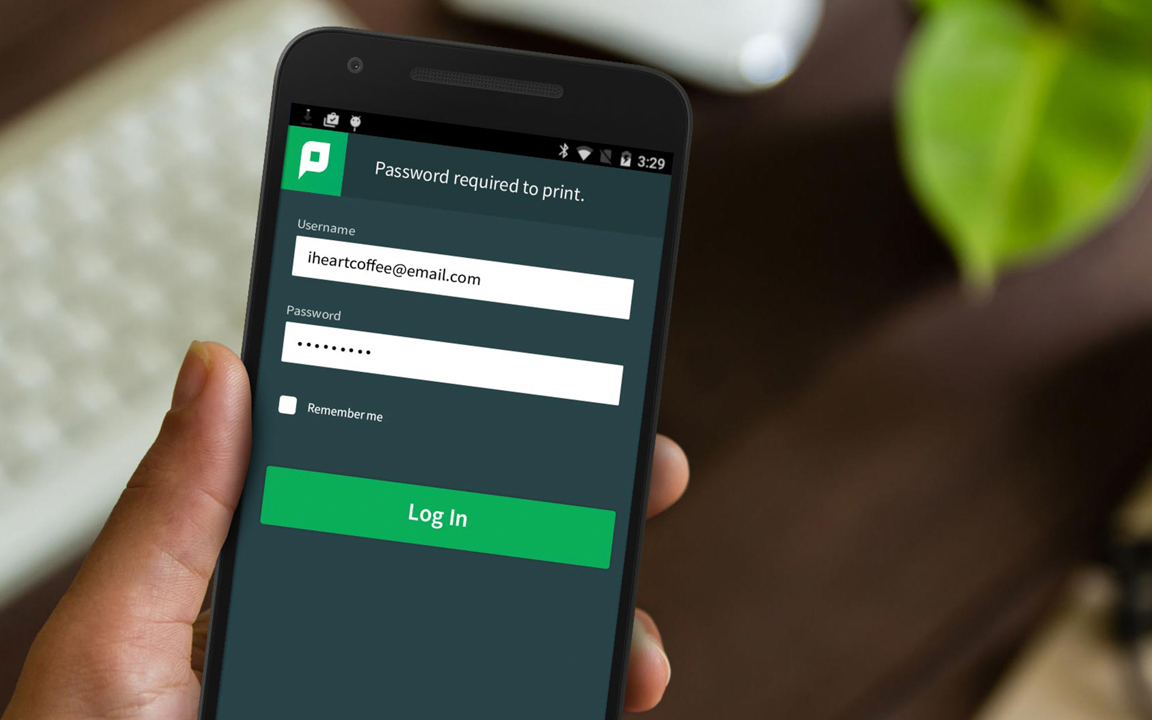
| I don't know how to print from a mobile device | It's as easy as finding the menu option for "Print" or installing a single PaperCut App from the App store or Play store. | PaperCut MF PaperCut Hive PaperCut Pocket |
| Printing isn't easy — it should be | Leverage the native experience on the device. Nothing new to learn. | PaperCut MF PaperCut NG PaperCut Hive PaperCut Pocket PaperCut Mobility Print |
| Guest users want to quickly print from their mobile | Setup Email to Print or have them quickly install the Mobility Print app. | PaperCut MF PaperCut NG |
| I want to allocate my mobile printing cost to an expense account | No problem, with PaperCut MF embedded software at the MFD. Shared Account cost allocation can be done at the time of release to allocate costs to projects, departments, clients, etc. | PaperCut MF |
Cross-platform printing
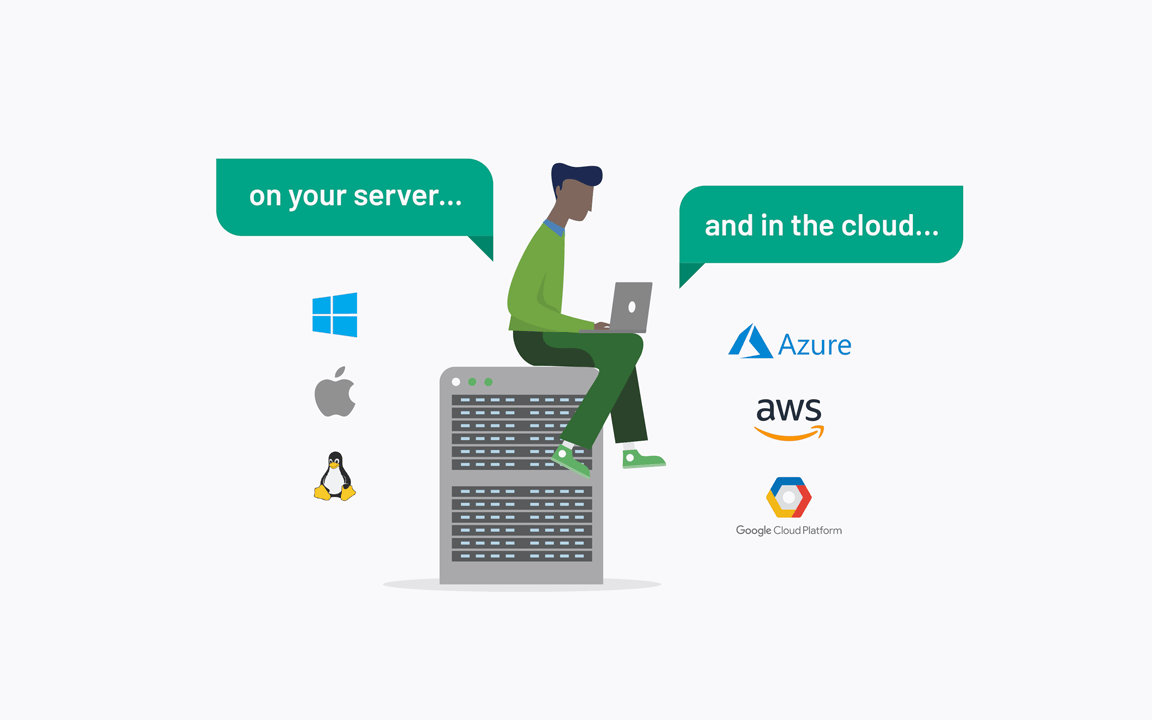
PaperCut Software has led the way in cross-platform printing since the release of our first Apple Mac version way back in 2006. It doesn’t matter if you’re on Windows, macOS, Linux, Novell, Chromebook, Android, iOS, iPadOS, Raspberry Pi, or even FreeBSD (hey, we don’t judge), we’ve got you covered. We support printing on all of those OSs, and support many of them as servers, too.
| Problem | Solution | Product |
|---|---|---|
| I have many different operating systems in my network | You can use PaperCut Mobility Print or multiple print servers with different print protocols all working together. | PaperCut MF PaperCut NG PaperCut Hive PaperCut Mobility Print |
| I have a mainframe or AS400 | Wipe the dust off your 1403 chain printer or leverage PaperCut's optional LPD service (whatever's easiest for you). | PaperCut MF PaperCut NG |
| I want to leverage my Microsoft Active Directory accounts to authenticate Chromebook printing | I'm sure you know the answer by now — install PaperCut Mobility Print :) | PaperCut MF PaperCut NG |
Real world examples
Over the years we've collected some great cross-platform printing stories, and we'd like to share some of the best practices and happy outcomes:

Education
A large community college needed an easier way to let students print from their own laptops. The old approach of joining a school domain was increasingly hard to administer and getting significant push back from students who didn’t want to give up the management of their own devices. It was a total blocker for students who wanted to use Mac or Linux machines as well. And then there were security concerns about having student-owned devices join the trusted staff network.
The college’s solution was to provide a limited WiFi network specifically for students, with access to only one firewalled PaperCut Mobility Print server that accepted print jobs.
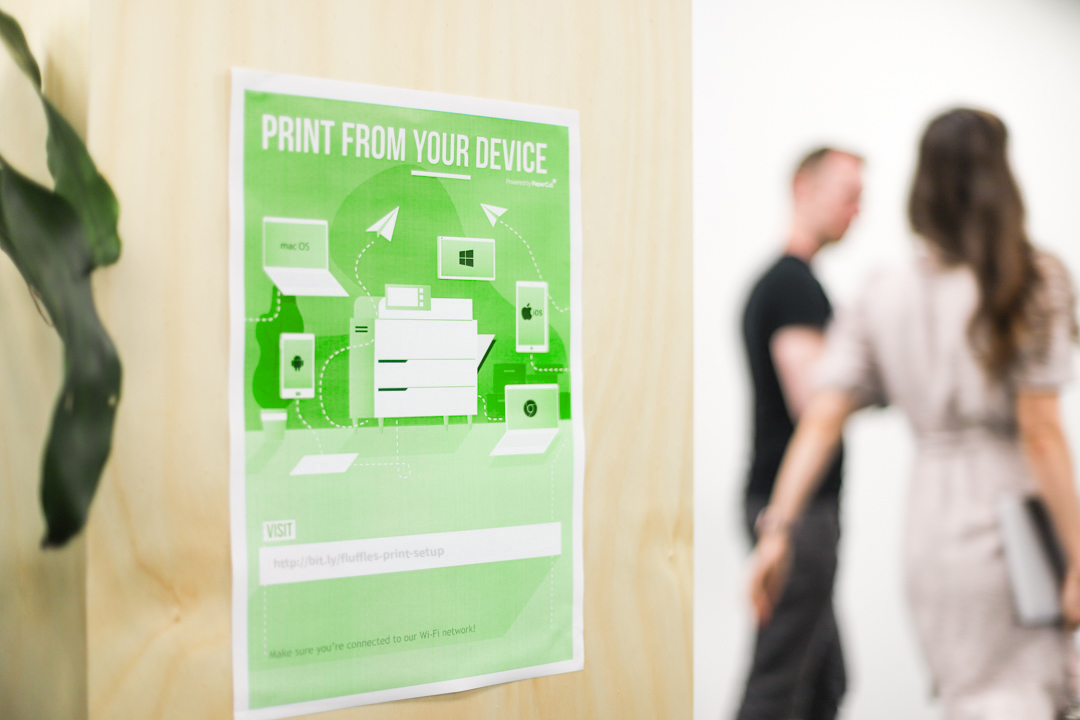
Posters starring “Pete the Printing Panda” went up around the school telling students about the new program, and a QR code on the poster linked to the setup instructions.
The new PaperCut Mobility Print solution slightly increased the number of student printing questions at the IT helpdesk and dramatically reduced printing complaints at the same desk. That’s a win!

Large Enterprise
Movie production sounds glamorous but there’s a lot of hard work and infrastructure behind the scenes to help make the magic happen.
An independent film studio always found it challenging to provide IT access — and especially printing — to a highly transient workforce that scaled up and down around production cycles, shooting schedules, and remote locations.
Action sequences needed stunt crews to print and distribute safety sheets, hazard reports, medical information, and fire containment plans. Costume designers need to collaborate on mockups and design sketches with assistant directors before sending them off to be stitched up and fitted. Shooting schedules and scripts are constantly being revised, and everyone needs to know what’s on the lunch menu.
All of this fast-moving information needs to be produced and shared with a mix of permanent staff on company laptops, contractors using company-provided iPads, and independent suppliers like craft services, electrical and set construction who usually worked from their own mobile phones or laptops.
Their solution was PaperCut Mobility Print, to seamlessly support any mix of managed and BYO devices across all platforms, making sure everyone behind the scenes could still be a printing superstar.

Government / Local Council
A local government’s Department of Parks and Recreation successfully completed a Chromebook pilot program before rolling the devices out to the majority of staff. With most user services delivered through web browser applications, this approach was lined up to save the department a large chunk of the five year IT budget for hardware.
One important hurdle the Chromebook pilot needed to clear was printing. It had to remain an essential business service and be secure because of the personal identifying information regularly processed by staff.
PaperCut’s Mobility Print helped them not only deliver secure Chromebook printing but also pass all printing into one central Find-Me queue. Staff were able to release jobs using their existing ID card at any printer via secure print release.
While the pilot program did find a few gaps to fill before the mass rollout of Chromebooks, printing definitely wasn’t one of them!
Features in more detail
The following content explains a number of the features referenced in the examples above.
PaperCut Mobility Print
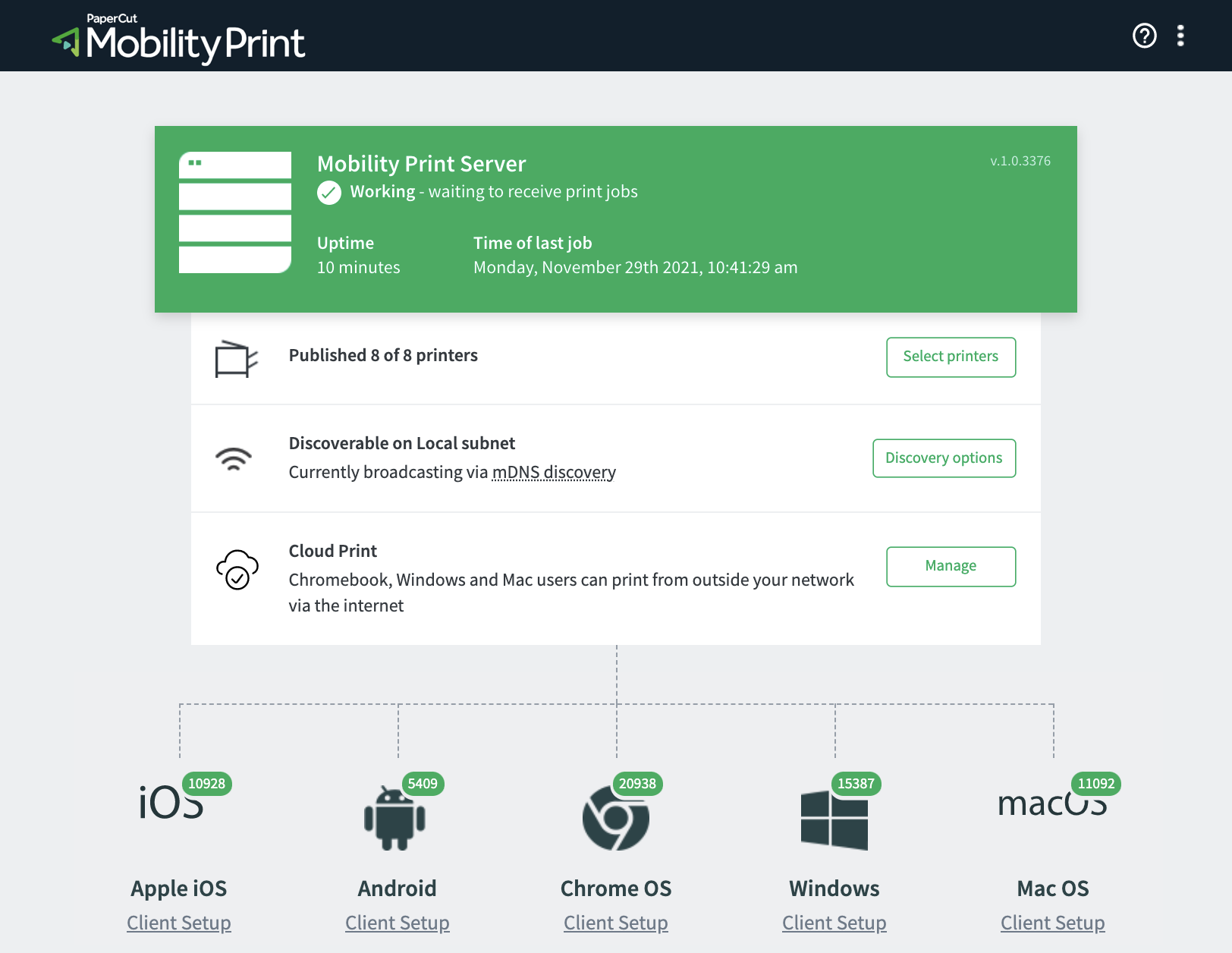
PaperCut Mobility Print simplifies the printing experience for bring your own devices (BYOD) and other end-user managed devices, such as smartphones, tablets, laptops, or Chromebooks. Users can either print locally within their network or over the internet, remotely to pick up their print jobs when they are next in the office or school. Its design goal is to allow printer setup and printing in a few simple steps and without the need for the laptop to join a Network Domain. Users quickly discover and print to any printer without requiring assistance from a techie. No finding drivers or having to know what an “IP Address” is!
PaperCut Mobility Print gives users choice. They can print to any printer in the organization (as published by you, the SysAdmin), from any of the prominent operating systems (Windows, iOS, macOS, Chrome OS and Android). The print experience is also native, just like any other printer on that operating system. That way user training is usually never required.
Mobility Print is a standard feature of PaperCut NG and PaperCut MF, and there’s also a free standalone version of PaperCut Mobility Print.
PaperCut Hive and PaperCut Pocket (multiple OS support)
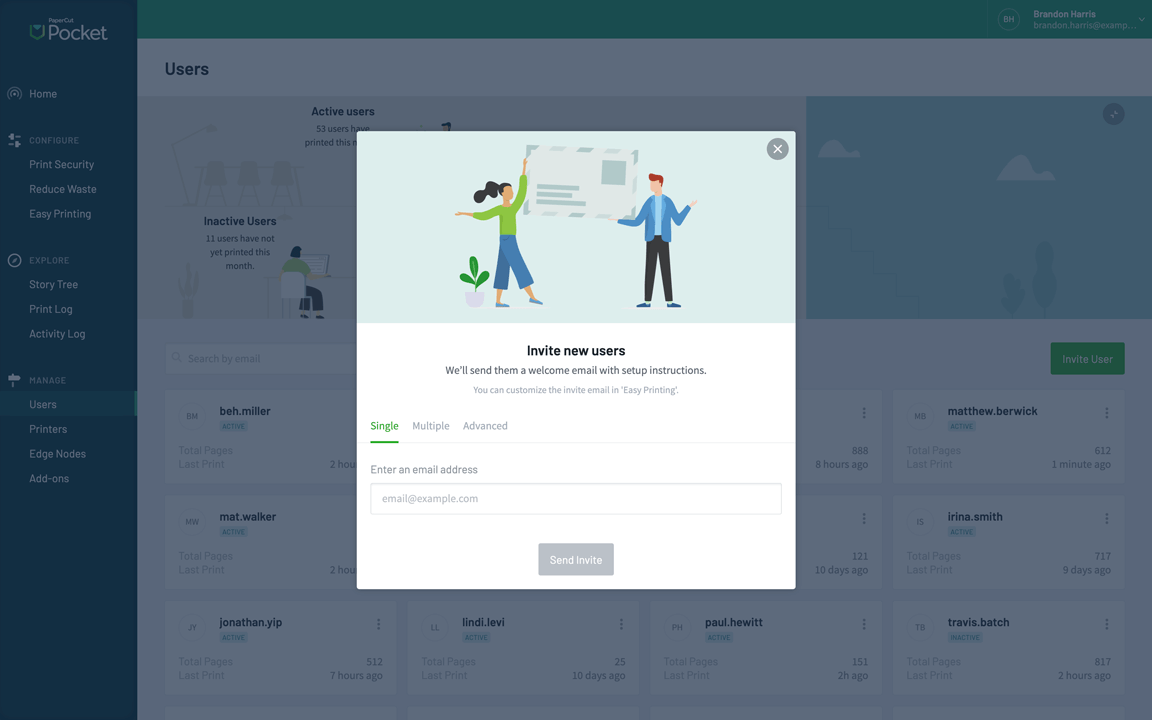
PaperCut Hive and PaperCut Pocket are print management solutions for businesses that don’t want to use print servers. They’re both fully managed cloud print management solutions, supporting printing from all major operating systems (macOS, Windows, iOS, and Chromebook are all supported out of the box). User devices don’t need to be part of a domain, which makes PaperCut Hive and PaperCut Pocket ideal for BYOD environments or small businesses where network domains are not used. Inviting a user to print is as simple as entering their email address and having them follow the instructions in the invitation. The emailed setup instructions are automatically tailored to their operating system.
Email to Print
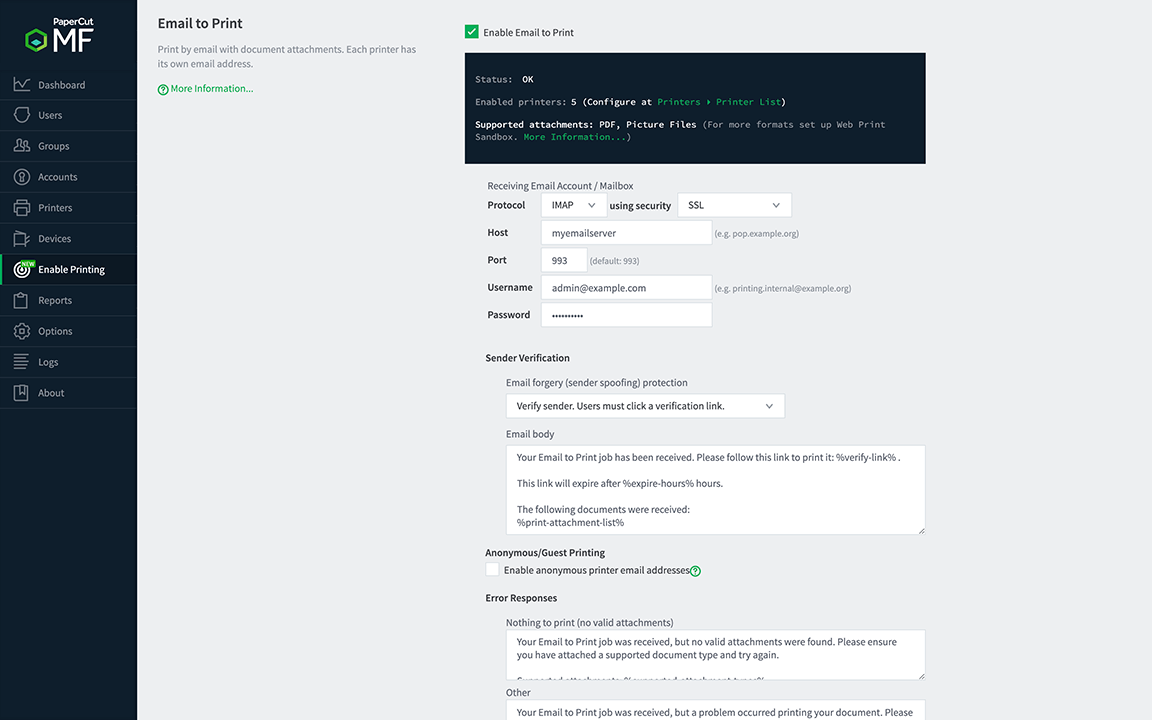
We’ve all done the “I’ll email you the file, can you print it for me” trick before… Well, this can be automated! Email to Print is a standard optional feature in PaperCut NG and PaperCut MF. When it’s enabled, each printer has its own email address (or one email address if you’re using Find-Me Printing queues). Guests or casual users print by simply emailing their document (PDF, Word, PPT, etc.) to the email address — the job is then automatically spooled for printing! We recommend using this for occasional printing because the advanced print finishing options aren’t available (Color settings, Duplex, Stapling, etc.). PaperCut Mobility Print is recommended for regular BYOD or cross-platform printing.
Web Print
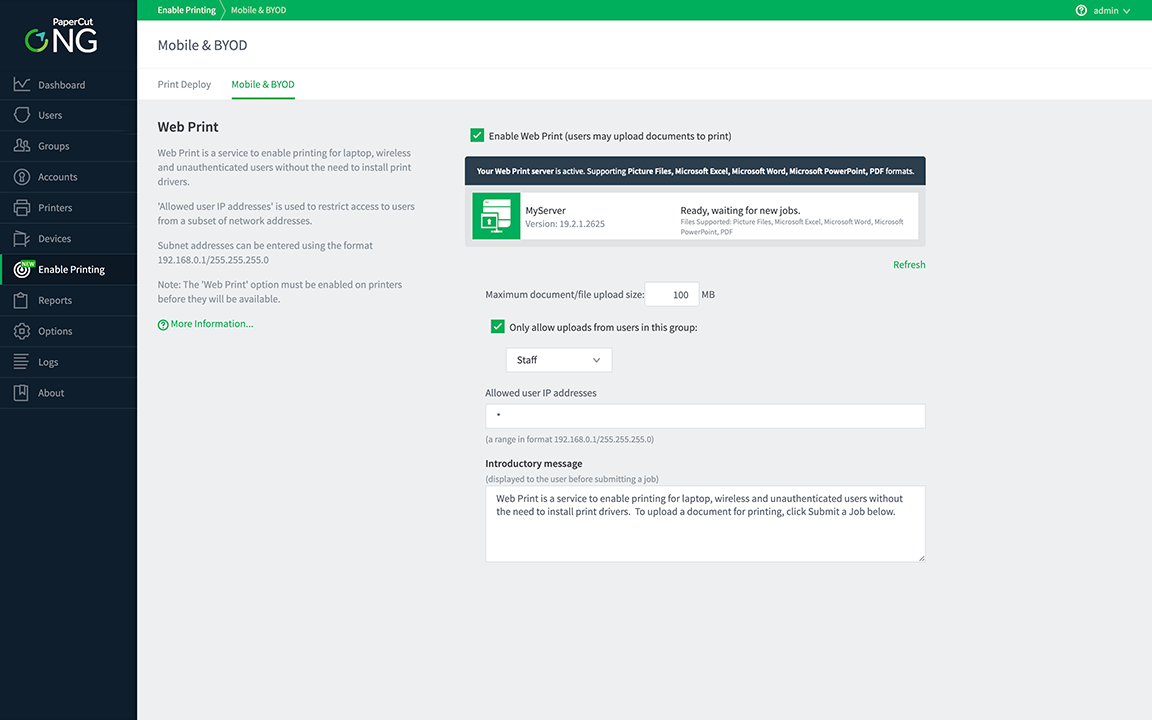
Web Print is an optional feature that can be enabled in PaperCut MF and PaperCut NG. Users print by uploading their document (PDF, DOC, XLS, PPT, among others) to a simple web using any web browser. This solution is driverless and installation-free. Although most organizations today prefer PaperCut Mobility Print, this option, because it’s install-free, is popular for many use cases such as public access in Universities and Libraries where occasional printing is a service that must be provided.
Using MFD Embedded Software in a Mobile and BYOD printing
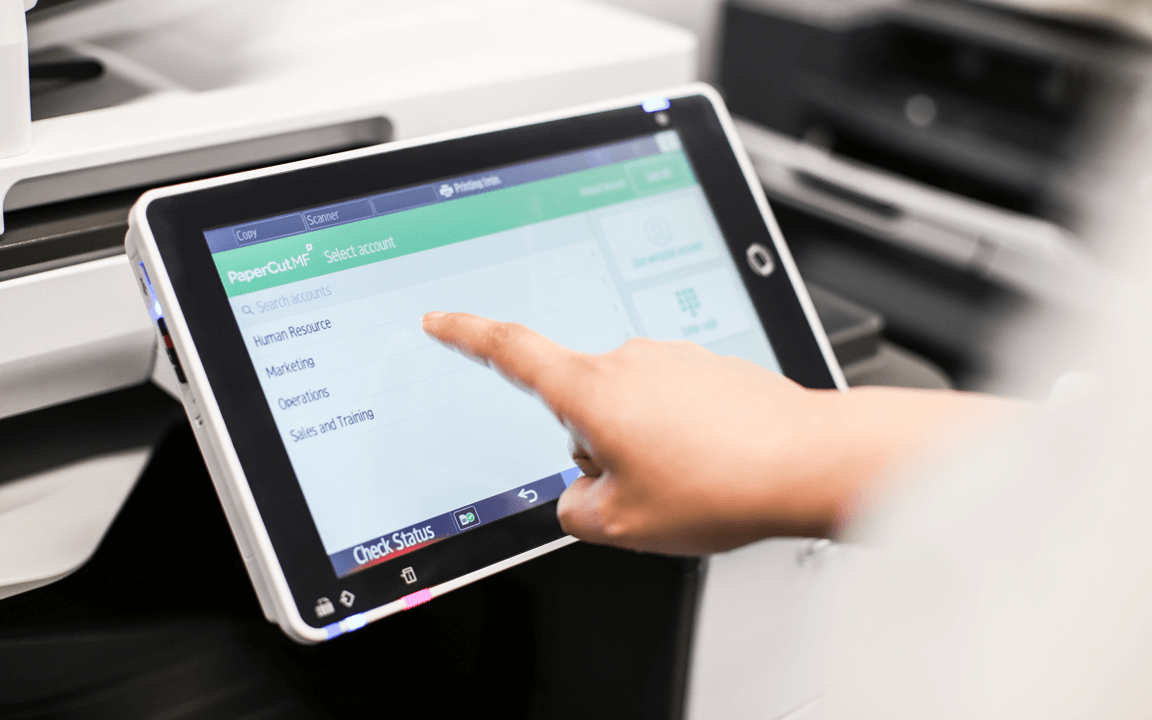
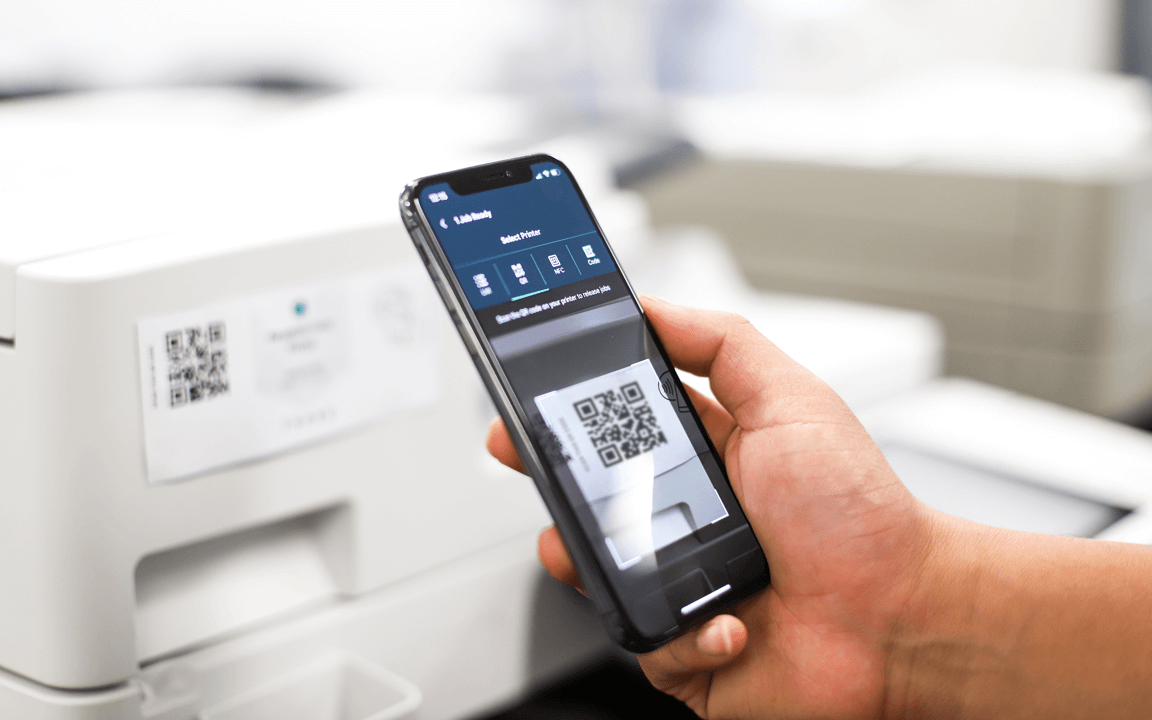
PaperCut MF’s embedded software helps organizations offer a broader set of print services in a BYOD and mobile/tablet setup. For example, users can print using their mobile phone, and then release their job at an MFD using the MFD’s touch screen. On the touch screen, more print options are available — many of which are not available in the native mobile print screen. These include:
- Assign printing costs to a shared account such as a department, facility, client, or project name
- Release the job (if Find-Me printing or secure print release is set up)
- Convert to double-sided
- Convert to black and white
- Change the number of copies
Want to know more…?
For more information, take a look at:
- How PaperCut Mobility Print is included as standard with PaperCut MF and PaperCut NG
- Why PaperCut Hive is the complete cloud-native print management solution for all workplaces
- How PaperCut Pocket - cloud print management supports BYOD printing from all major devices out of the box
- The Mobility Print Help Center for the low down on how Mobility Print works and the steps on how to set it up
- The list of Mobililty Print FAQs, which should give you all the answers you need. Let us know if your question is missing!