


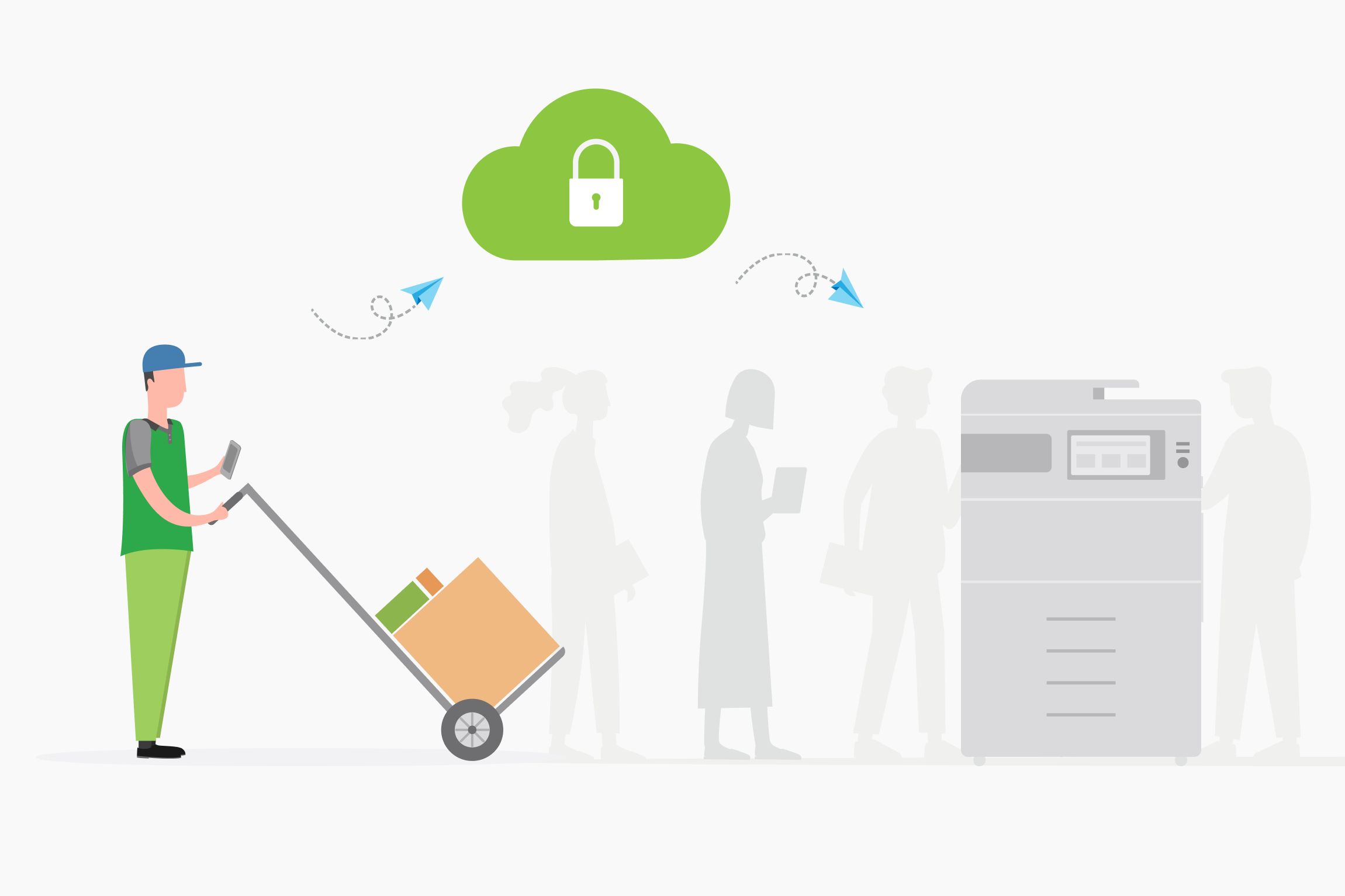
Give your users the flexibility to print from home, a co-working space, or a client site. Perfect for on-the-go users, like a real estate agent completing paperwork on the road.
They simply send the print job via the cloud. The job is then held securely in the Find-Me queue, to be released later, only when they are physically at the printer.
The print job stays confidential until release, away from prying eyes.
See the feature page
Find-Me Printing & Secure Print Release
to learn more.
Print securely from any remote location

Flexible Print for Users
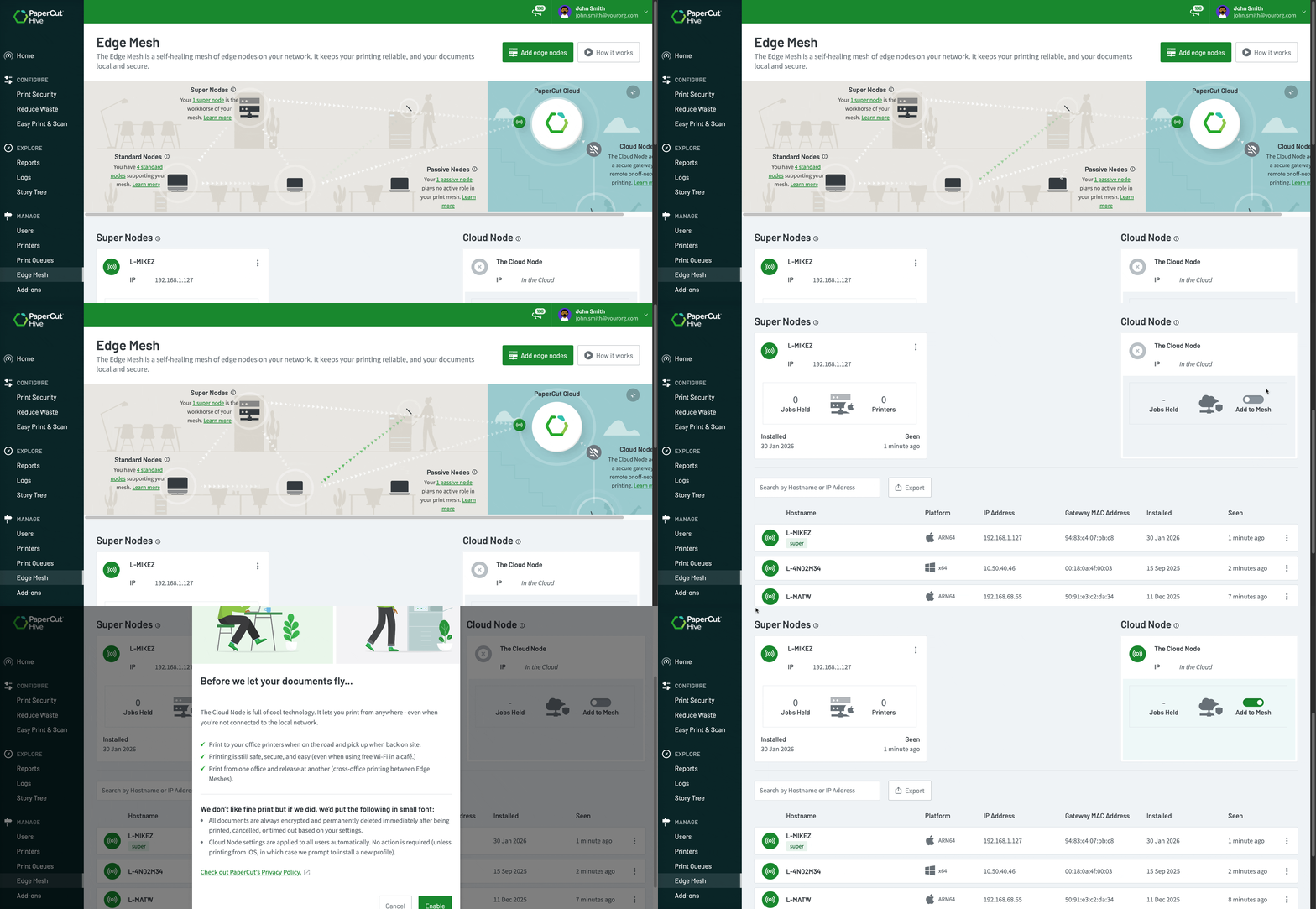
Remote printing makes life easier for System Administrators.
In just 2 clicks, Admins can enable the cloud node and start printing from anywhere. The cloud routes the job, the setup just works.
No need to worry about complex, time-consuming infrastructure like Virtual Private Networks (VPNs), configure every remote device manually or sending out separate usernames and passwords.
Read our manual for a step-by-step guide to
Enable the cloud node
.
Secure network segregation for remote print jobs
For security-conscious organizations, remote printing starts with network integrity.
You’re in control. With PaperCut, you can choose to route print jobs from the cloud through specific, trusted devices on your segregated network.
Whether you’re running a high-security environment or managing a complex multi-site setup, your print traffic stays isolated and protected.
For more technical details, check out the guide to Print Delivery Profiles in our manual.
Empower your modern, scalable workforce
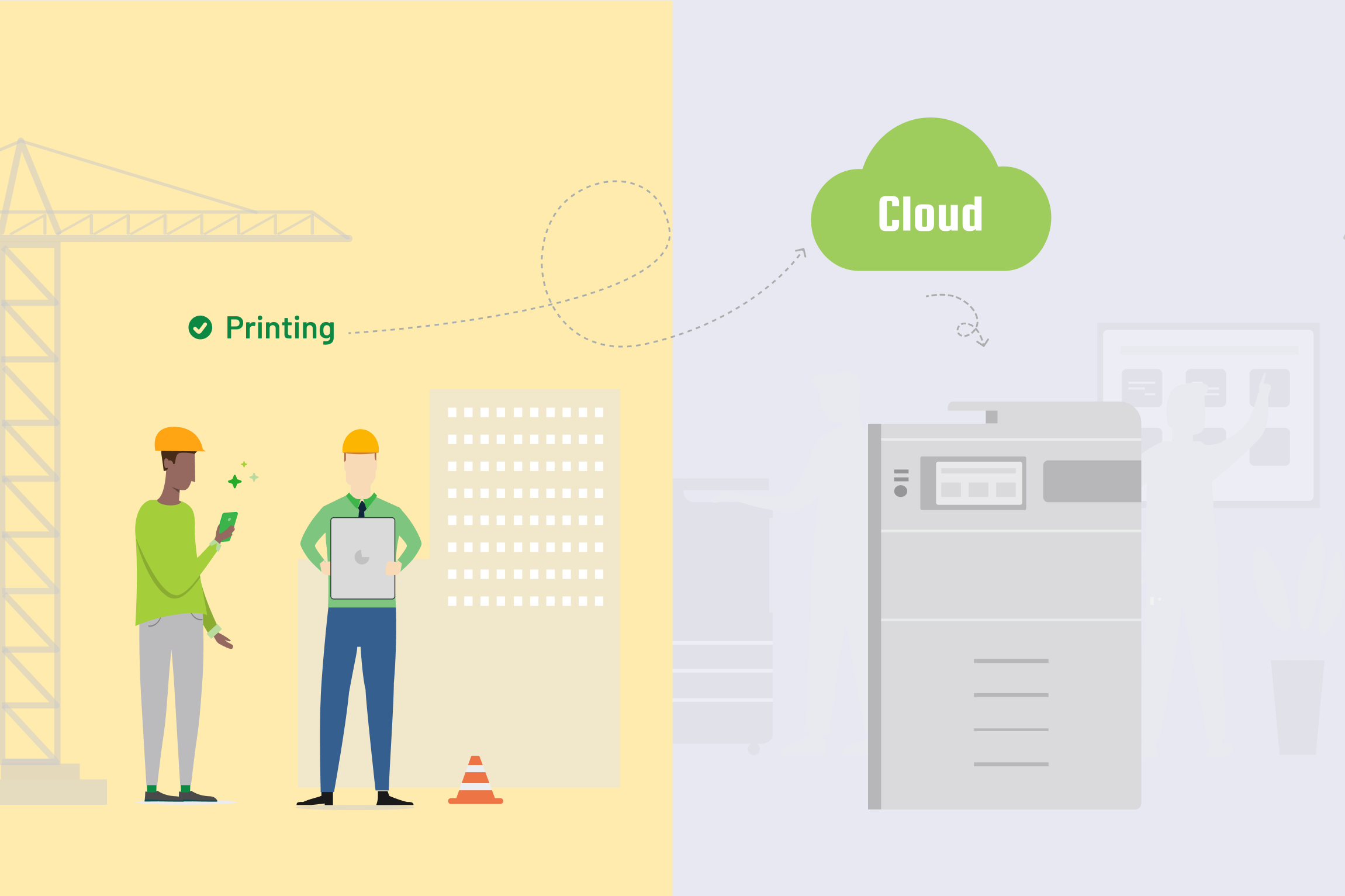
Your printer software needs to keep up as the world changes and people are less tied to physical locations. PaperCut Hive and Pocket support hybrid workforces and satellite offices in many ways including;
- Support mobile devices including macOS, Windows, iOS, Android, and Chromebooks
- Future-proof your investment and save you continuous outlay to modernise your print fleet.
- Give guests and contractors access to printers without giving them access to your network.
To dive into how PaperCut Hive and Pocket support complex print environments see our Cross Platform Print Experience feature page.
What to explore next

Enable printing in my organization
 you are here

Track printing on all devices

Secure my printers

Manage the cost of printing

Manage my users
