Choose your language

Choose your login

Support

How can we help?

PaperCut's AI-generated content is continually improving, but it may still contain errors. Please verify as needed.

Lightbulb icon
Lightbulb icon

Here’s your answer

Sources:

* PaperCut is constantly working to improve the accuracy and quality of our AI-generated content. However, there may still be errors or inaccuracies, we appreciate your understanding and encourage verification when needed.

Lightbulb icon

Oops!

We currently don’t have an answer for this and our teams are working on resolving the issue. If you still need help,
User reading a resource

Popular resources

Conversation bubbles

Contact us

Create custom scan interfaces

Sometimes the important info isn’t in the file, it’s in the head of the person scanning the paper. Advanced Scanning for PaperCut Hive allows admins to prompt users for information (such as Student IDs, Project Codes, or legal matter numbers) directly at the MFD panel, so important details don’t get lost.

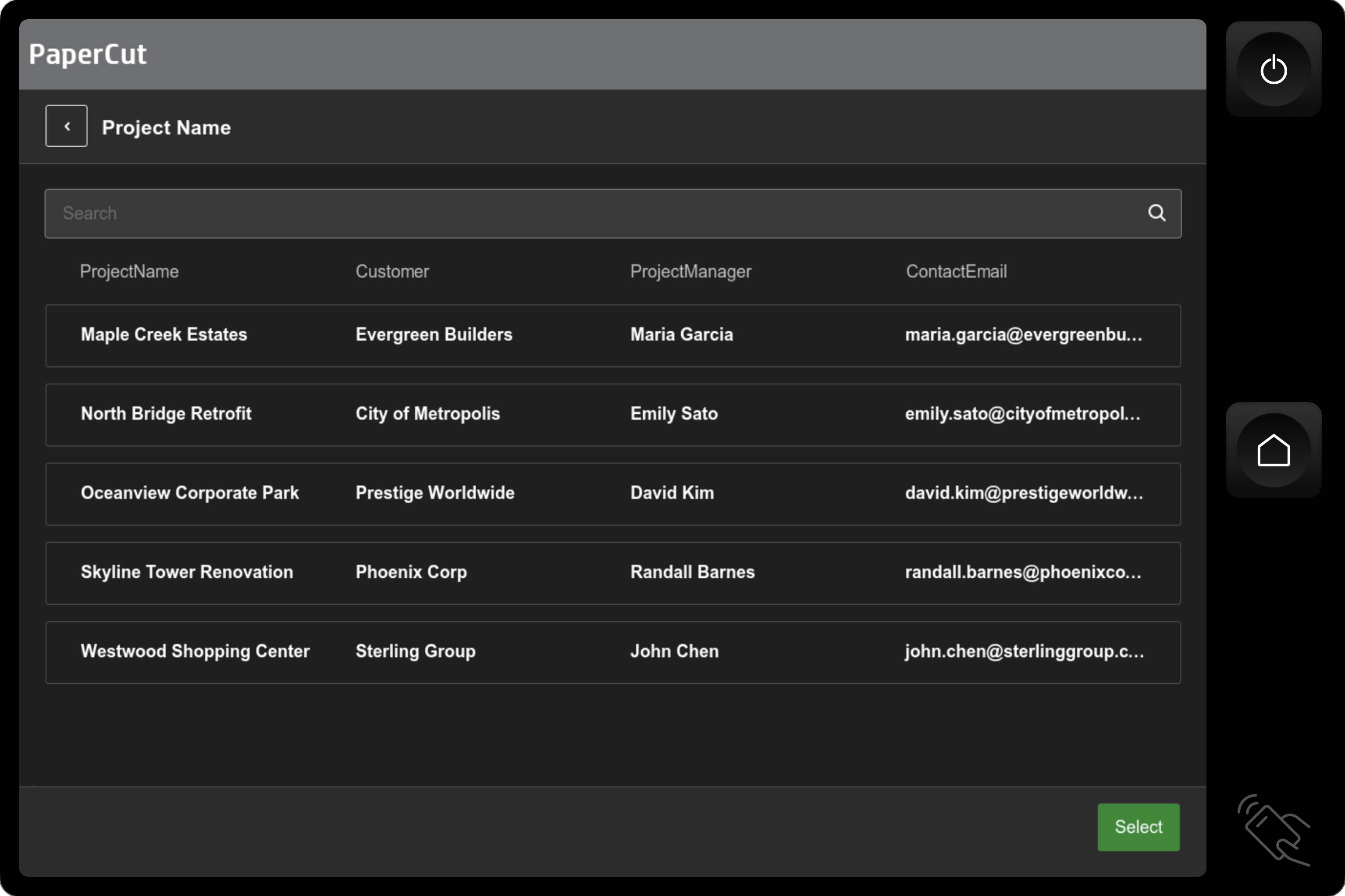
Prompt users to enter text, a folder name, or a recipient email address. Have users select from a dropdown menu or search through a table of data to ensure they enter only valid info in the right format.

Read more about Quick Scan capture fields.
Enrich scans with powerful data lookups

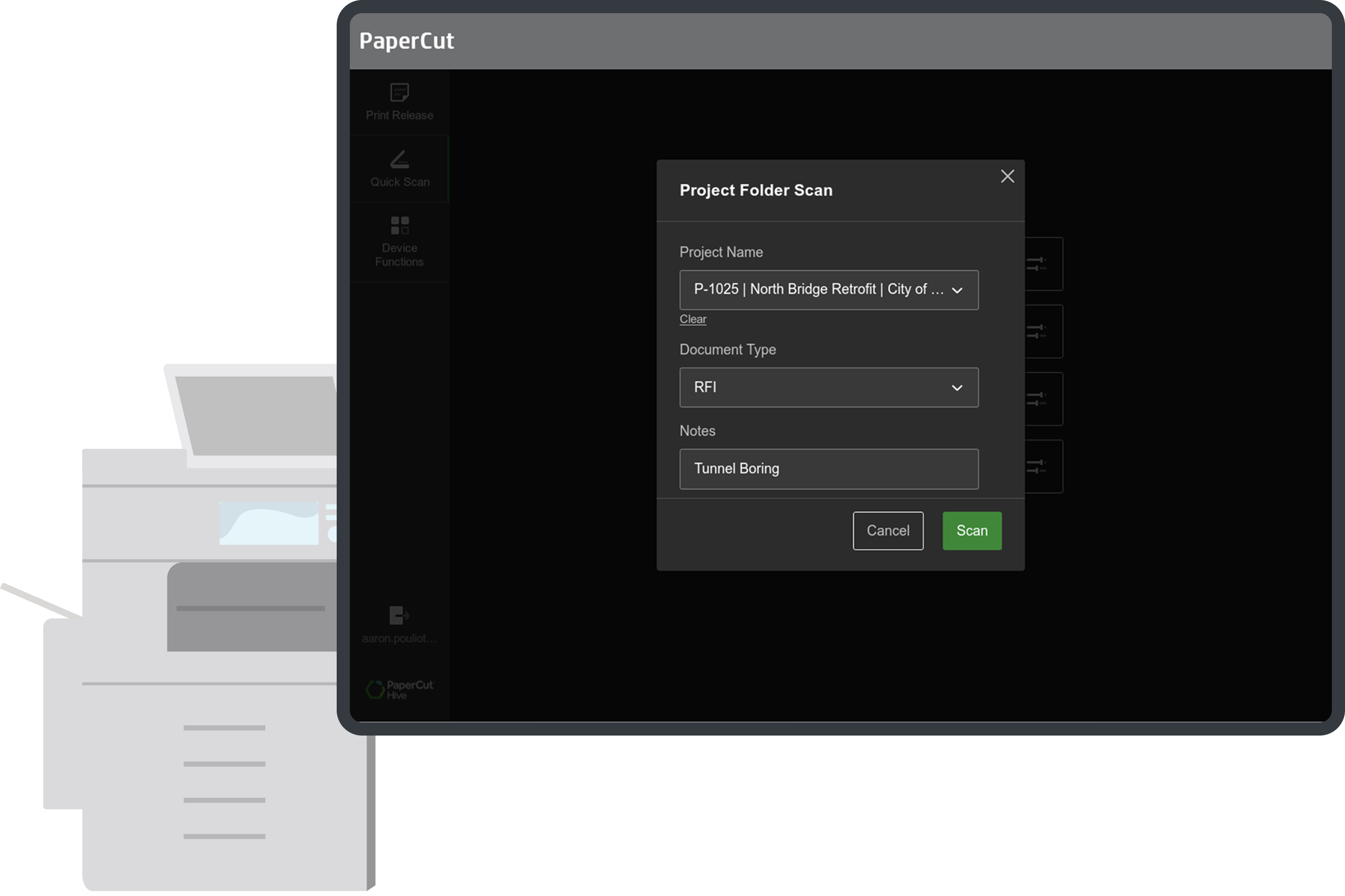
To the end-user, it’s a simple scanning experience. They see a button on the MFD screen: “Scan Project Document” but behind the scenes lies a powerful automation to help admins and users intelligently route and organize scanned documents.

This new scan option prompts the user for a “Project Code”, then uses that sole input to find the corresponding “Client Name” and “Project Manager” from a central data source and can automatically:

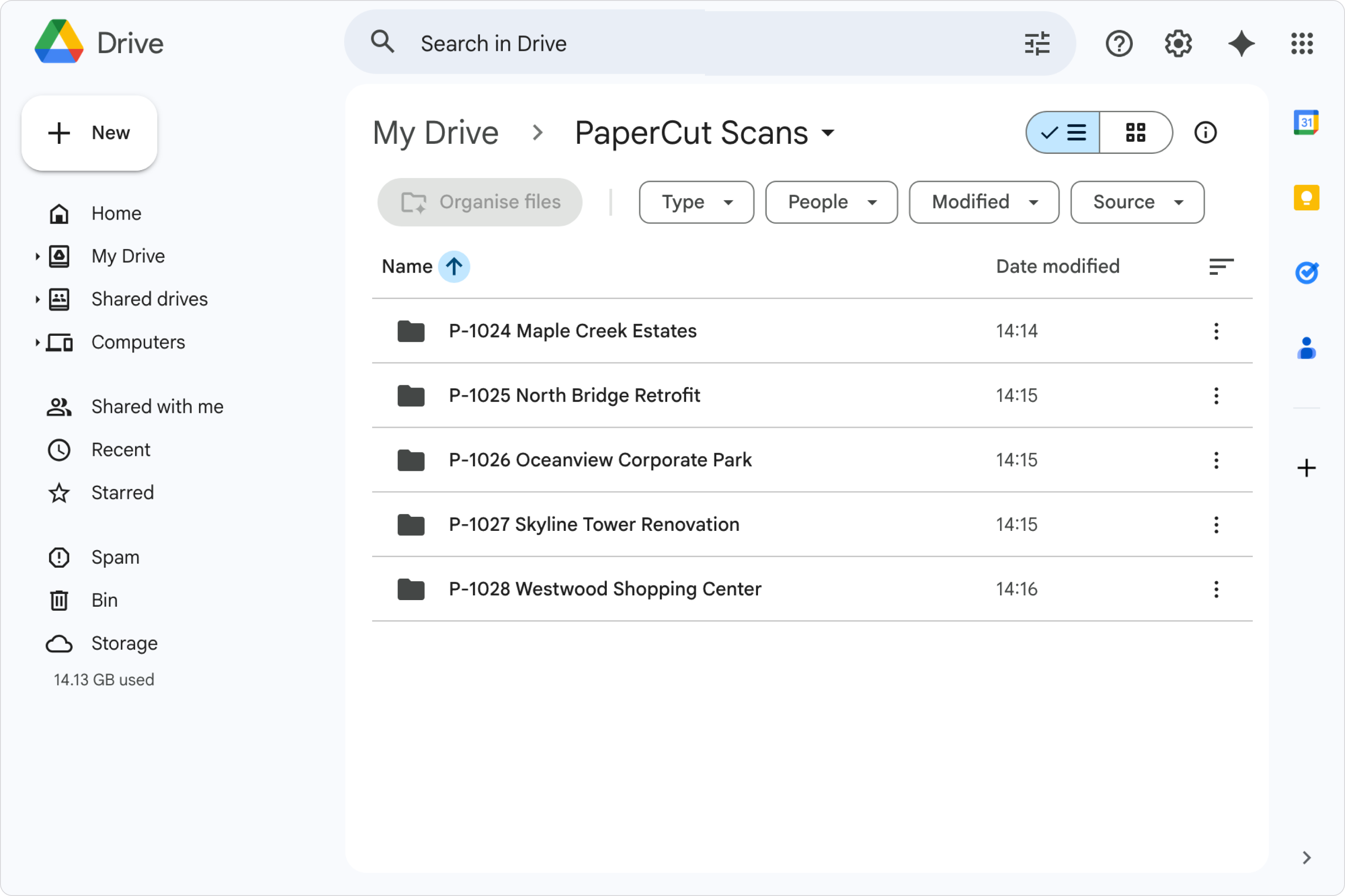
  • create nested folders for projects
  • rename files to include critical details
  • customize the subject line of an email, and so much more

Check out the demo video in our manual.

Automatically file scans in the right place

Scanning is a tedious two-step process: capturing the document at the copier, then performing post-scan file management (finding, downloading, navigating, and renaming the generic file).

Quick Scan capture fields automates this process. Dynamic scan actions created by admins can use the data entered by the user at the MFD to build file paths, create new folders, and give files descriptive names. Time-saving efficiency for:

  • Businesses scan signed receipts into a custom folder path based on customer details and invoice numbers.
  • Law firms scan files to a specific matter with the right case details.
  • School students scan files into their personal folder, automatically sorted into subfolders for each subject.

For a detailed look at how this works, visit the manual.

Bridge your copiers and DMS with PaperCut

When a user scans an invoice at any multifunction device (MFD), PaperCut delivers that document and rich metadata to the exact folder monitored by your DMS (Document Management System) to initiate your automated workflow.

The greatest benefit of using PaperCut Hive Integrated Scanning is that our proven, embedded application runs on virtually every MFD brand. This gives you total freedom to connect and pair with your chosen document management software (DMS), giving users a universal, familiar experience no matter what device they are scanning from.

See the full list of supported MFD brands and scan destinations here.