


 Enable printing in my organization
Print Queue Deployment and driver management
Automatically push the right print queues and drivers to users across every location.
Global Print Driver
PaperCut's PostScript driver simplifies printer management in environments with printers from different brands.
Cross-platform print experience
A unified and familiar printing workflow for users regardless of their computer or mobile device type.
Remote/offsite/home printing via cloud
Print securely from any remote location and release print jobs in the office.
User Portal
A simple, intuitive web portal where users self-manage print jobs, check balances, and more.
Guest Printing
Provide controlled, temporary print access for external contractors, clients, or visitors.


 Track printing on all devices
 Secure my printers
Find Me Printing and Secure Print Release
Print jobs are held until the verified user authenticates and releases them at the printer.
Access Control
Restricts specific functions (printing, copying, scanning) on devices to authorized users only.
Watermarking and Digital Signatures
Ensure printing accountability by embedding user details or unique codes on every printed page.


 Manage the cost of printing
Quotas
Set and enforce usage limits on printing and copying for individual users.
 Manage my users
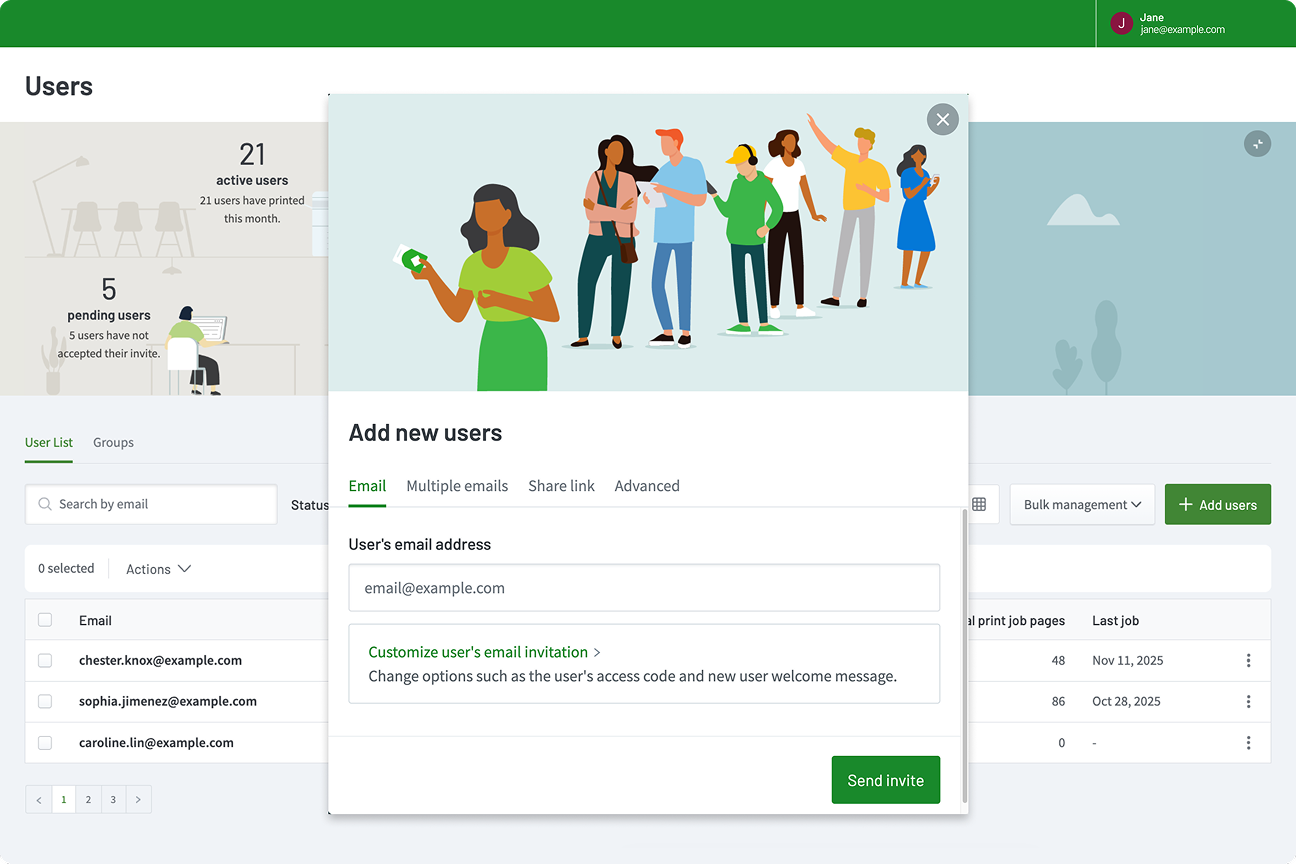
User management and onboarding
Streamline user setup with flexible onboarding options, self-serve tools, and secure SSO authentication.
User authentication
Secure device access using SSO, QR codes, PINs, or physical access cards.
Sync users from identity providers
Automatically import and maintain user lists from Google Workspace or Entra ID.

 Customize my scan workflows
Integrated Scanning
A simple one-click scanning interface directly on any multifunction device (MFD) touchscreen.
Advanced Scan Actions
Create customized workflows to automatically route, rename, and process scanned files.
Document Processing
Apply enhancements to scanned files, including Optical Character Recognition (OCR) and blank page removal.