Choose your language

Choose your login

Support

How can we help?

PaperCut's AI-generated content is continually improving, but it may still contain errors. Please verify as needed.

Lightbulb icon
Lightbulb icon

Here’s your answer

Sources:

* PaperCut is constantly working to improve the accuracy and quality of our AI-generated content. However, there may still be errors or inaccuracies, we appreciate your understanding and encourage verification when needed.

Lightbulb icon

Oops!

We currently don’t have an answer for this and our teams are working on resolving the issue. If you still need help,
User reading a resource

Popular resources

Conversation bubbles

Contact us

User Authentication

Choosing how users sign in is a balance between security and simplicity. PaperCut Hive gives you the tools to get it just right. We make it easy to integrate with your secure identity providers and simple for your users to get printing.

Connect your central identity provider

Securely integrate with the identity system you already trust. Use our pre-configured connectors for Google and Microsoft for a simple setup, or connect to any SAML 2.0 provider like Okta or Entra ID.

Your existing security policies, including Multi-Factor Authentication, are enforced automatically.

Read our guide on SAML 2.0 configuration to get started.

An image from PaperCut Hive showing the options available for adding single sign on providers

Enforce your required sign-in methods

You have full control over the login options your users see; allow for common public email options like Sign on with Google or Sign on with Microsoft, or restrict your users to sign in with your internal IDP only to fit security policy requirements.

Ensure every user signs in the right way, every time by disabling any other options.

You can learn more in the manage users section of our manual.

An image from PaperCut Hive showing how an admin has full control over the login options their users see.

No sign in? No problem!

Invite your users to print with PaperCut Pocket and Hive, and they can get printing with a single click.

PaperCut Pocket and Hive downloads a client specially built for the user that’s downloading it. Once the client is up and running, the users’ identity is linked automatically - no need to sign in or interaction with the client needed. Simply click download and get printing - it’s as easy as that!

We also answer any questions users might have in our manual Printing for end users.

A GIF showing how you can easily invite users to print with PaperCut Hive

Offer simple, secure login at the printer*

Give users flexible ways to log in right at the multifunction printer.

A quick tap of an ID card is all it takes for users to securely log in and release their documents. You can also enable a simple-to-remember access code.

Administrators can easily add card numbers and access codes from any source in bulk via a CSV upload.

See our manual for a full guide on using access cards for authentication.

A GIF showing how users have flexible ways to log in at the multifunction printer

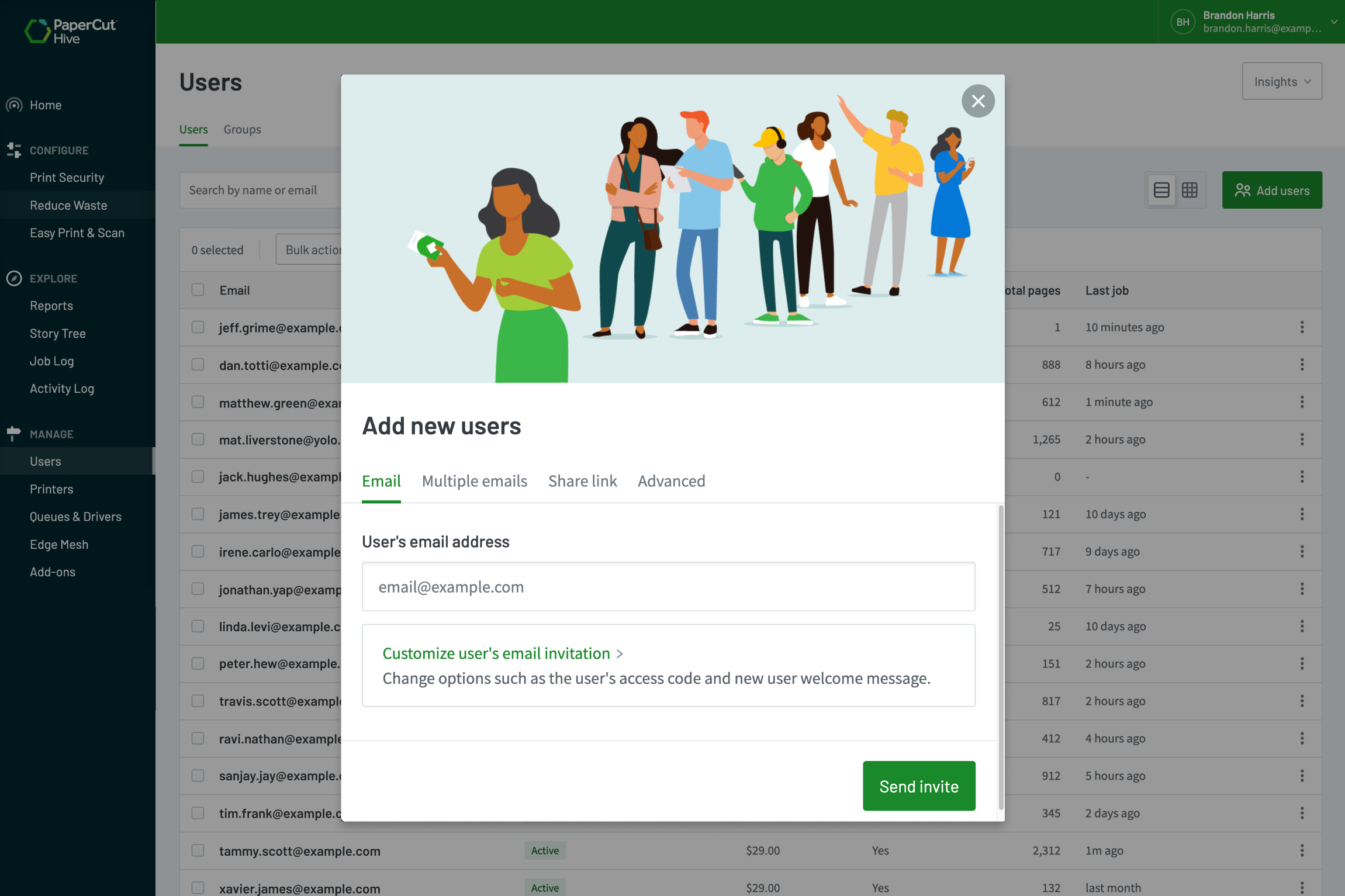
Easily invite users without a directory

You can quickly and securely invite users who aren’t in your main directory. It’s a simple email process, perfect for contractors or guests, without having to add them to your organizations user directory setups.

  • Enter the email of your guest and click send!
  • Or quickly onboard a bunch of users with a comma separated list of emails.

Users will get an invite to guide them through setting up their printing with your organization.

Learn more about managing your users in our manual.


An image from PaperCut Hive showing how one can easily invite users