- Leverage your existing sign-on infrastructure and put users in charge of their own documents with Find-Me printing.
- Set up printer job authentication for Brother logins using Microsoft Active Directory, LDAP, or other authentication sources.
- Enable Secure Print Release via username and password, ID numbers and PINs, proximity or swipe card.


PaperCut MF embedded application for Brother
PaperCut integrates with Brother MFDs - providing tracking, charging, and billing
to your printing, copying, and scanning.
SELECT ONE


Brother MFD Embedded
Integrate easily
Take full control - manage your printing, copying and scanning with PaperCut MF on Brother printers and multifunction devices (MFDs).
- Secure documents with Find-Me printing, user authentication, and Integrated Scanning
- Provide users with simple BYOD printing from any device and operating system
- Supported by your Brother Reseller and a worldwide network of experts


Protect sensitive information
A rich set of application features
The PaperCut solution uses the capabilities of the Brother Solutions Interface (BSI) enabled devices to provide users with a rich set of application features. These include:
Monitoring and control of photocopying, printing & scanning
Support for USB printing
Enable quotas, charge, and allocate costs
Securely release print jobs from the queue
Control access and color copying for groups
Support for PaperCut Integrated Scanning
Bulk deployment via the Brother Mass Deployment Tool

Solving your unique printing needs
Track and control
Charge and account by:
Page count and size
Color / grayscale
Simplex and duplex
Device
Applied rule
Date and time
Track scanning to email or to a file
Scanned page counts are reported in the PaperCut logs
Seamless experience
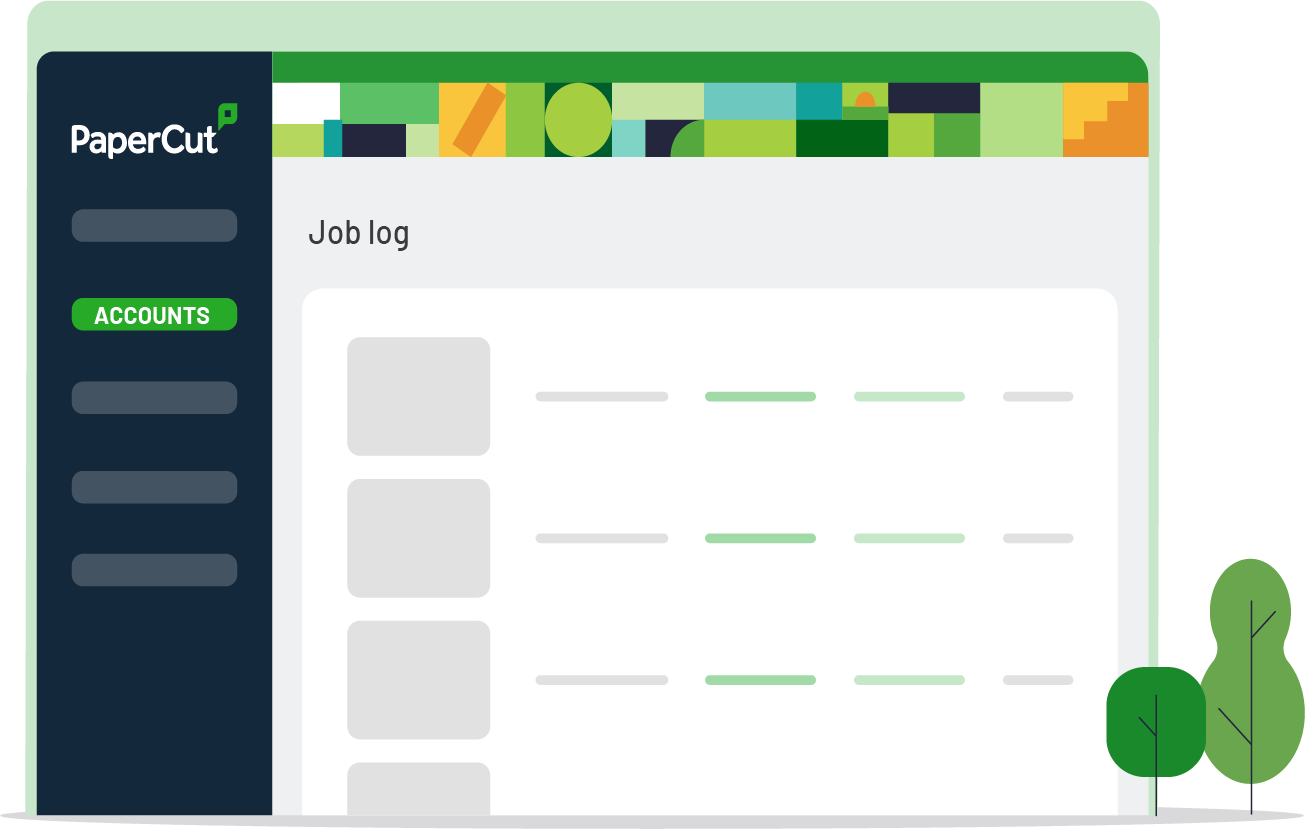
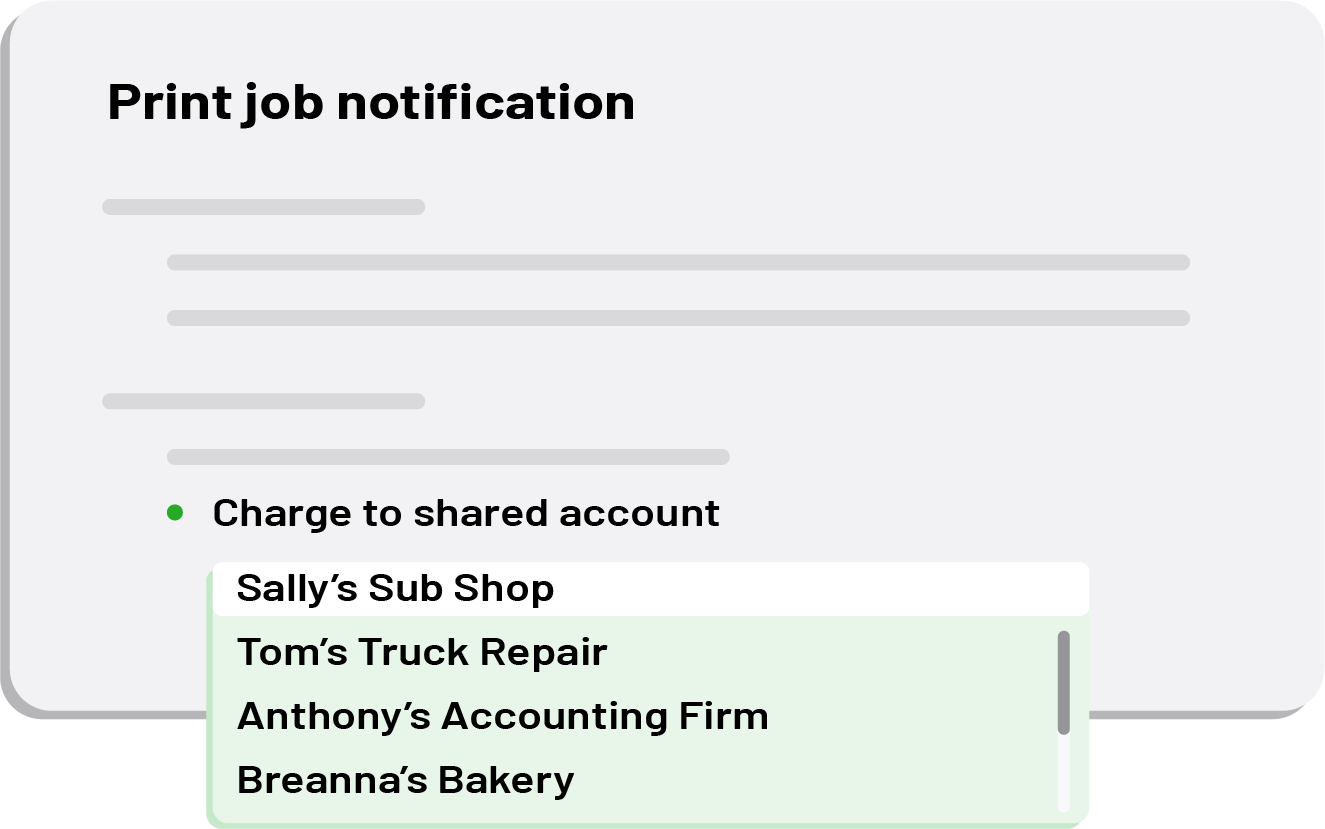
The Brother BSI embedded solution offers the same level of tracking functionality in copying as PaperCut does for printing. Each job may be allocated to a shared account that can represent a department, project or client.
PaperCut MF with Brother provides:
Users with the same account selection options they use for desktop printing
Shared account selection from a list or user entry
Managed access of accounts using Active Directory groups
Integrated scanning
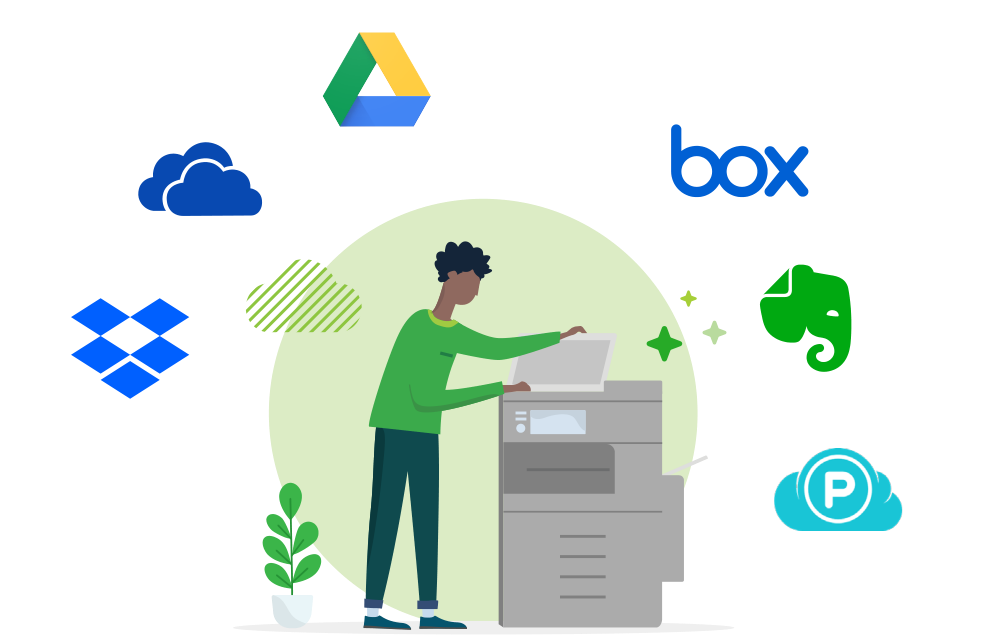
PaperCut MF on Brother Multifunctional Devices delivers integrated scanning. They can create smart, text-searchable documents using Optical Character Recognition (OCR) either in the Cloud or locally hosted (on-premise). The all-in-one, intuitive user interface provides a consistent and seamless experience allowing users to:
Securely scan documents to email, specified network folders, and a growing list of cloud storage providers
Control account, bill or charge every scan with ease
Integrated authentication
PaperCut MF uses your existing single sign-on infrastructure allowing users to log in with the same username and password used elsewhere on the network. No need to remember and maintain multiple logins!
Paper MF integrates with existing single sign-on environments such as:
Microsoft Active Directory
Apple Open Directory
Novell eDirectory
Other LDAP, NIS or POSIX environments
For more information about shared account see the Account Based Tracking in the PaperCut MF manual.

Consistency
The Brother MFD solution is developed by the PaperCut Software development team. This means that the copier interface is consistent with the other PaperCut MF user interfaces. Users engage with a consistent and easy to understand device interface regardless of model.
PaperCut MF with Brother provides:
Users with the same account selection options they use for desktop printing
Shared account selection from a list or user entry
Managed access of accounts using Active Directory groups

Search for your printer model
Sorry, there are no matches for this query.
Please try again after reading the below or if you need help or have questions, please contact our support team.
Showing all results