Choose your language

Choose your login

Support

How can we help?

PaperCut's AI-generated content is continually improving, but it may still contain errors. Please verify as needed.

Lightbulb icon
Lightbulb icon

Here’s your answer

Sources:

* PaperCut is constantly working to improve the accuracy and quality of our AI-generated content. However, there may still be errors or inaccuracies, we appreciate your understanding and encourage verification when needed.

Lightbulb icon

Oops!

We currently don’t have an answer for this and our teams are working on resolving the issue. If you still need help,
User reading a resource

Popular resources

Conversation bubbles

Contact us

Print and Scan Archiving

Secure your workflow, ensure compliance, and deter misuse. Gain an indisputable record of every job. Visualize content and protect your data.

Visibility into what's being printed

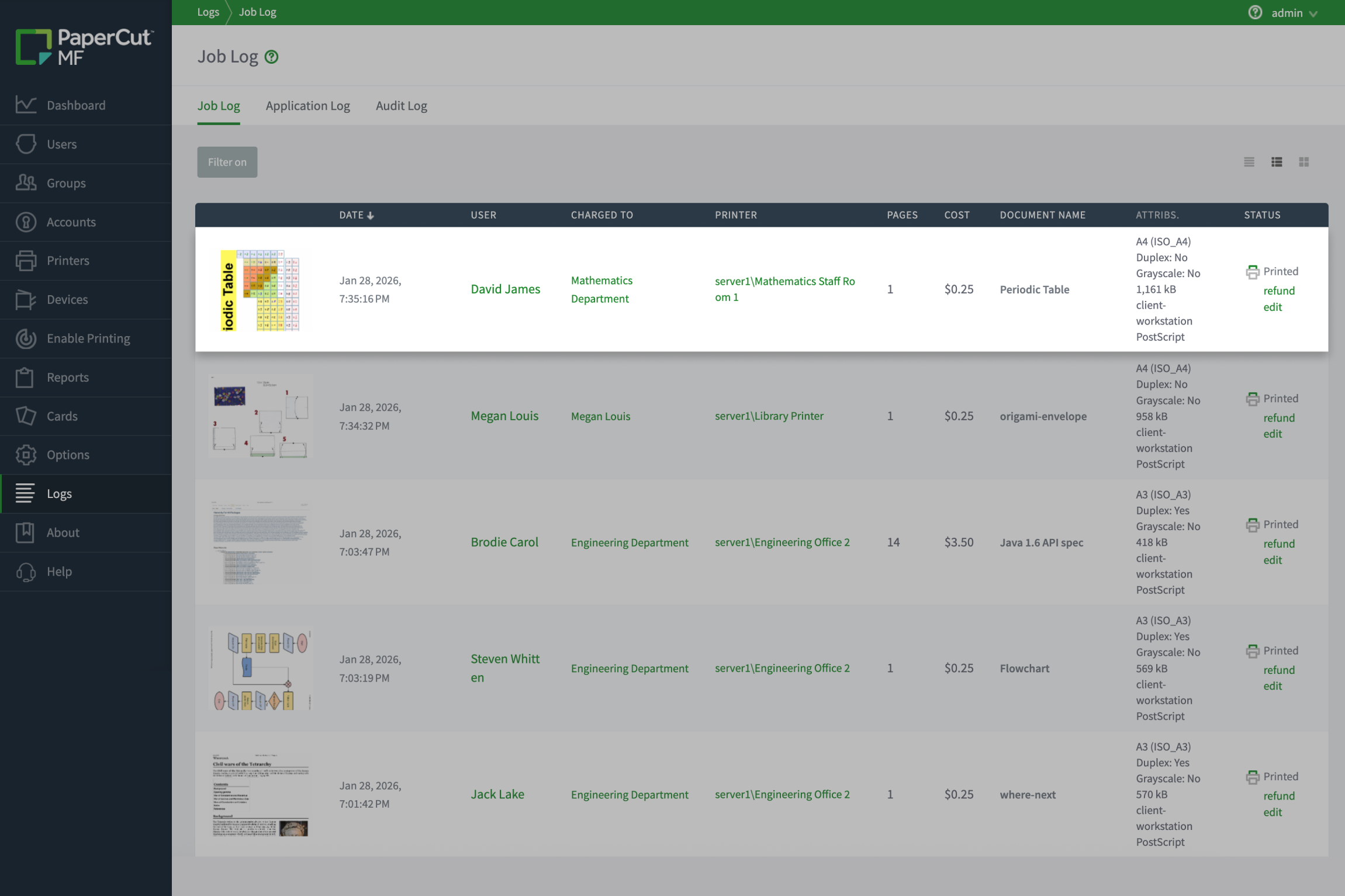
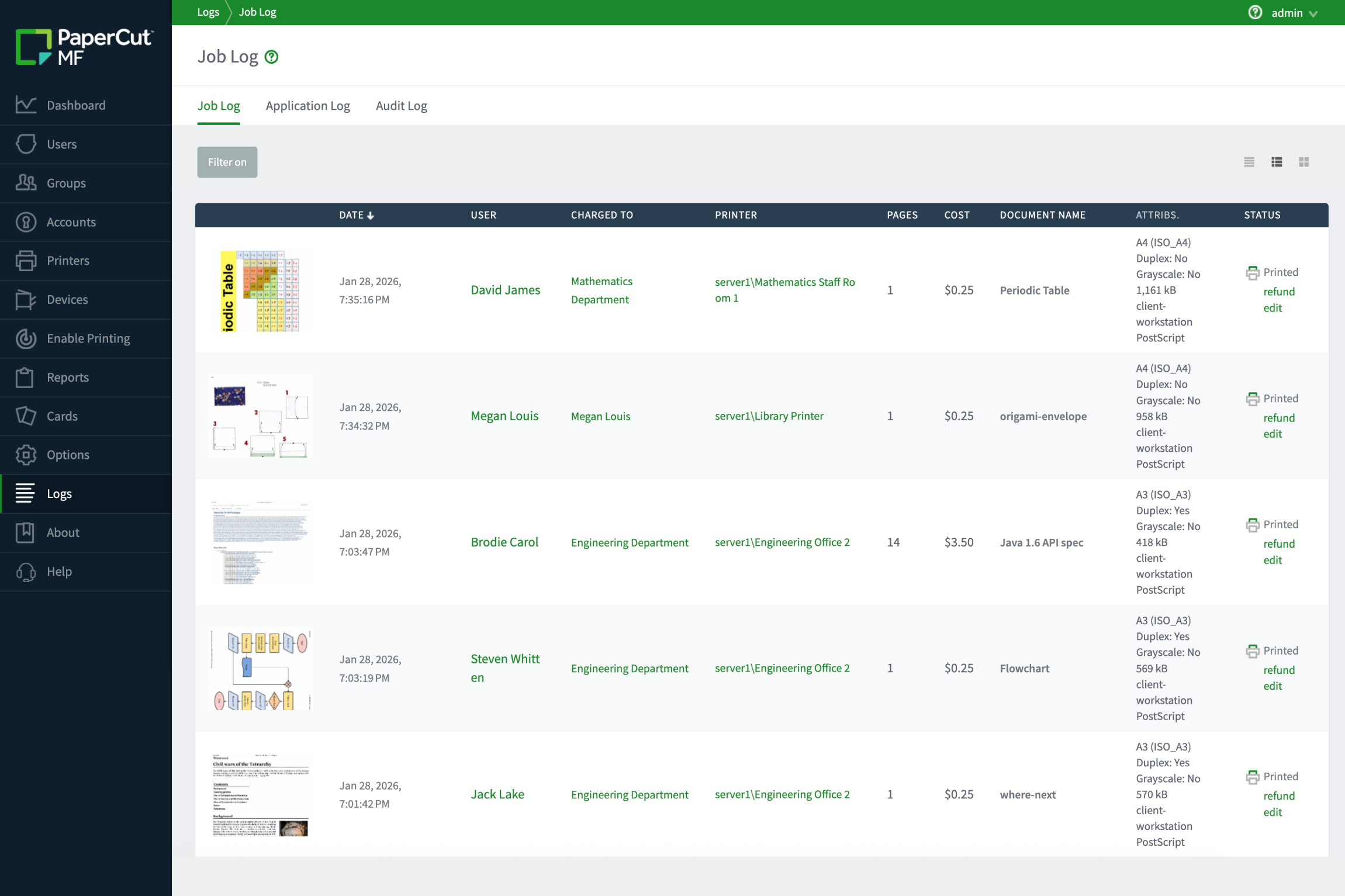
Page counts only tell half the story. To truly audit your environment, you need to see the content being printed.

With Print Archiving, Admins can:

  • Spot misuse instantly: with the thumbnail of the first printed page in your job log- no need to open a single file
  • Identify sensitive content: Catch inappropriate material or resource waste at a glance
  • Deter bad habits: Users print more mindfully when they know there’s a visual record

To learn how to set up Print archiving in our manual.
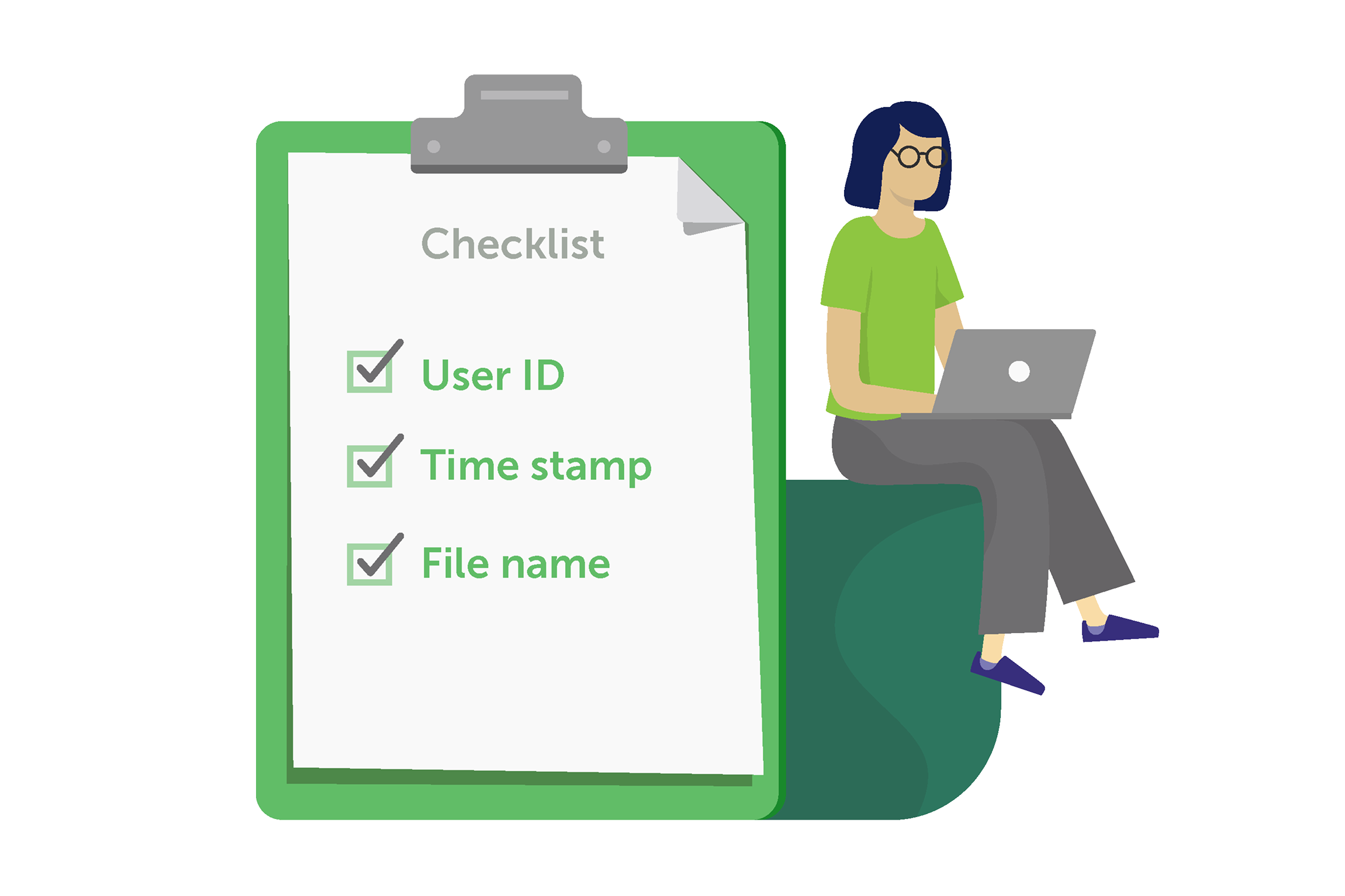
The PaperCut MF user table with the user balance and restricted column highlighted

Turn your print fleet into a secure, auditable asset

Most organizations archive email for compliance but leave printing unmonitored. PaperCut MF closes that security gap.

Whether you’re in healthcare, law, or finance, meeting regulatory compliance (like GDPR or HIPAA) is a big deal.

Print Archiving helps you:

  • Support Data Loss Prevention (DLP) policies: Track actual content, not just metadata
  • Meet industry standards: Stay compliant with legal and healthcare security requirements

Understand the technical architecture and how images are stored for your audit trail. Technical overview: The process of archiving


This screenshot features the print archiving feature.

Investigate incidents with a searchable digital trail

When a security breach happens, metadata isn’t enough. You need concrete proof. PaperCut MF provides a digital trail to trace data leaks or settle disputes.

Use your archive to:

  • Trace data leaks: Find the exact source and content of leaked information
  • Resolve disputes: Validate refund requests by seeing if a job actually failed
  • Download spool files: Get 100% fidelity files for legal or evidence purposes

Learn how to search, view, and interact with the archived job logs .

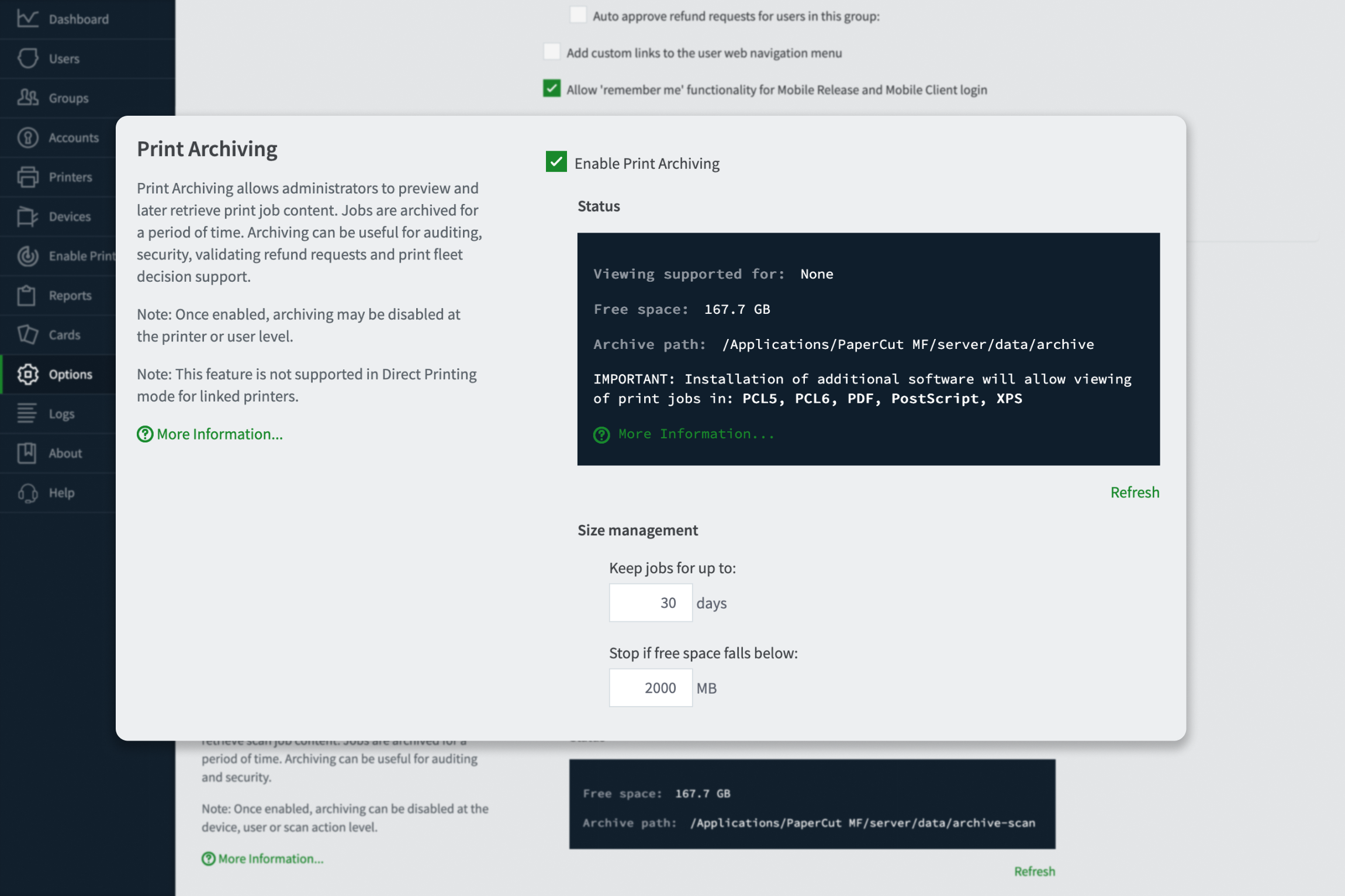
Maintain privacy with granular controls

Security shouldn’t come at the cost of privacy. Not every document needs an archive, and not every admin needs to see every file.

Take control with granular settings:

  • Exclude sensitive groups: Keep HR or legal departments out of the archive
  • Automate data retention: Set your own purge dates (30 days is our standard)
  • Restrict access: Ensure only authorized personnel can view archived content

Find out how to set up specific exemptions for users and groups in our guide to Configuring archiving privacy and exemptions .

This image shows how you can maintain privacy with granular controls.

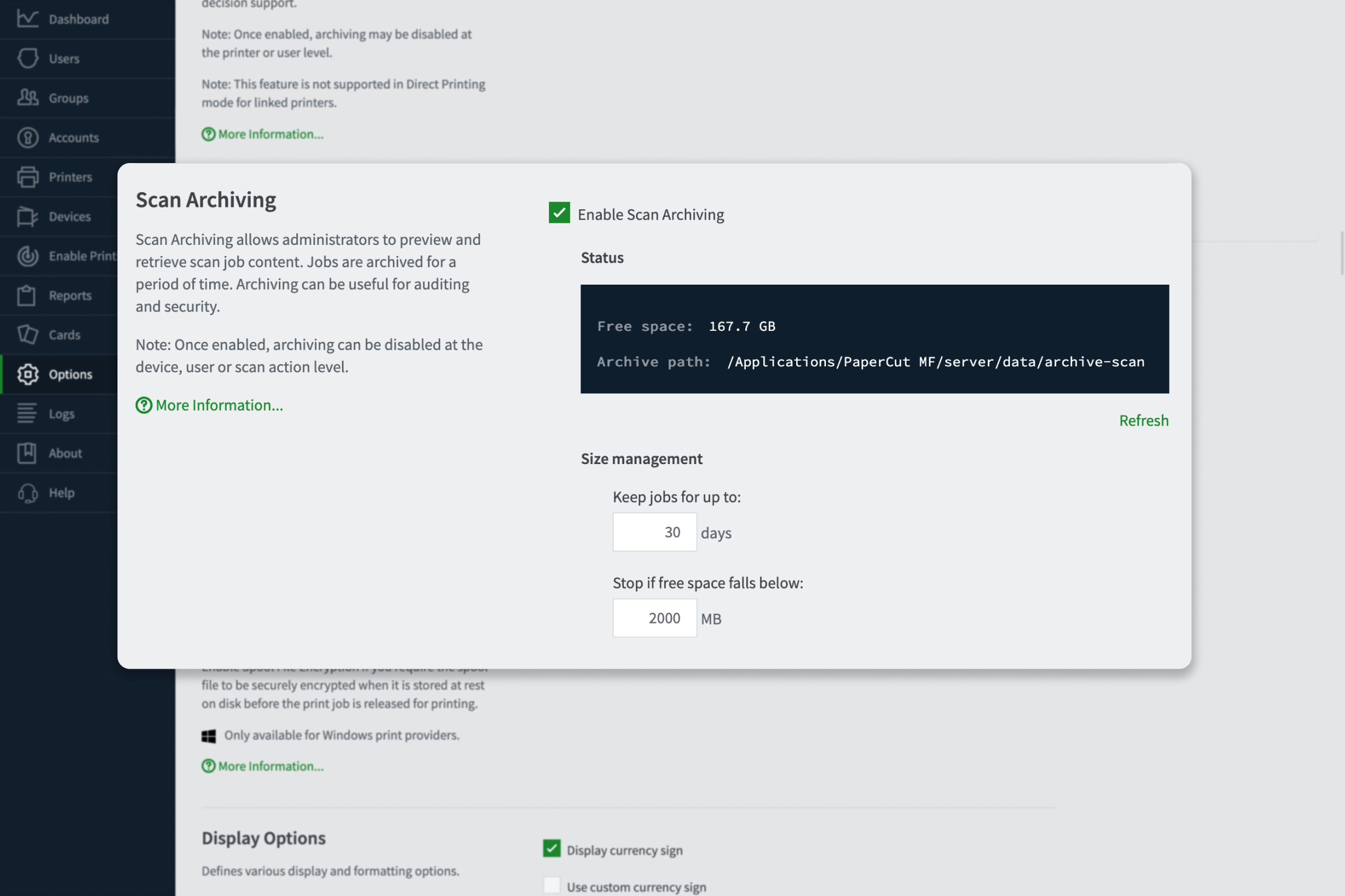
Extend security to your scanned documents

Scanned files often disappear into personal inboxes, bypassing security checks. Scan Archiving secures your “digital exit points” by logging every file scanned at the MFD.

Scan Archiving lets you:

  • Capture and log every scanned file alongside your print archives
  • Download archived scan files directly from the job log for review
  • Monitor scan destinations and usage to prevent data exfiltration

Step by step instructions for how to set up Scan archiving in our manual.

This screenshot shows how the Scan Archiving feature secures your “digital exit points” by logging every file scanned at the MFD.