


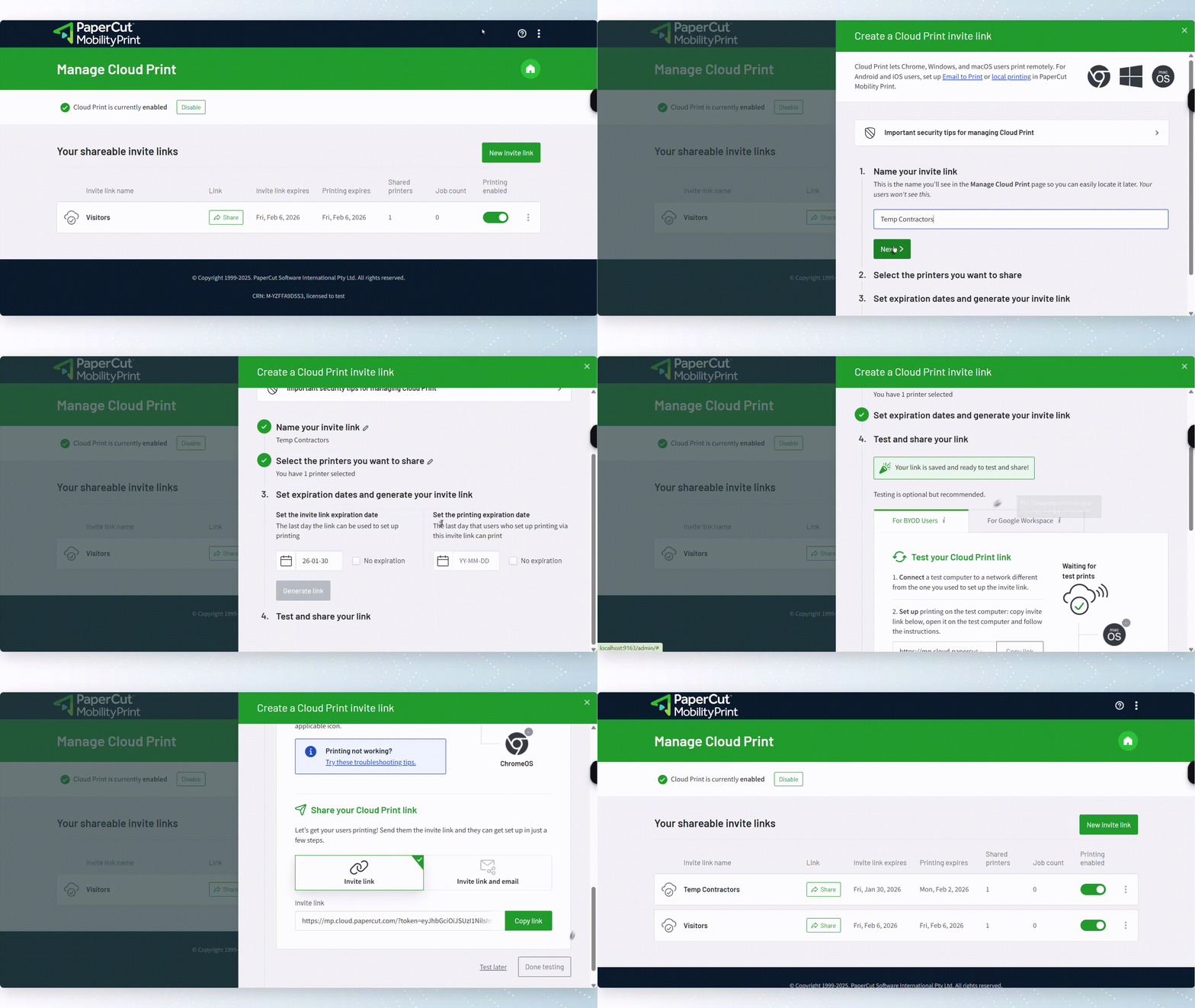
Give your users the flexibility to print from home, a co-working space, or a client site.
This feature works great for mobile users, like a real estate agent completing paperwork on the road. Simply send the print job via the cloud from anywhere, and then release it later, only when back in the office. The print job stays secure until physically released at the printer.
Check out our white paper
Securing your print system with PaperCut
the definitive guide to protecting your print environment with PaperCut MF and NG.
Securely send jobs from any remote location

Simple remote printing setup for system administrators
The cloud routes the job, so SysAdmins don’t need to set up complex, time-consuming infrastructure like Virtual Private Networks (VPNs), keep track of a dozen different user environments or manually configure every device.
Forget having to send out new usernames or passwords for segregated networks—this solution just works, making the life of the System Administrator easier.
Read our guide to understanding remote printing concepts with the cloud .
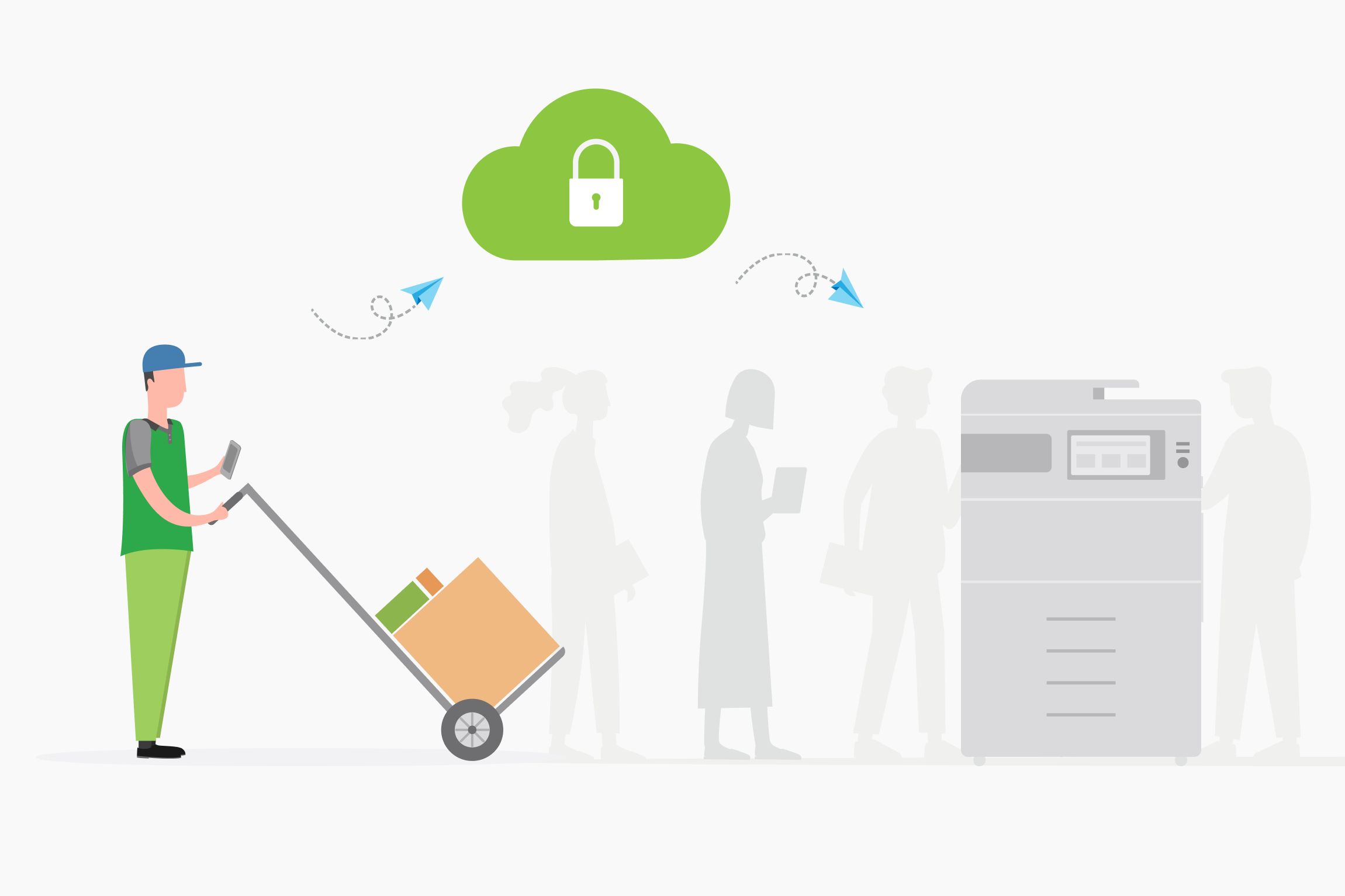
Isolate networks for enhanced security
Security-conscious organizations often run with segregated networks which allows for non-employees like guests or contractors, to access printers without ever giving them access to your internal network. For a System administrator, the main goal of remote printing is often network security.
We answer all your questions here in our
Comprehensive guide to end-to-end print security
.
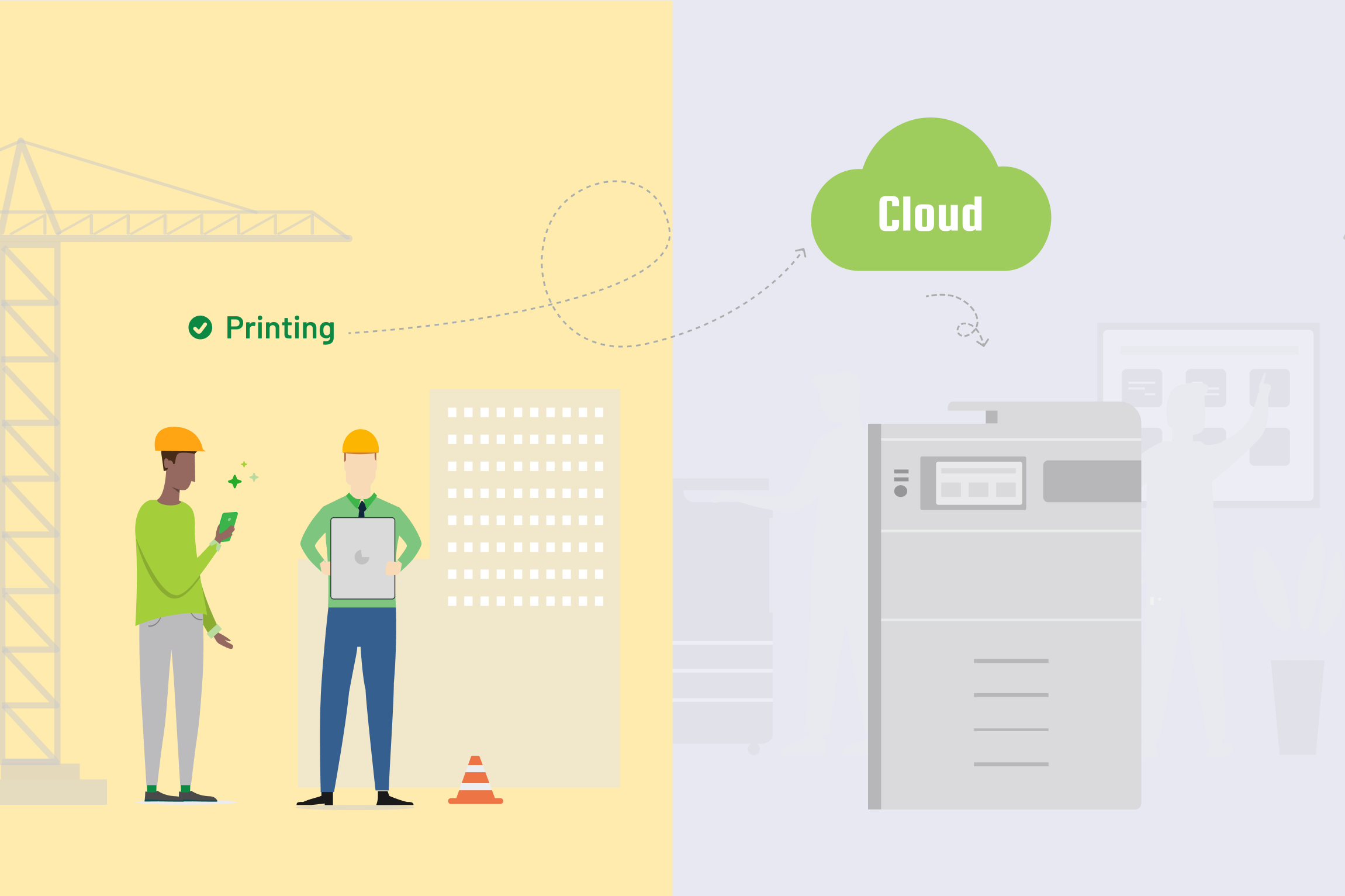
Empower a modern, scalable workforce
Your printer software needs to keep up as the world changes and less people are tied to physical locations. Remote printing is now an expected feature because we’re always on our mobile devices.
PaperCut MF and NG supports hybrid workforces and satellite offices, such as those at construction sites. This capability ensures your print management evolves right along with your modern devices.
Learn more about how PaperCut enables printing for distributed workforces in our manual.
What to explore next

Enable printing in my organization
 you are here

Track printing on all devices

Secure my printers

Manage the cost of printing

Manage my users
