Choose your language

Choose your login

Support

How can we help?

PaperCut's AI-generated content is continually improving, but it may still contain errors. Please verify as needed.

Lightbulb icon
Lightbulb icon

Here’s your answer

Sources:

* PaperCut is constantly working to improve the accuracy and quality of our AI-generated content. However, there may still be errors or inaccuracies, we appreciate your understanding and encourage verification when needed.

Lightbulb icon

Oops!

We currently don’t have an answer for this and our teams are working on resolving the issue. If you still need help,
User reading a resource

Popular resources

Conversation bubbles

Contact us

User management and onboarding

PaperCut Hive and Pocket let you onboard users your way by integrating with Microsoft Entra, Google Workspace or email. Administrators get full control and flexibility, while users enjoy simple, secure access to printing.

Add users and sync with your directory

Keep your user list up to date without the manual effort. Integrate directly with Microsoft Entra ID and Google Workspace, allowing you to automate user provisioning via SCIM.

There’s no need for complex LDAP connections or additional domain services, just a straightforward, secure sync, that ensures the right people always have access to print.

For the full guide, dive into managing your users in our manual.
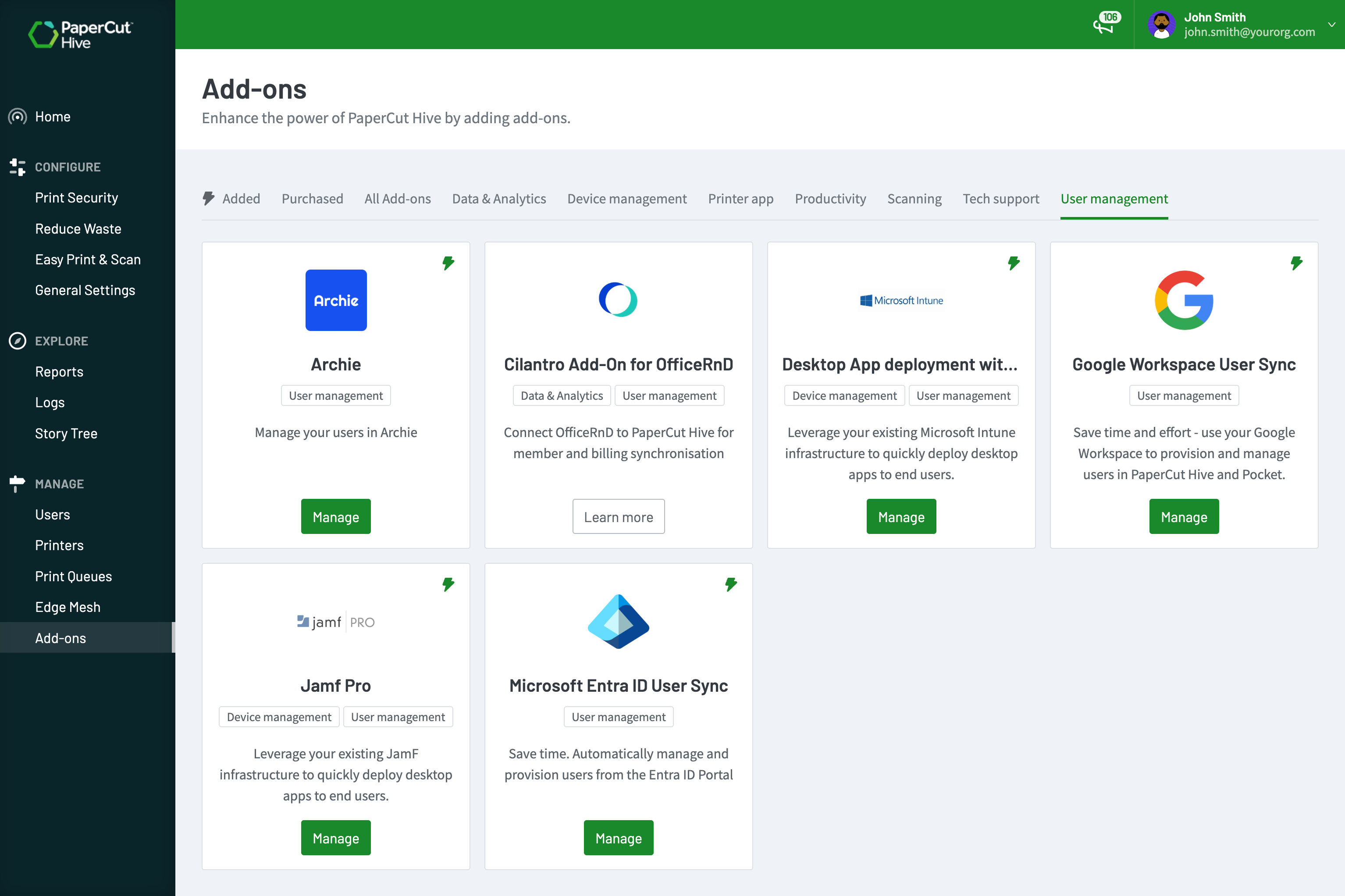
User management add ons available in PaperCut Hive

Secure and familiar authentication

Ensure your print environment aligns with your organization’s security policies by leveraging your existing Identity Provider (IdP).

Integrate seamlessly with Microsoft Entra ID, Okta, Google Workspace, and other SAML 2.0 providers.

This allows you to utilize the Single Sign-On (SSO) and Multi-Factor Authentication (MFA) settings you already have in place, giving your users a secure and familiar login experience.

To learn more, read our guide on configuring Single Sign-on via SAML 2.0 .

The PaperCut Hive cost profile editor showing how an admin can configure costs of print and copy jobs

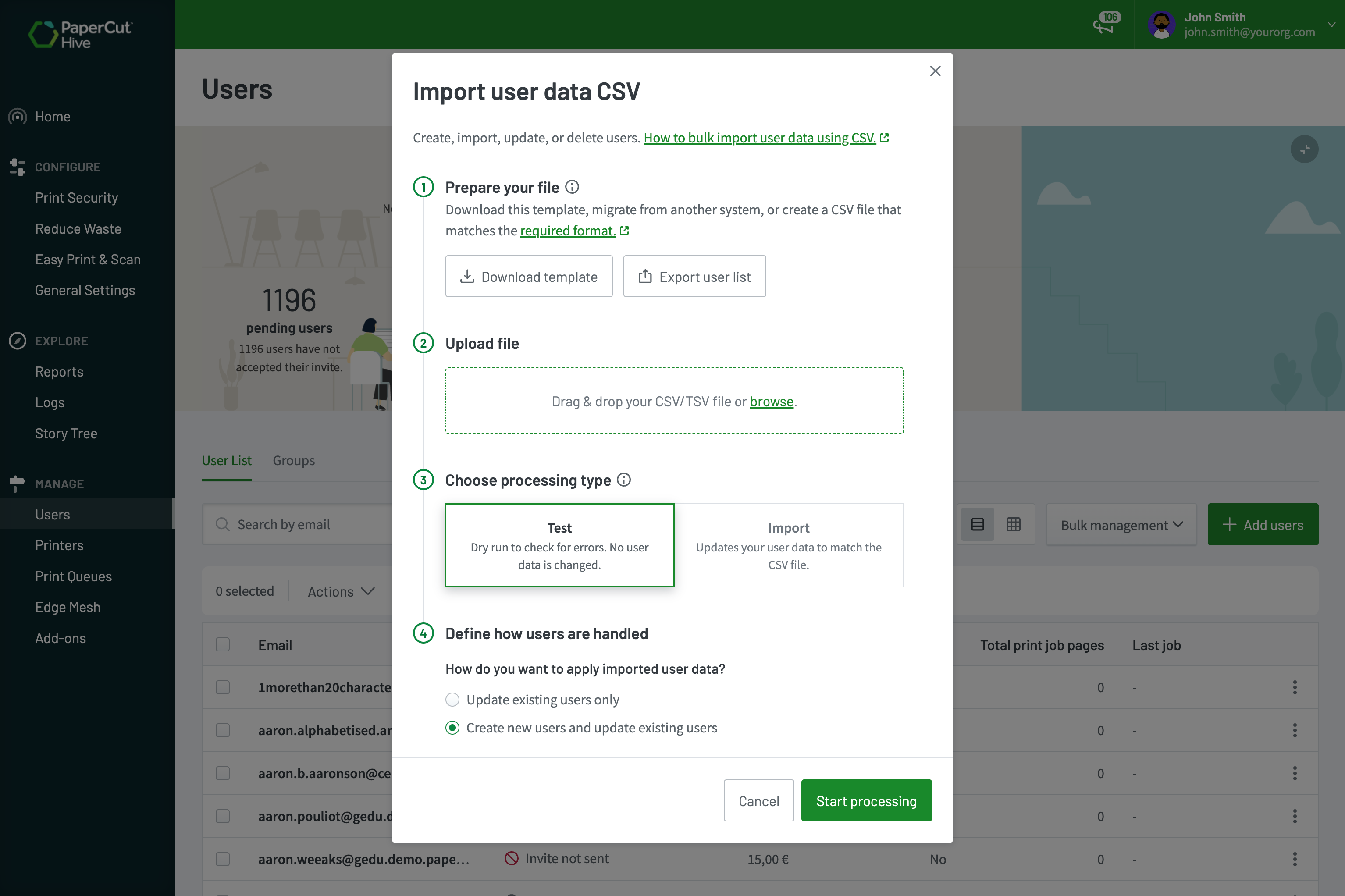
Bulk import user data with a CSV file

Add or update a large number of users without an identity provider. Use the user data import tool to add or update user data in bulk via a CSV or TSV file.

This is ideal for existing customers migrating from PaperCut MF or any other print management solution. You can manage large user lists or import specific data like access card numbers, quotas and user balances in seconds.

For a step-by-step best practice guide, see our manual on bulk importing user data .

Tailor the invitation journey

Control exactly how and when users are invited. Send invitations via email, Slack, or Microsoft Teams, and choose between automatic or manual delivery.

You can even delay invitations to ensure your print environment is fully configured or to give new user inboxes time to provision before the invite arrives. If your setup doesn’t require an invitation at all, you can skip this step and bypass invitations entirely.

To learn more, read the manual page all about User Invitations .

Control exactly how and when users are invited.

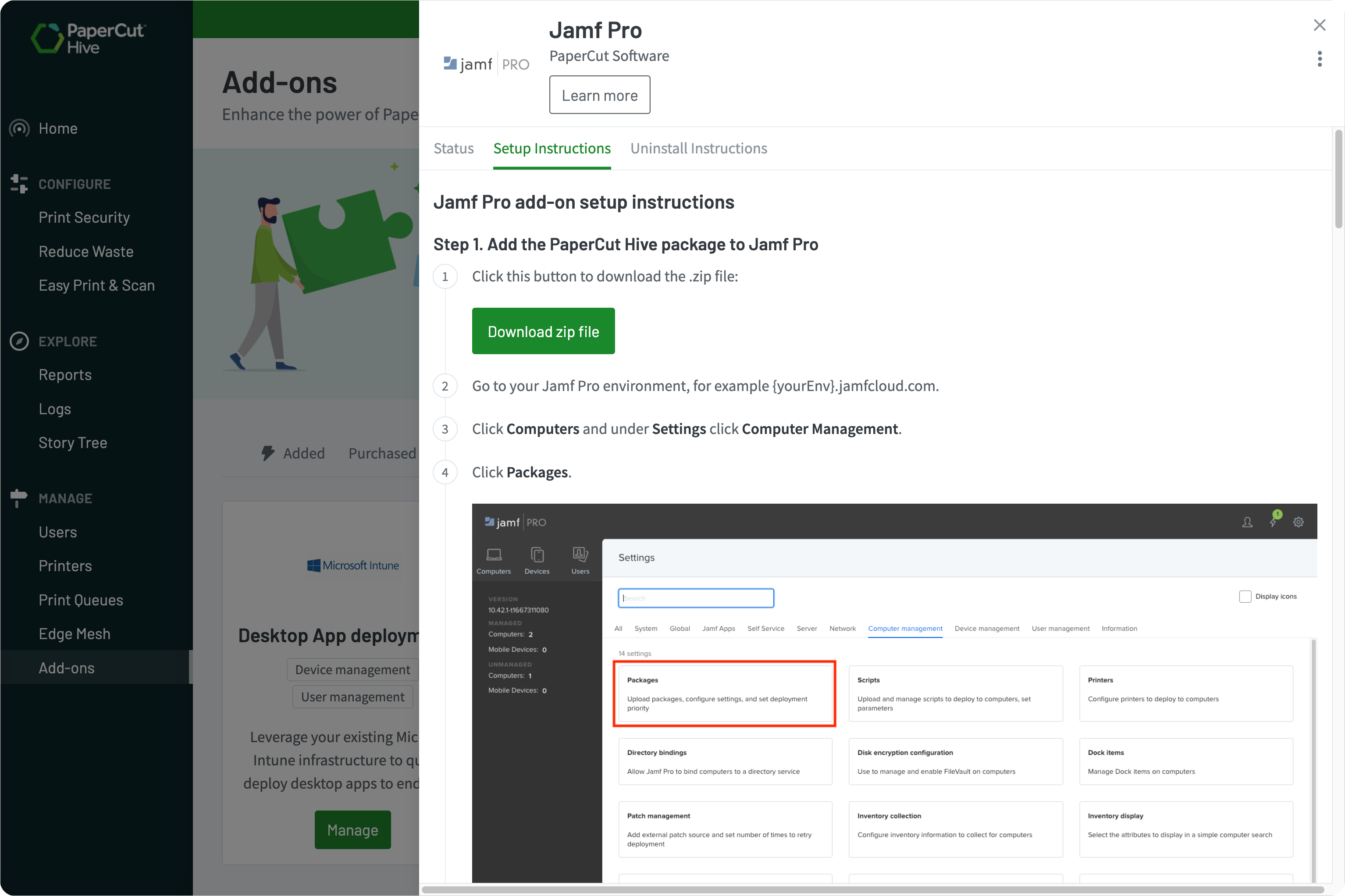
Bypass invitations with Authenticate on Print

Remove the setup hurdles for your managed devices.

When you deploy via MDM tools like Jamf or Microsoft Intune, users don’t need to hunt for invite emails. They simply hit ‘print’ on their first document and authenticate right then and there.

This “Authenticate on Print” workflow links their identity to the device instantly and securely.

Read our manual to learn how to bulk deploy PaperCut Hive and Pocket to users .

The PaperCut Hive admin console, showing the setting to automatically delete uncollected print jobs after a specified time.tting to automatically delete

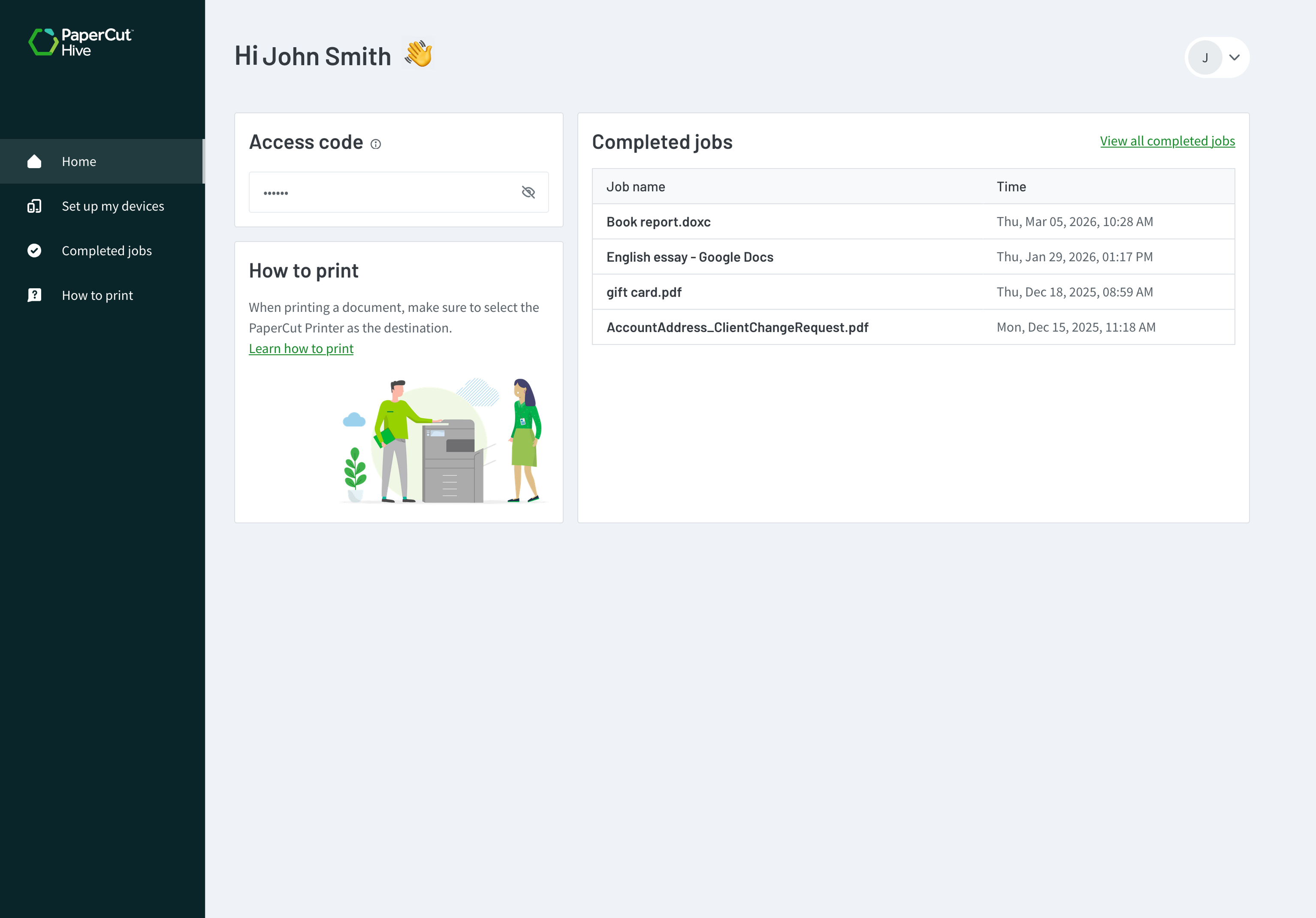
Simplify setup with the self-serve User Portal

Empower your users and reclaim your afternoon. The self-serve User Portal acts as a central hub where users can manage their own device setup, view their print history, view balances and find their access codes.

By letting users link their own mobile and desktop apps, you significantly reduce the volume of basic IT support tickets.

For an overview of the user experience, explore the User portal feature page .

The PaperCut Hive end user app and print app, showing the print release being denied due to the user having insufficient funds

Manage access codes and cards

Centrally manage physical ID cards and access codes, or let your users do the heavy lifting. With card self-association, users simply swipe a new card at the printer and link it to their account using the access code found in their mobile app or User Portal.

Admins have full control over these codes, customize the length and format (numeric or alphanumeric) to match your security policies or user preferences.

See this manual page for details on managing user access codes and access cards .

The PaperCut Hive admin console, showing the setting to automatically delete uncollected print jobs after a specified time.tting to automatically delete

Support mobile-only users

PaperCut Hive and Pocket fully support mobile-first organizations.

Customize the User Portal to show only the download options your users need, ensuring instructions stay relevant. Whether on a phone or tablet, users can set up printing and release jobs without ever needing a desktop app.

To learn more,see how to customize options in the User Portal .

Customize the User Portal to show only the download options your users need.

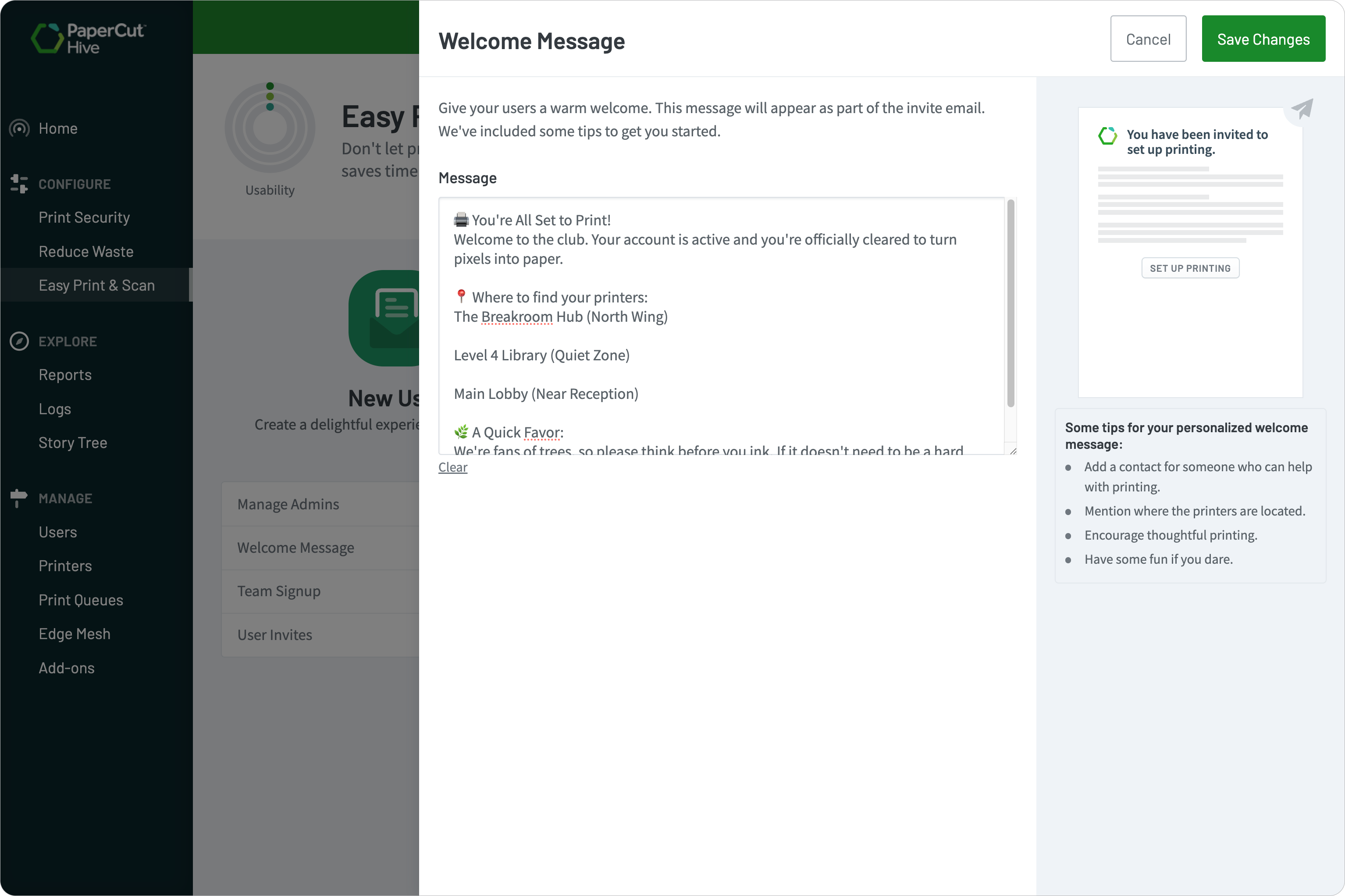
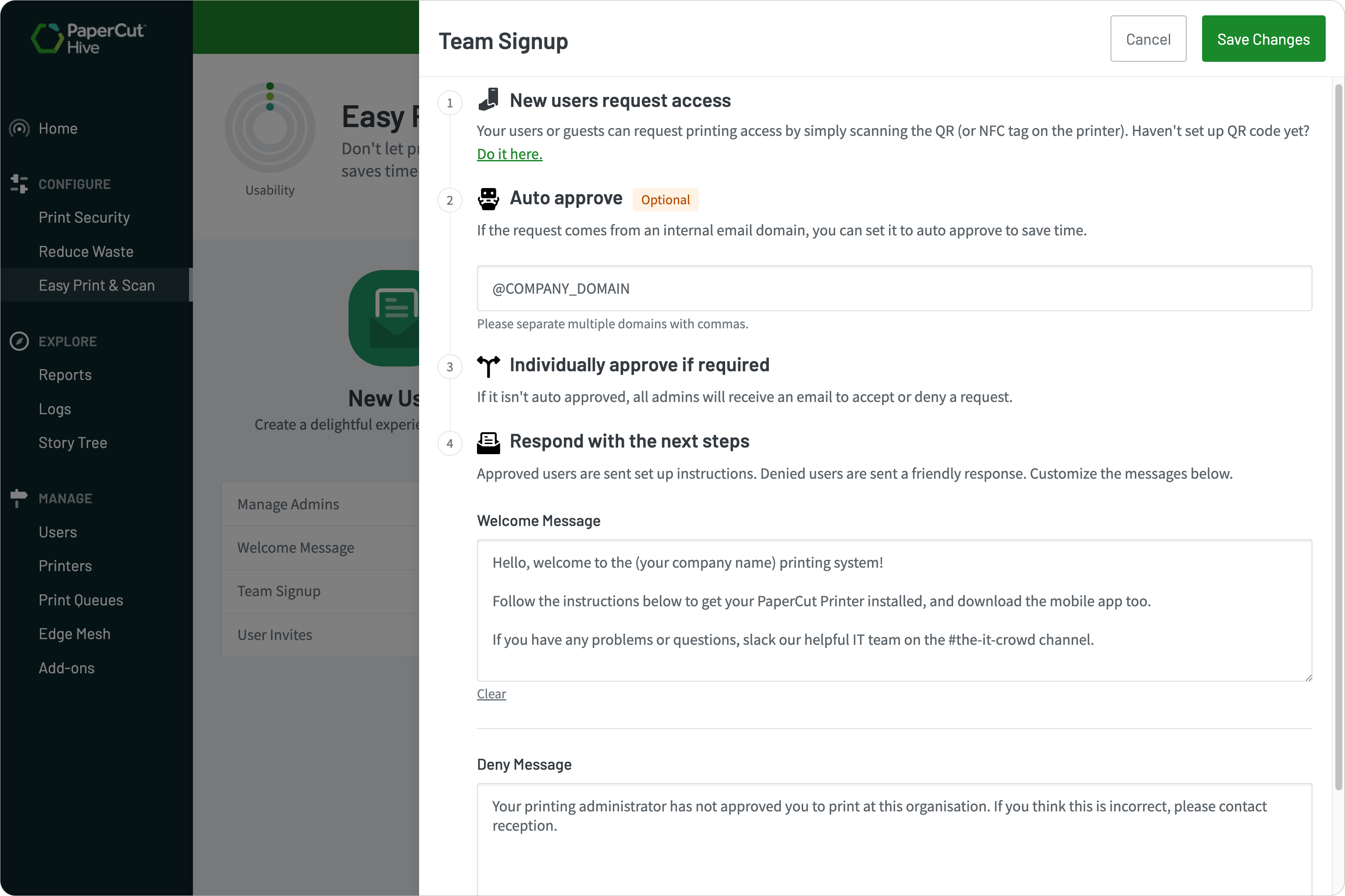
Automate approvals and personalize welcome emails

Scale your organization without clicking “Approve” every five minutes.

With Team Signup, you can set rules to automatically approve any user who joins from a verified company domain. This provides instant access for your employees while keeping unauthorized users out of your print environment.

Learn more about Team Sign-up and auto approvals in this article.

Automate and personalise emails for approval