Choose your language

Choose your login

Support

How can we help?

PaperCut's AI-generated content is continually improving, but it may still contain errors. Please verify as needed.

Lightbulb icon
Lightbulb icon

Here’s your answer

Sources:

* PaperCut is constantly working to improve the accuracy and quality of our AI-generated content. However, there may still be errors or inaccuracies, we appreciate your understanding and encourage verification when needed.

Lightbulb icon

Oops!

We currently don’t have an answer for this and our teams are working on resolving the issue. If you still need help,
User reading a resource

Popular resources

Conversation bubbles

Contact us

Guest printing

Allow visitors to print from their own devices in seconds. It’s a driverless, cloud-native experience that removes the burden from your IT team while maintaining network security.

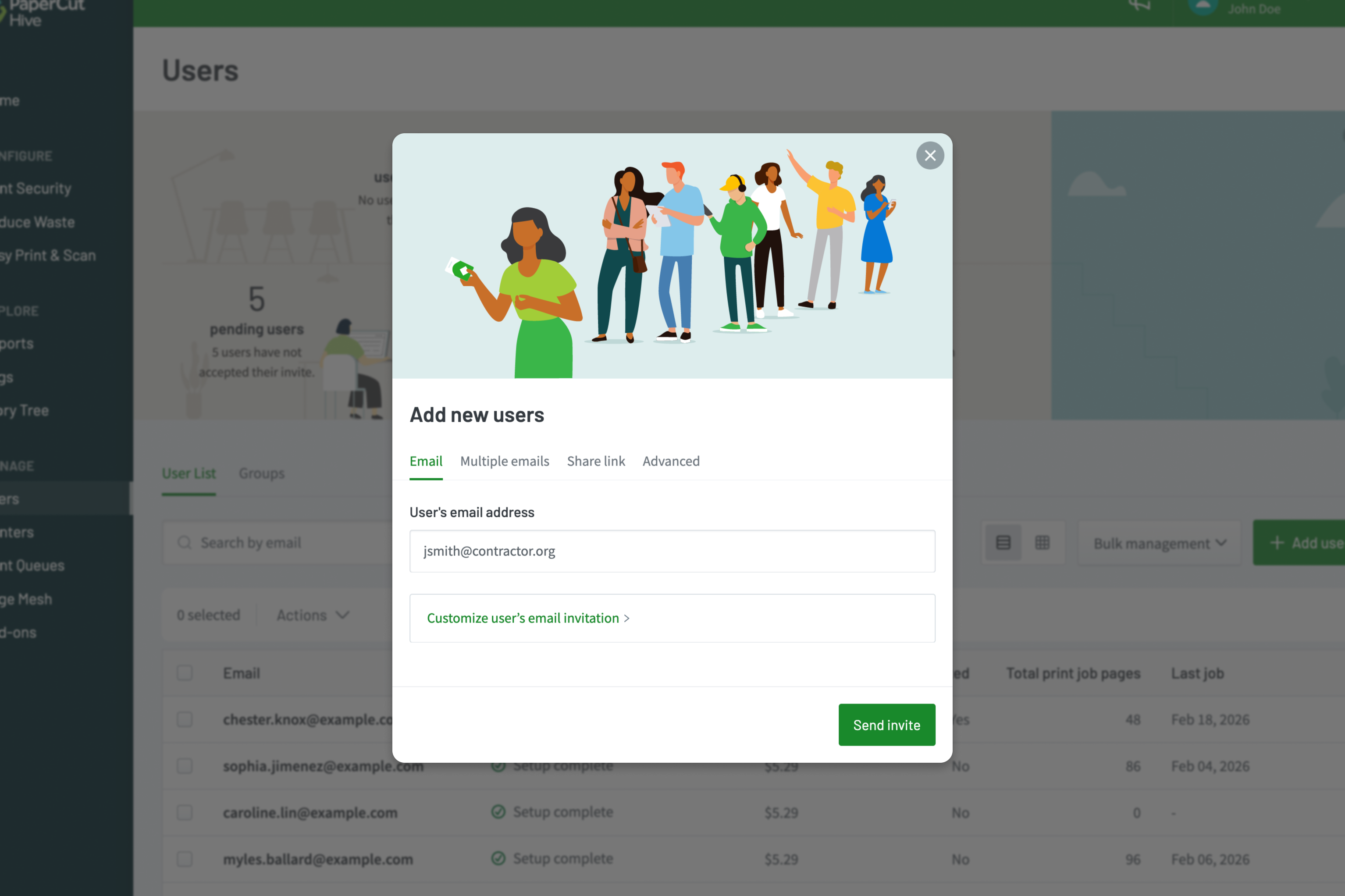
Give guests the keys to print

Send a digital invitation to contractors and long-term visitors, directly from the PaperCut Hive and Pocket console. The guest receives a link to get set up on their own device, allowing them to print natively to the “PaperCut Printer” without ever needing access to your internal user directory.

Learn more about sending user invitations in the manual.
0

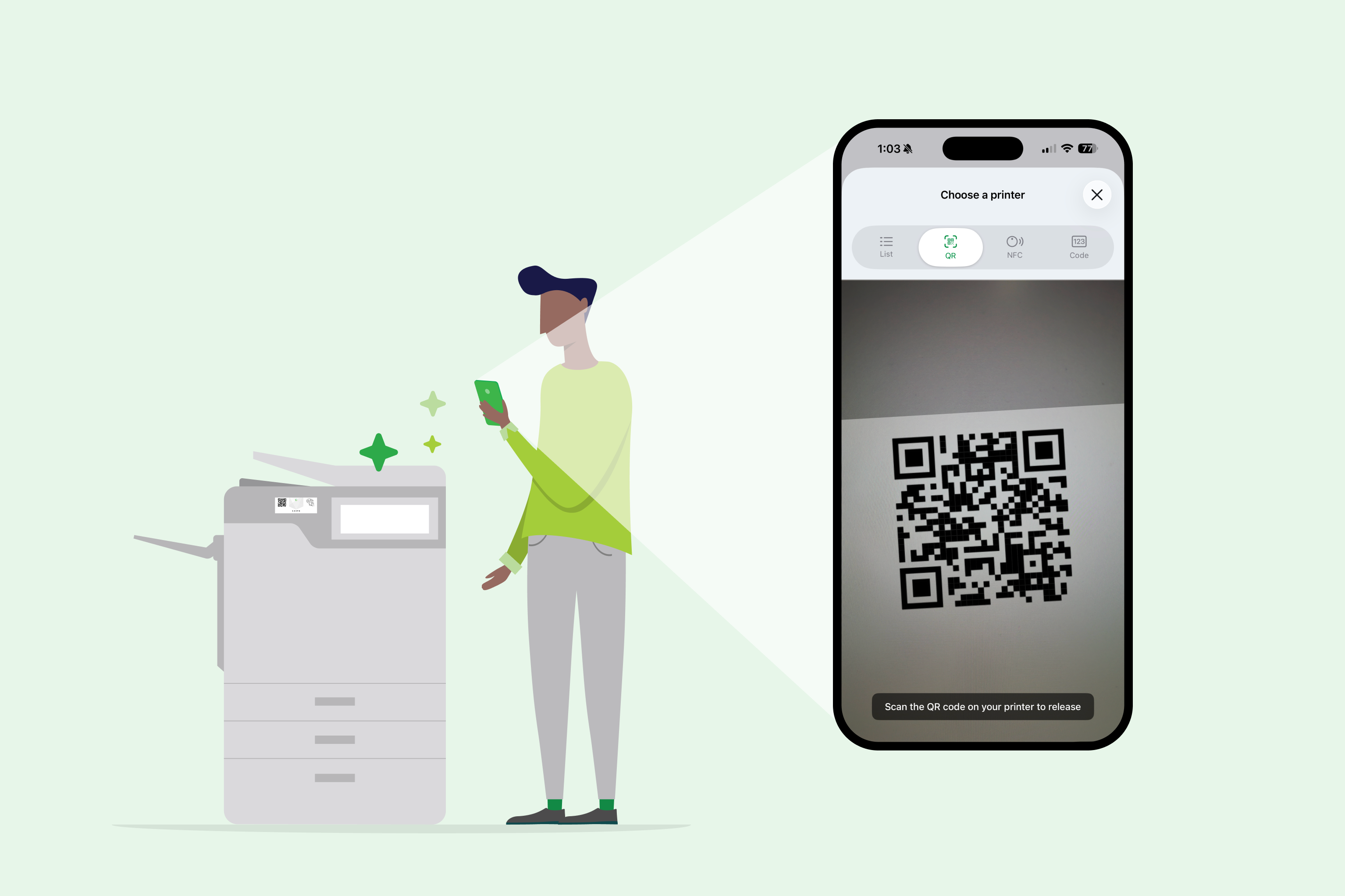
Release jobs securely with QR codes or NFC

PaperCut Hive and Pocket eliminates the need for guests to join your corporate domain or install complex print drivers. Visitors simply scan a QR code on the printer using their mobile phone to securely release their documents. This keeps the process “touch-free” and ensures documents don’t sit on the tray.

Dive into our guide to printer labels and NFC stickers in the manual to learn more.

A visitor releasing a print job via the PaperCut Hive mobile interface after scanning a QR code

Match the method to the visitor's stay

Not every guest is the same. Use PaperCut Hive and Pocket’s flexible discovery options to decide how visitors find your printers—whether they are on a guest Wi-Fi or using their own cellular data.

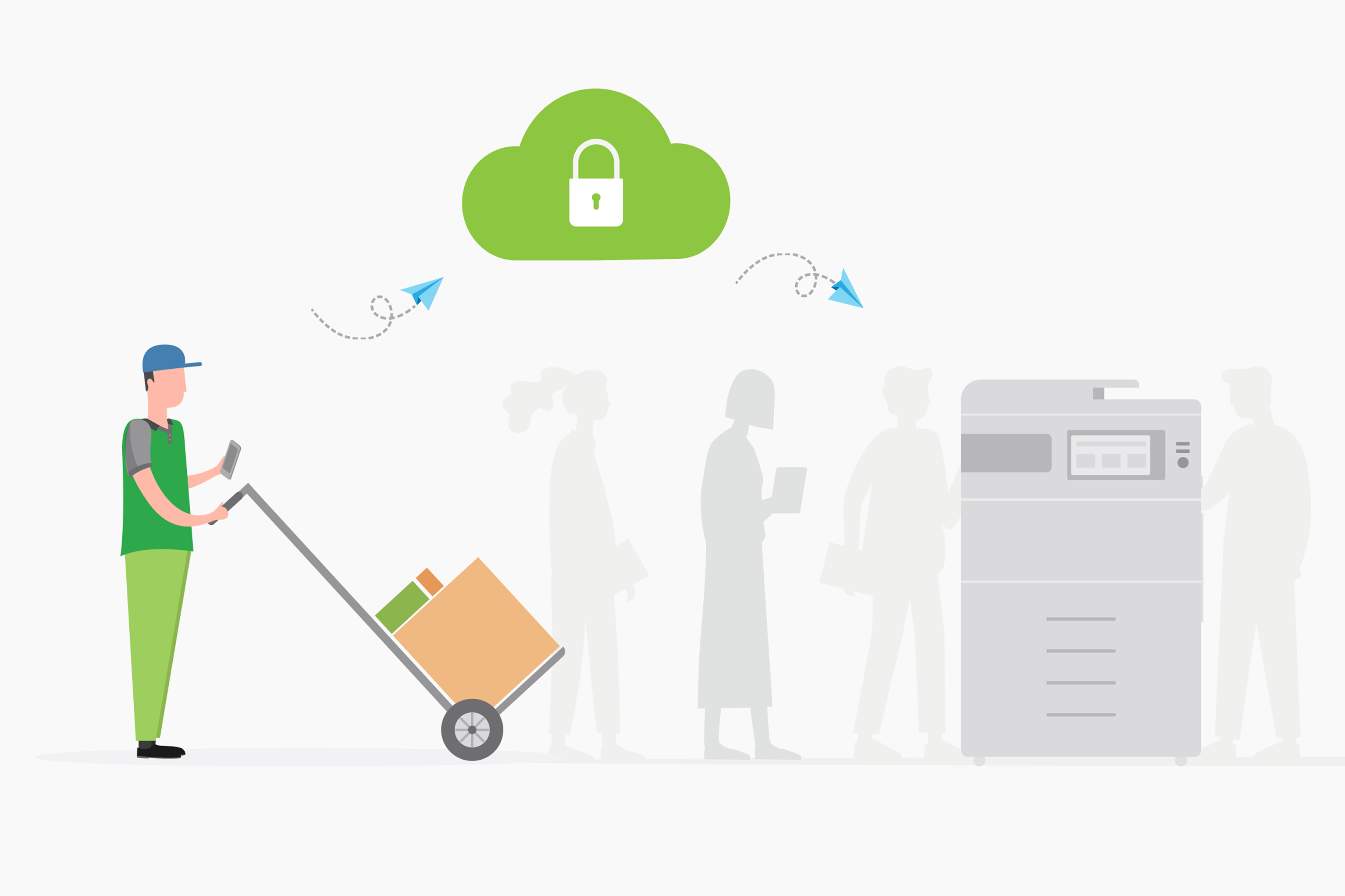
This “Cloud Node” technology ensures the print job reaches the tray without poking holes in your firewall.

Read more about how the Cloud Node securely handles jobs in our technical documentation.

A guest print user printing via the cloud