Choose your language

Choose your login

Support

How can we help?

PaperCut's AI-generated content is continually improving, but it may still contain errors. Please verify as needed.

Lightbulb icon
Lightbulb icon

Here’s your answer

Sources:

* PaperCut is constantly working to improve the accuracy and quality of our AI-generated content. However, there may still be errors or inaccuracies, we appreciate your understanding and encourage verification when needed.

Lightbulb icon

Oops!

We currently don’t have an answer for this and our teams are working on resolving the issue. If you still need help,
User reading a resource

Popular resources

Conversation bubbles

Contact us

Global Print Driver

The default, signed Windows driver for PaperCut Hive and PaperCut Pocket that works across your entire fleet. It does the heavy lifting so your users can start cloud printing in just a few clicks.

One driver for your entire cloud-managed fleet

Eliminate the need for brand-specific drivers. The PaperCut Global Print Driver is fleet-agnostic and works with any PostScript-compatible printer, regardless of the manufacturer.

It’s the reliable foundation for your cloud print queues, ensuring every job reaches the tray.

You can learn more about how to prepare your print queues in the manual.

A laptop with a window open with a print dialog box showing the PaperCut printer, and an illustration shgowing that can be sent to any printer to be released by a person at the printer.

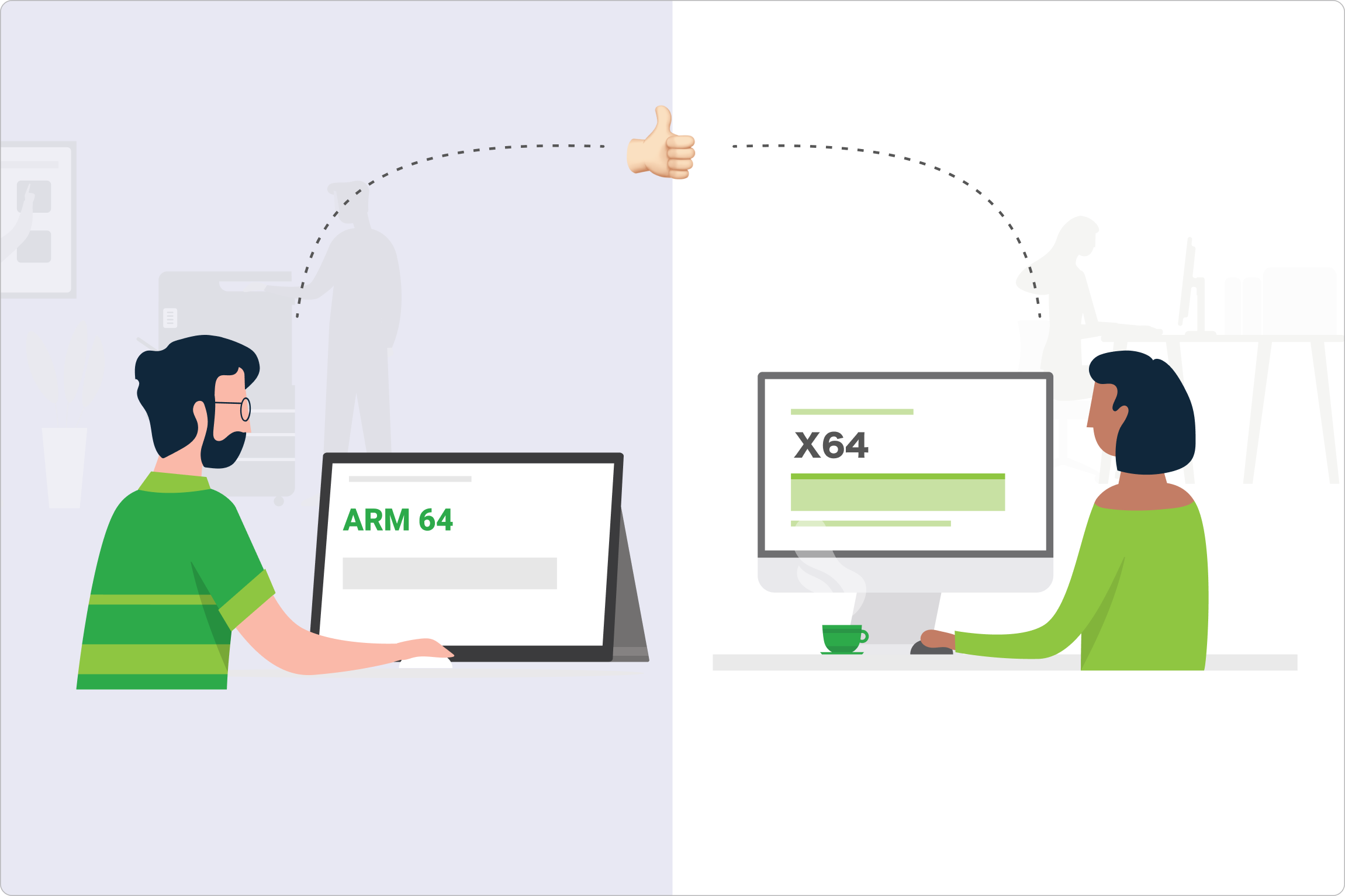
Cross-architecture support for ARM64 and x64

Future-proof your hardware refreshes by supporting modern laptops even if the printer manufacturer is lagging.

Our driver provides full support for different CPU architectures, allowing users on the latest ARM64 devices (like the newest Surface Pro) to print as reliably as those on traditional x64 machines.

This is critical for organizations with mixed environments where original equipment manufacturers do not yet offer ARM64 support for all platforms.

Check our system requirements to see all supported architectures.

Cross-architecture support for ARM64 & X64as they move between offices and sites

A unified experience with automatic feature translation

Eliminate confusion for your users by standardizing their print options into one familiar interface.

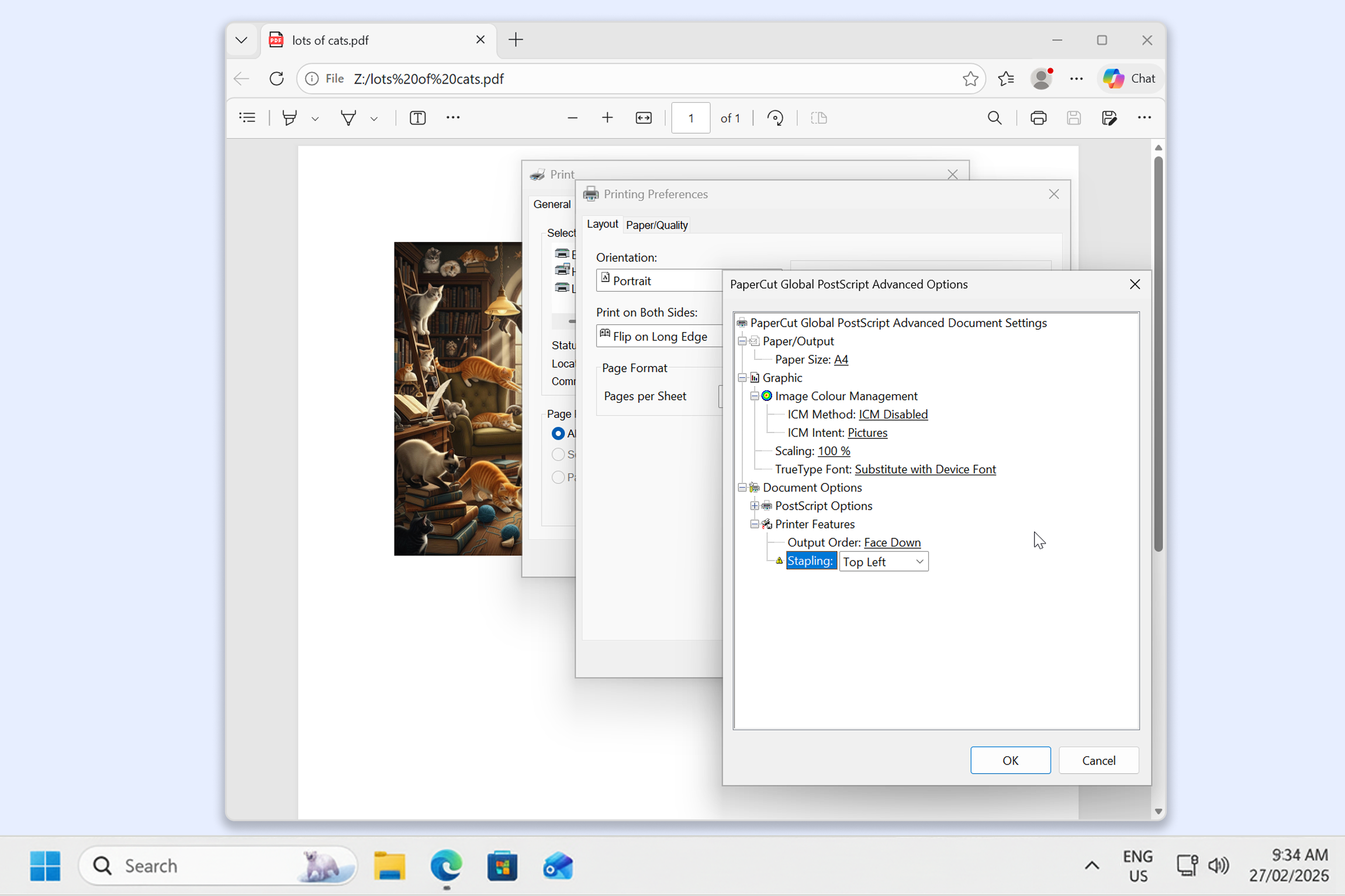
Different manufacturers often use different names for the same basic features, like “duplex,” “double-sided,” or “two-sided”. The PaperCut Global Print Driver handles these transformations automatically, providing a consistent menu for color, tray selection, and duplexing regardless of the printer brand.

Read more about managing print queues in our documentation.

A print dialog box on a computer screen showing the Global Postscript Driver advanced option settings.

Lightweight deployment for faster performance

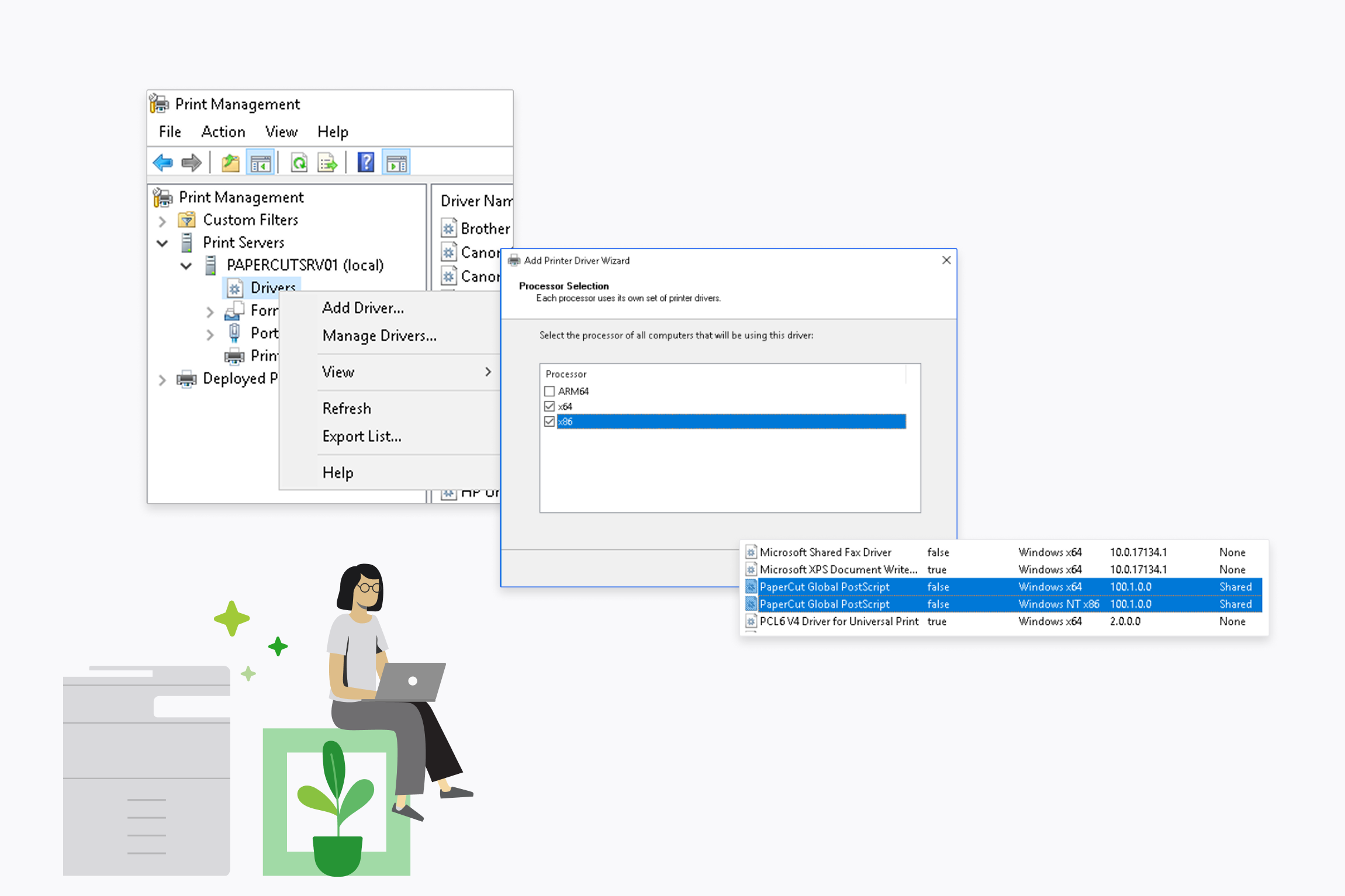
Reduce system overhead and speed up user workflows with a signed, “no-bloat” driver. Because you only need to deploy one driver instead of multiple bulky OEM packages, you can experience significantly faster user logon times and less management complexity.

This “lean” approach keeps your end-user machines running smoothly while maintaining a professional, signed status for easy deployment via your MDM or Group Policy.

Dive into our guide for deploying print queues to see how simple it is.

A computer screen with Print Management settings dialog box open, showing the PaperCut Postscript Global driver is two files.

Enable flexible document release across your fleet

Release your documents at any device without worrying about driver compatibility.

The Global Print Driver ensures jobs render correctly even when sent to different printer models. This “render once, print anywhere” capability means you don’t need a specific queue for every printer brand in your building.

Find answers to common driver questions in our knowledge base.

An image of the MFD brands supported by PaperCutHive