


Stop users from accidentally sending documents to the wrong floor or a high-cost specialty device. By using Print Queue Deployment, you can automatically push the correct print queues to users based on their specific role or office location.
You can dive into our guide for controlling access to printers in the manual.
Deliver the right printers to the right users

Restrict printing to office hours
Keep your environment secure and reduce waste by deciding exactly when printing is allowed. You can easily set rules that prevent users from printing outside of standard business hours, ensuring sensitive documents aren’t left unattended overnight.
Read more about configuring access security rules in our help center.

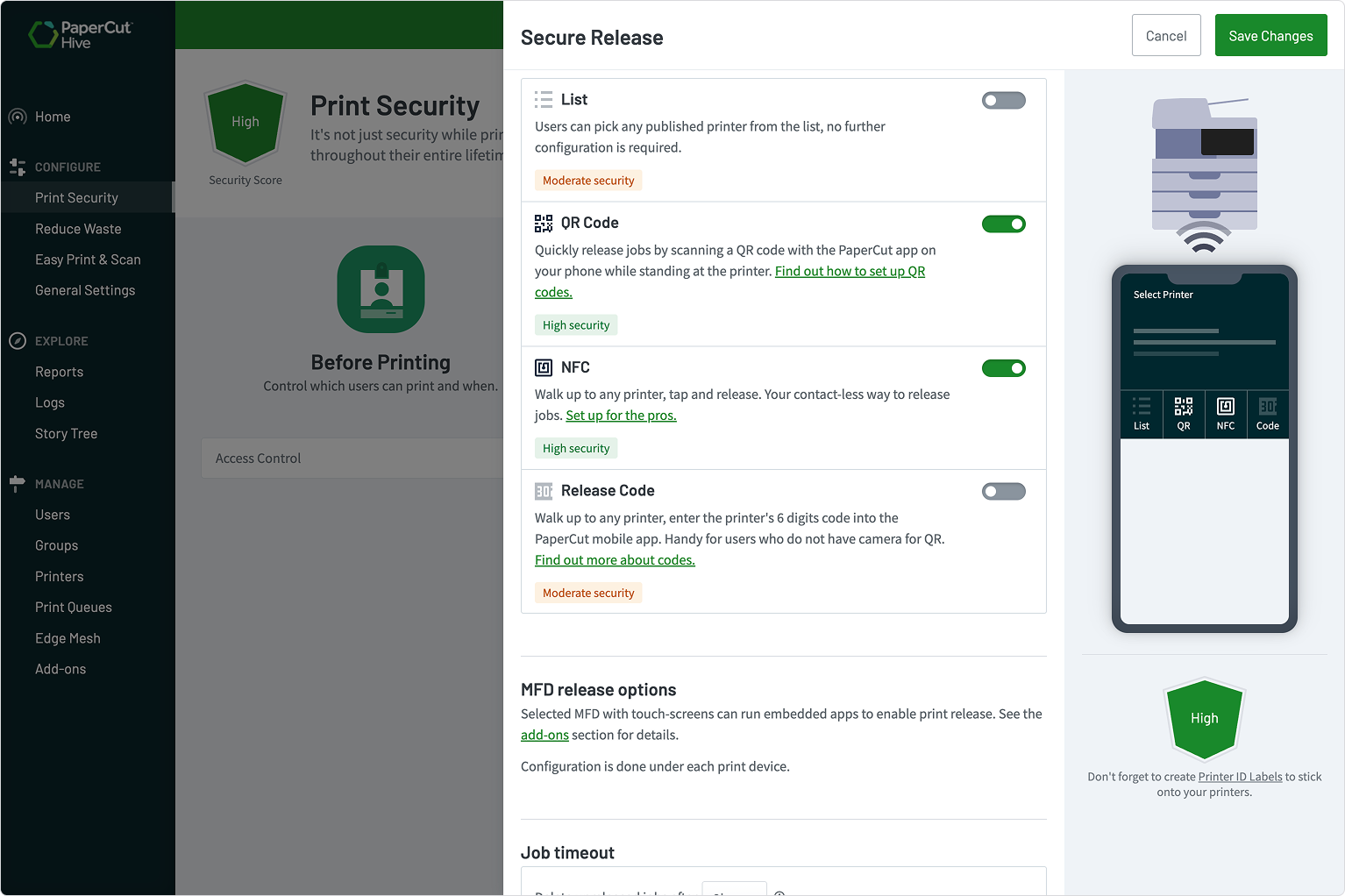
Keep sensitive documents private with Secure Print Release
Protect your data by ensuring documents only hit the paper tray when the user is standing right there. With Secure Print Release, users must authenticate at the printer using their phone or a swipe card to release their jobs.
Click through to see how you can secure your prints with release watermarks and authentication.
Manage multiple organizations with a single login
Eliminate the hassle of juggling multiple email accounts and passwords if you manage more than one PaperCut Hive organization.
Multi-Org Login lets you use one email address to securely switch between different sites or customers using a simple one-time passcode.
Read more about Multi-Org Login and how it works in the manual.

What to explore next

Enable printing in my organization

Track printing on all devices

Secure my printers
 you are here

Manage the cost of printing

Manage my users
