Choose your language

Choose your login

Support

How can we help?

PaperCut's AI-generated content is continually improving, but it may still contain errors. Please verify as needed.

Lightbulb icon
Lightbulb icon

Here’s your answer

Sources:

* PaperCut is constantly working to improve the accuracy and quality of our AI-generated content. However, there may still be errors or inaccuracies, we appreciate your understanding and encourage verification when needed.

Lightbulb icon

Oops!

We currently don’t have an answer for this and our teams are working on resolving the issue. If you still need help,
User reading a resource

Popular resources

Conversation bubbles

Contact us

User management and onboarding

PaperCut MF and NG integrates with your existing infrastructure and gives users self-service options to make user provisioning and ongoing management effortless.

Sync users from your existing directory

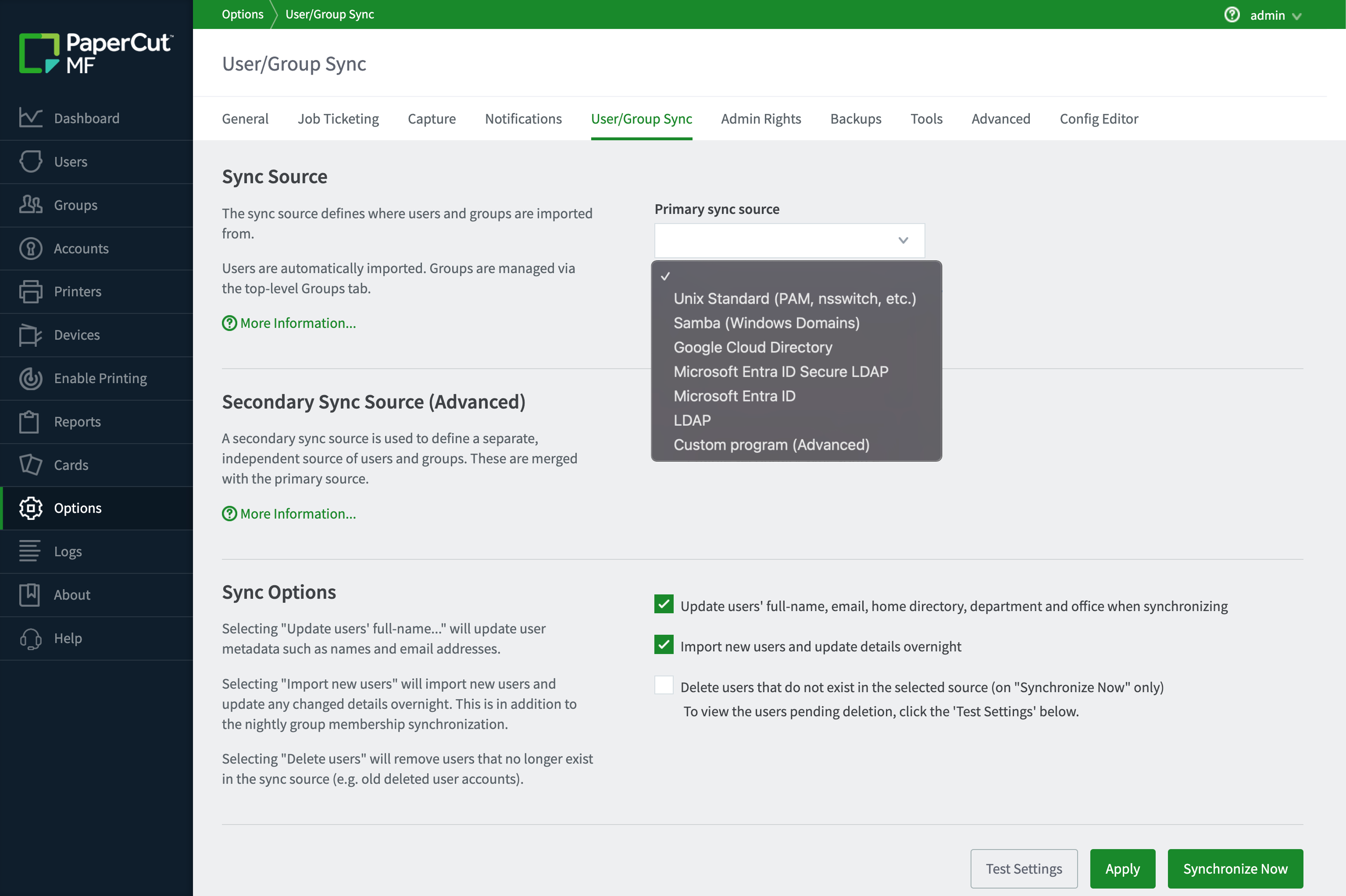
Connect PaperCut MF and NG to the tools you already use to manage your people.

Whether you’re running Microsoft Entra ID, Google Workspace, or traditional Active Directory and LDAP providers, our synchronization tool pulls your user list directly into the system. This ensures your print environment always reflects your current organizational structure without the need for manual data entry or double-handling.

To see the full list of supported directories, dive into our manual page on sync sources.
The PaperCut MF user table with the user balance and restricted column highlighted

Manage users and groups in bulk

Save time by managing your users at scale rather than one by one.

Use group-based logic to automatically assign printing quotas, restrictions, or shared account access based on department or role. When a user changes groups in your directory, PaperCut MF updates their permissions automatically, ensuring your print policy stays current with zero manual overhead.

For more details, read about Bulk user operations in our manual.

The PaperCut MF admin console, showing the quota scheduling section

Configure secure SSO and modern authentication

Modern security demands more than just a username and password.

PaperCut MF supports OAuth and web Single Sign-On (SSO) workflows, allowing you to implement SSO across your print environment. This means your users can authenticate using the same secure credentials they use for the rest of their apps, keeping your data safe and their lives simple.

Learn more in our manual about Single Sign-On options.

Automate access card management

Get your users up and running at the device without a steep learning curve.

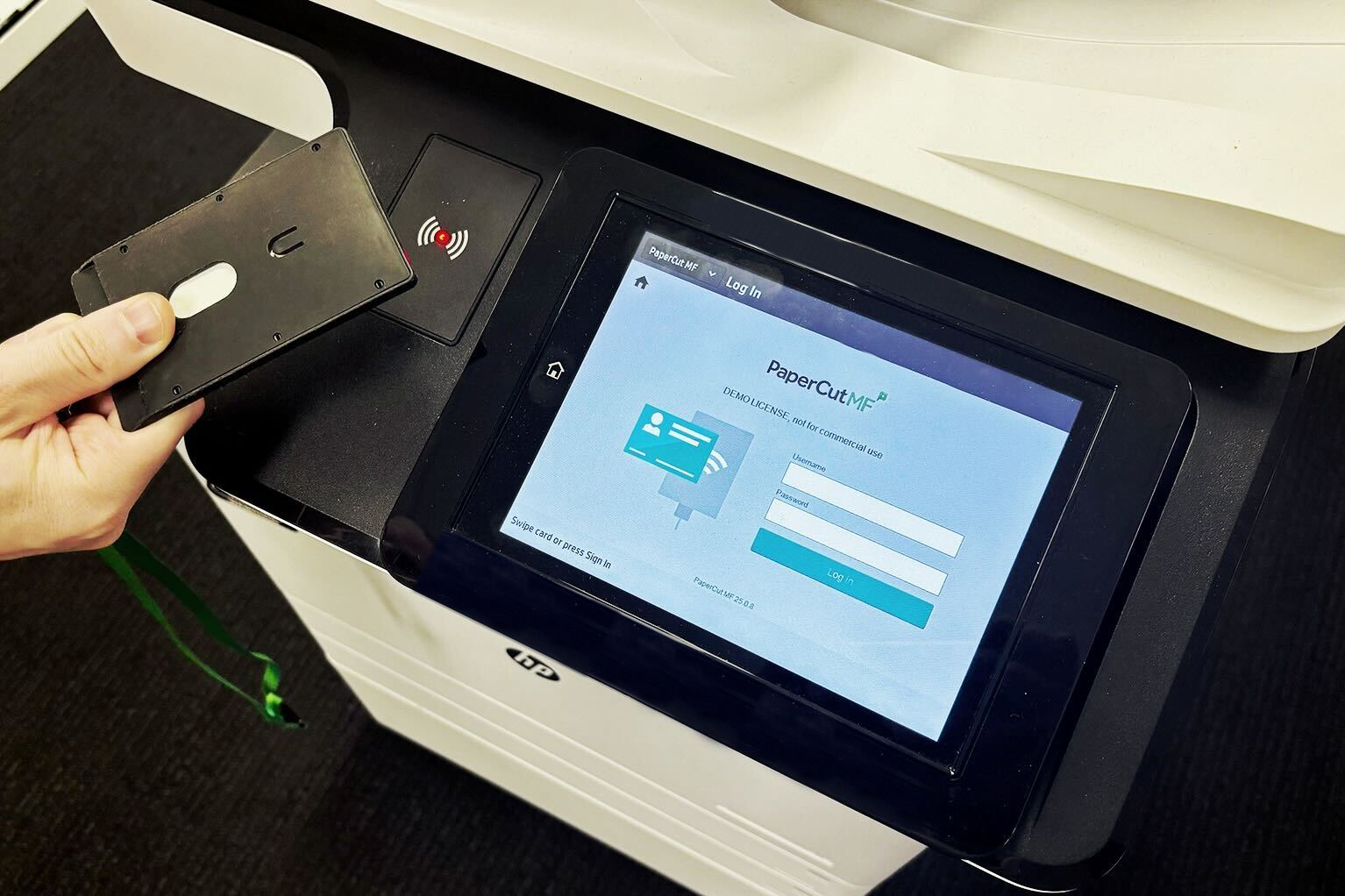
You can automatically import existing building access card IDs during the sync process, enabling immediate “swipe-to-print” functionality. If you don’t have card data in your directory, PaperCut MF allows users to self-associate their cards at the multi-function device (MFD) on their first use.

For a step-by-step guide, see our guide to Card/ID number self-association at the MFD.

Manage hybrid user environments

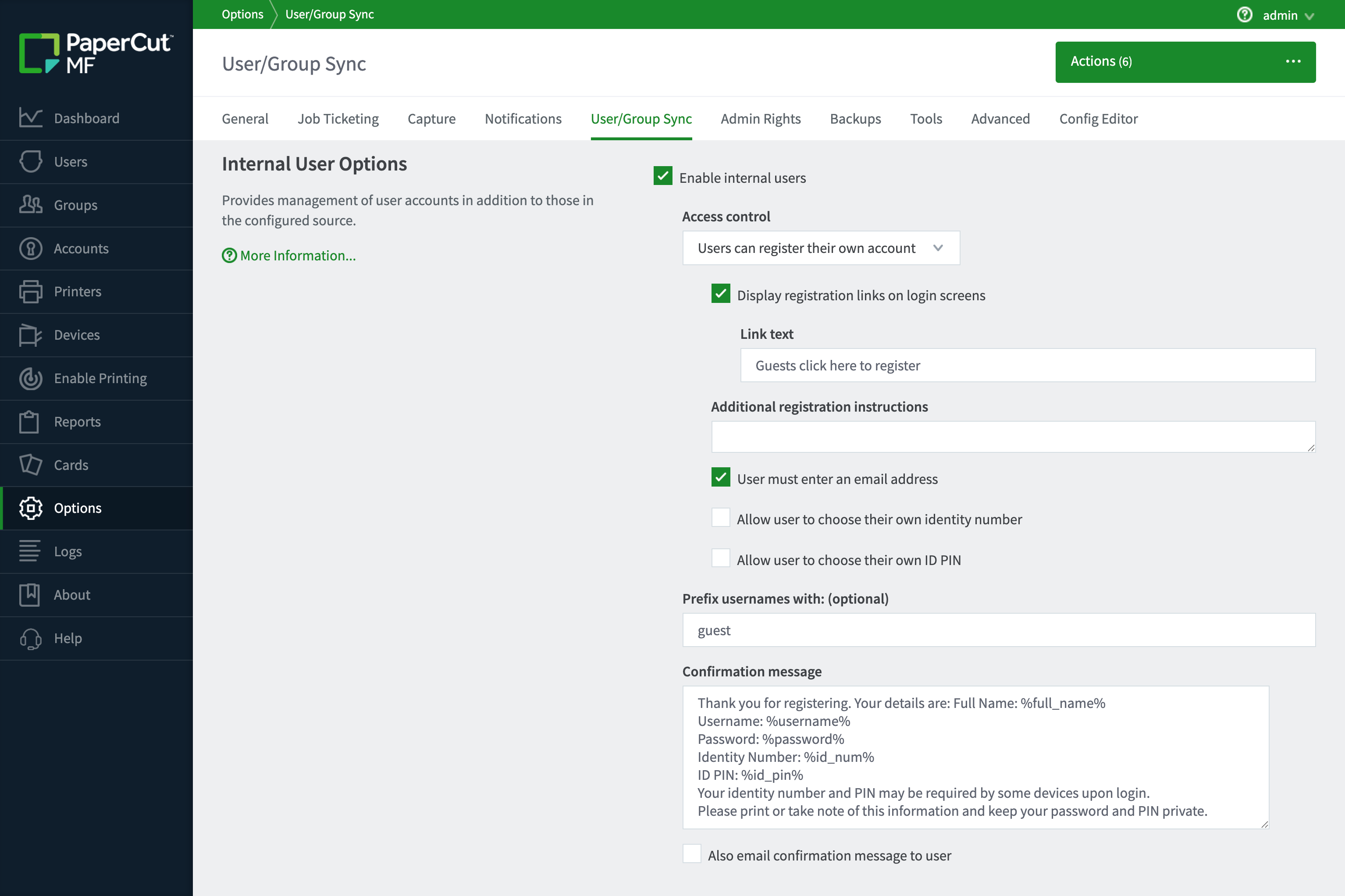
Don’t let users outside your primary directory become a management burden. PaperCut MF allows you to mix and match directory-synced users with “Internal Users” created directly within the system.

This is perfect for organizations that need to provide printing to contractors, volunteers, or public visitors without creating formal domain accounts.

Administrators can enable guest self-registration, displaying a “Register as a New User” link on login screens or authentication popups. Visitors simply create their own credentials and start printing instantly.

Read our overview of Internal users in the manual.

PaperCut MF User Client interface featuring the Internal Users registration link for guest authentication.

Flexible client deployment options

While many environments run perfectly without local software, PaperCut offers optional clients to enhance the user experience and automate setup.

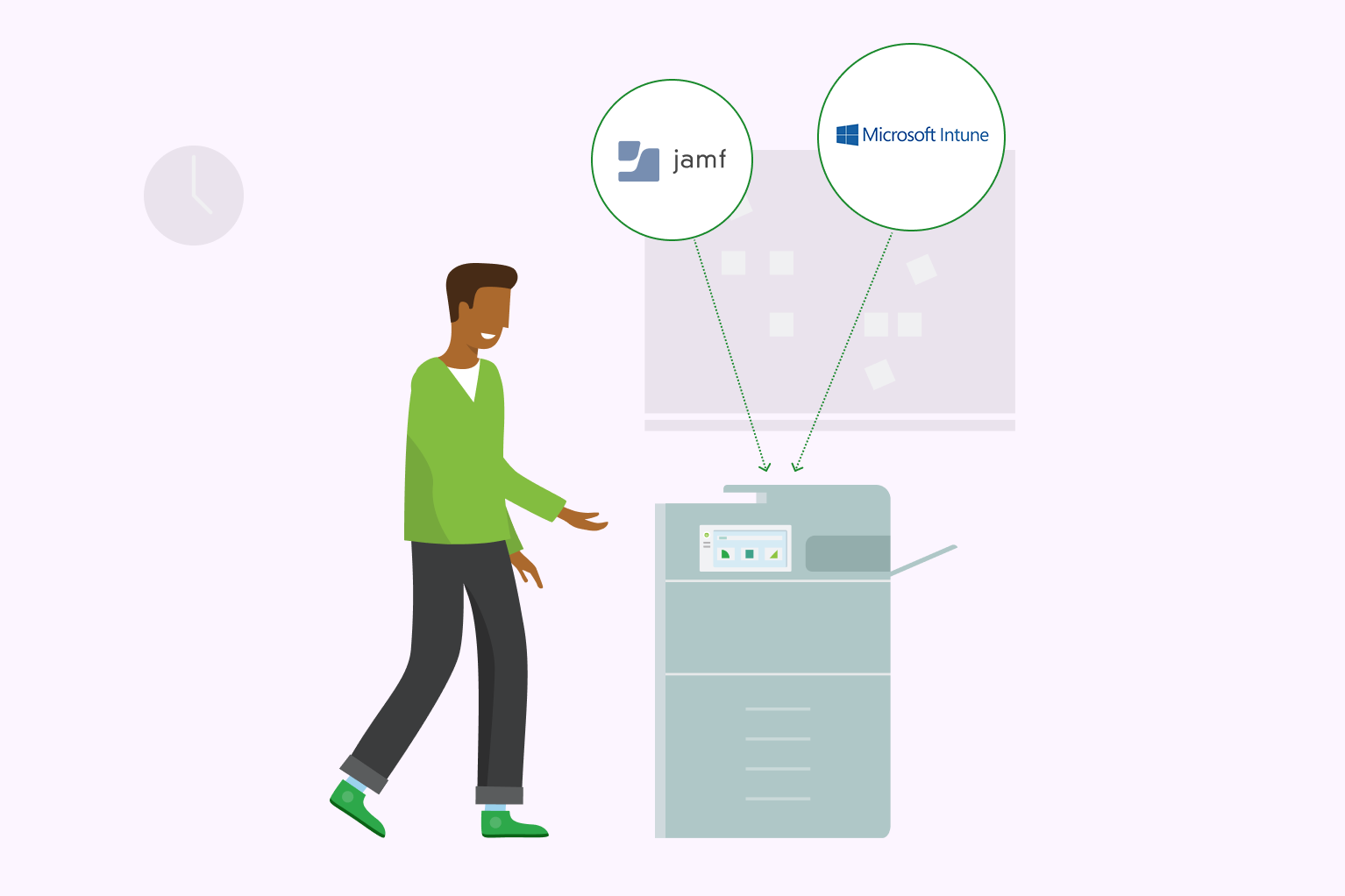
If you choose to use them, you can easily mass-deploy via MDM (like Intune or Jamf):

  • Print Deploy Client: A zero-touch way to ensure the right print queues and drivers are automatically waiting for users as they move between offices or departments.
  • PaperCut MF User Client: Provides real-time desktop interaction for features like account selection, popups, or balance tracking.

See our section in the Print Deploy manual to learn more about Managed/MDM deployment options.

Instead of manual installs, you can roll out the PaperCut Print Deploy client via Intune, Jamf, or any MDM tool.