


The great PC refresh is coming, whether your organization is ready for it or not. And this new global hardware update cycle is, to put things mildly, a doozy.
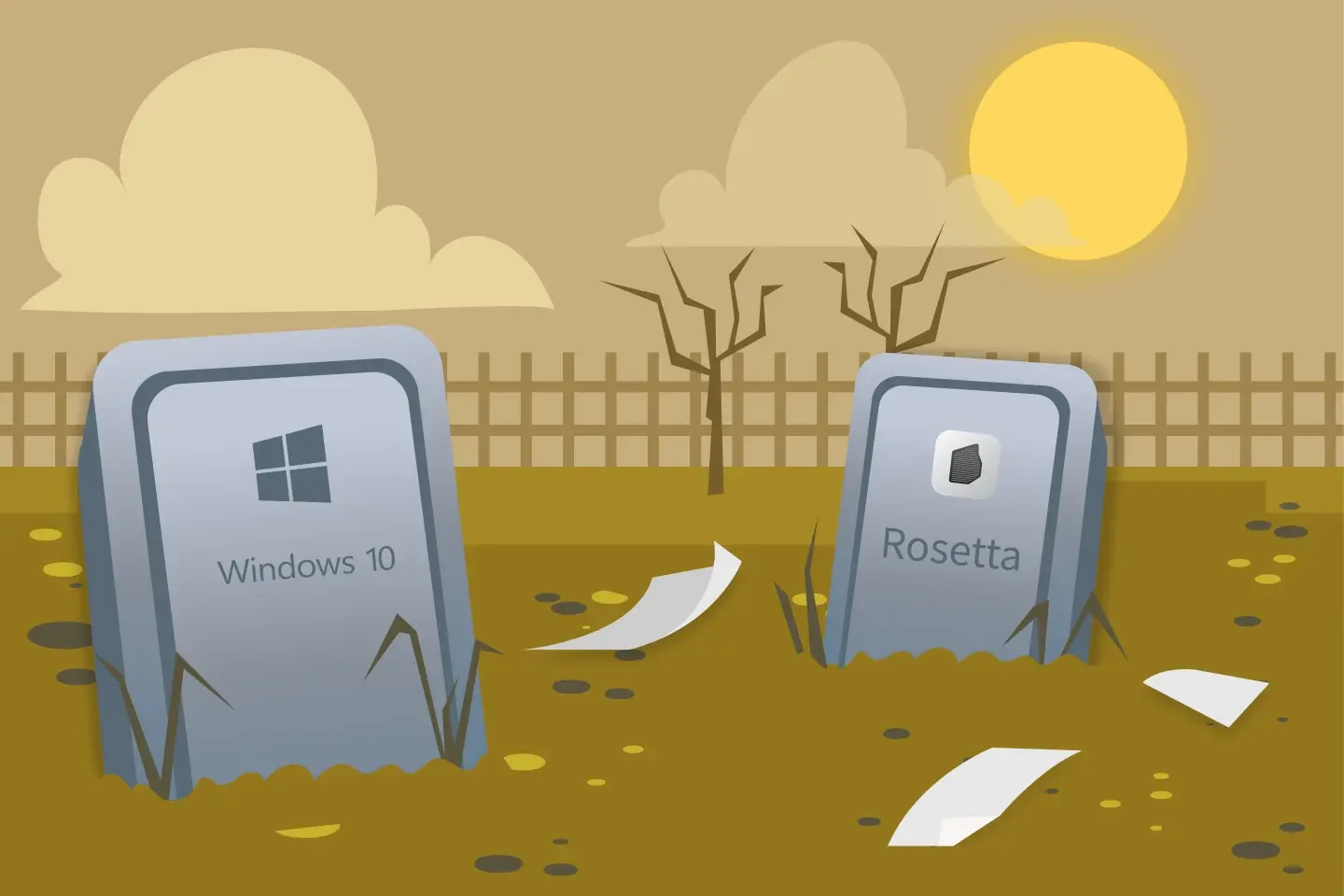
With the retirement of Windows 10, Apple’s wind down of Rosetta on Apple silicon Macs, and the massive adoption uptick in ARM64 architecture, we’re predicting the sort of enterprise-level shake-up not seen since the invention of the fax.
It’s probably better to think of enterprise PC refreshes as more than a simple hardware upgrade. As organizations move to Windows 11 and adopt AI-capable devices, they’re going to uncover hidden dependencies in their printing infrastructure. And the natural question is going to be: so, what the heck do we do now?
What’s driving the next wave of replacements?
The enterprise PC refresh (what ITPro is calling the havoc of modern refresh cycles) is being driven by three big forces: Windows 10 being taken off the respirator and slipping away quietly into the night, aging legacy hardware, and growing interest in AI-capable PCs.
For those listing their home addresses as “Under A Rock”, Microsoft ended Windows 10 support on 14 October 2025, removing standard security updates and technical support for most editions. This has massively accelerated migration planning, particularly for organizations with devices that can’t yet run Windows 11. Microsoft’s Windows lifecycle guidance has all the implications, if you’re interested.
Meanwhile, AI-capable PCs are creating another incentive to upgrade. Gartner forecasts that AI PCs would account for 55% of PCs shipped in 2026, with widespread adoption by 2029. But rising component costs and supply constraints are complicating replacement schedules, making strategic planning even trickier.
The result? Well, it’s not a clear, clean transition. More of a prolonged period of mixed devices, operating systems, and hardware architectures, all jumbled up at once.
Hence “havoc.”
New PCs, new architectures, old infrastructure
There’s a fundamental truth at the heart of this mess, which is that not every new PC works the same way. While most traditional Windows PCs use x86 or x64 processors, a growing number of devices use ARM64 architecture, including Snapdragon-powered Copilot+ PCs.
It’s important to remember that AI capabilities alone don’t determine a device’s architecture: lots of AI PCs still use x64 processors. But for IT teams, introducing ARM64 devices can expose awkward compatibility assumptions built into existing infrastructure. Like your printer fleet.
Applications, drivers, and deployment tools all need to work within this weird, new environment, and printing is one area where those dependencies can quickly become painfully visible.
What is ARM64, and what does it mean for printing?
ARM64 is a new-ish processor architecture used in devices like Snapdragon-powered Copilot+ PCs. In truth, it’s been around for a while, but it’s recently moved from “Niche But Interesting” to “The Next Big Thing”. Compared with traditional x86-based Windows PCs, Windows on ARM devices use a different instruction set, which means software and hardware drivers must be compatible to work natively.
For printing, the issue is printer driver compatibility. Most traditional Windows printer drivers won’t run natively on Windows ARM64, leaving IT teams to find compatible native drivers, use standards-based printing, or introduce a solution that bridges the gap.
Why printing could be the blind spot in your PC rollout
During a PC refresh, printing often receives less attention than core apps, identity management, and endpoint security. If existing printers and queues have worked reliably for years, it’s easy to assume they’ll continue working with new devices.
But a lot of enterprise print environments still depend on manufacturer-specific drivers, Windows print servers, custom queue configurations and established deployment processes. A new endpoint architecture, like ARM64, can completely mess up that delicate chain.
The consequences are exactly what you’d expect: failed installations, missing printer options, inconsistent user experiences and a mountain of support requests. For large organizations, even a seemingly minor compatibility issue can become a huge operational distraction, especially when you multiply it across hundreds or thousands of endpoints.
The Windows on ARM problem
Traditional Windows printer drivers built for x86 or x64 generally won’t run natively on Windows on ARM devices. And application emulation doesn’t really solve the problem, because printer drivers operate at a different level of the printing process.
Some manufacturers provide ARM64-compatible drivers, but availability varies a lot. Existing print-server arrangements can introduce further gremlins, particularly where driver compatibility and sharing requirements differ between client devices.
This doesn’t automatically make your existing printer obsolete. Windows supports standards-based printing through Internet Printing Protocol (IPP), including compatible printers using Mopria standards. Depending on the printer and required features, this can reduce reliance on traditional manufacturer-specific drivers.
Check out our ARM64 printing guide; it explains the driver issue and troubleshooting solutions in more detail.
What the PC refresh can teach us about print readiness
A PC refresh is an opportunity to identify printing dependencies before they become rollout problems. To do that, IT teams need to assess four basic areas:
- Audit the printer fleet. Record your printer models, driver types, print queues and any specialist features users actually use.
- Map the future device mix. Identify which endpoints will use x64 or ARM64, and which won’t. Check driver and operating-system compatibility.
- Test real workflows. Verify installation, authentication, duplex printing, color, finishing options, and any department-level accounting requirements.
- Plan deployment and support. Establish how your new queues will be installed, updated and troubleshot across different device types.
Always test with representative devices and users before launching into an enterprise-level rollout. A successful test page isn’t enough. You want to make sure all critical features and workflows work on the new system.
How can you future-proof your print environment?
The goal isn’t to predict every hardware change. That’s impossible. Your goal should be to build your system in such a way that dependencies don’t cripple the business when you do change.
Standards-based printing, centralized print management and flexible queue deployment can all help organizations support mixed endpoint environments during this awkward transition phase.
There are a few ways to go here:
- Mobility Print. When paired with Print Deploy (see below), this provides IPP-based printing to help users connect to existing printers without requiring a manufacturer driver on every client.
- Print Deploy. This helps IT teams deploy and manage print queues across endpoint environments, including mixed x64 and ARM64 Windows devices.
- Global Print Driver. This supports both x64 and ARM64 Windows architectures, providing a common driver option for compatible printing workflows.
The right approach depends on your printers, required features and existing architecture.
At the end of the day, hardware refresh cycles are going to come, just like waves on the shore. You can’t stop the waves, but you can build a better, more resilient boat. In printing terms, that means designing a flexible environment that doesn’t depend on specific drivers or configs. So whether it’s ARM64, or the next big thing after that, it doesn’t really matter – you’ll be ready for anything.

