Choose your language

Choose your login

Support

How can we help?

PaperCut's AI-generated content is continually improving, but it may still contain errors. Please verify as needed.

Lightbulb icon
Lightbulb icon

Here’s your answer

Sources:

* PaperCut is constantly working to improve the accuracy and quality of our AI-generated content. However, there may still be errors or inaccuracies, we appreciate your understanding and encourage verification when needed.

Lightbulb icon

Oops!

We currently don’t have an answer for this and our teams are working on resolving the issue. If you still need help,
User reading a resource

Popular resources

Conversation bubbles

Contact us

PaperCut Pocket Logo

Cloud print management for Small & Medium Businesses

Utilize the cloud for smooth, secure printing, reducing both costs and IT workload.

PaperCut Pocket people and printer on a cloud illustration

Set up, manage and optimize printing with just a browser. Any location, any printer, any OS.
leverage your current set up

Your tech toolbox, your print needs

Enjoy the flexibility of printing from any device, wherever you are. Bridge any technological gaps to ensure a seamless and reliable printing experience for users.

Workflow icon
Leverage your users identity and workflows
Automatically add new users and facilitate printing quickly by syncing with Google Workspace and Microsoft Entra ID.
Rabbit icon
Quickly onboard users and guests on any device
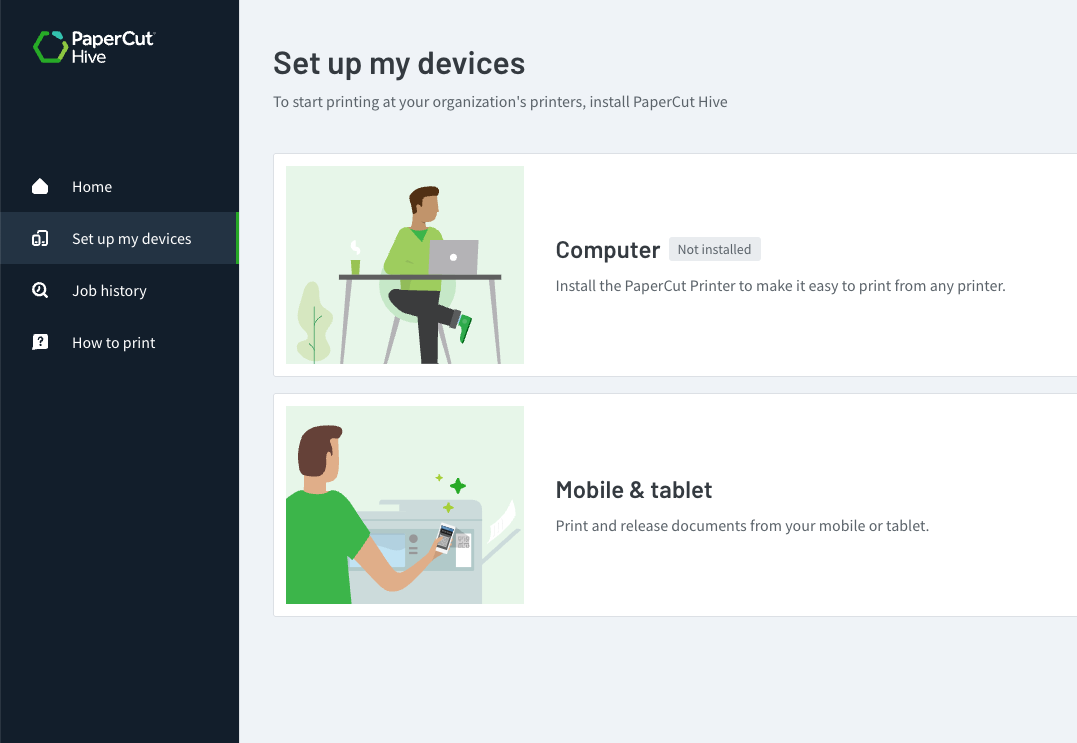
Consistent and driverless printer set up on Chromebooks, Android, macOS, iOS, and Windows devices in any combination.
World icon
Print from anywhere to any printer
Whether at a cafe, another office, or at home, users print at their convenience and retrieve documents later in the office.

Easy printing

Link users to any printer within minutes

Say goodbye to the hassle of configuring servers, hardware devices, or asking people to set up drivers. PaperCut Pocket handles everything for you, harnessing the power of the cloud, for swift, server-free printing without complications.

Target icon
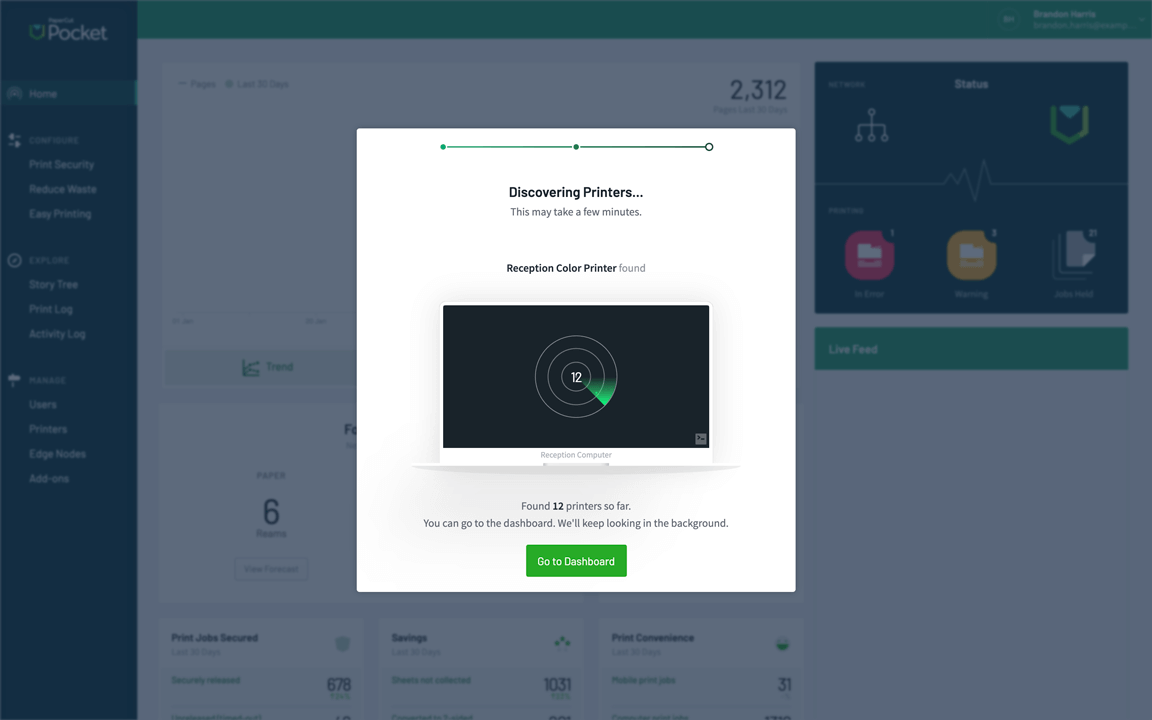
Automatic printer discovery
No need for either IT admin or users to stress about drivers, regardless of users’ locations or printers they use.
Person tick icon
Tailored user onboarding
Let users self-serve their printing setup through the User Print Portal, or onboard them via a self-setup email.
smile icon
Seamless setup for managed devices
Pre-deploy the PaperCut Pocket client with MDM solutions so users authenticate on first print with your SAML identity provider, ensuring their jobs stay theirs.

Secure printing

Protect documents end to end

Ever had the issue of forgetting to collect important printouts like payroll documents? That won't be a concern with PaperCut Pocket. Utilize mobile devices to securely release prints to make sure the right documents end up in the right hands.

Key and lock icon
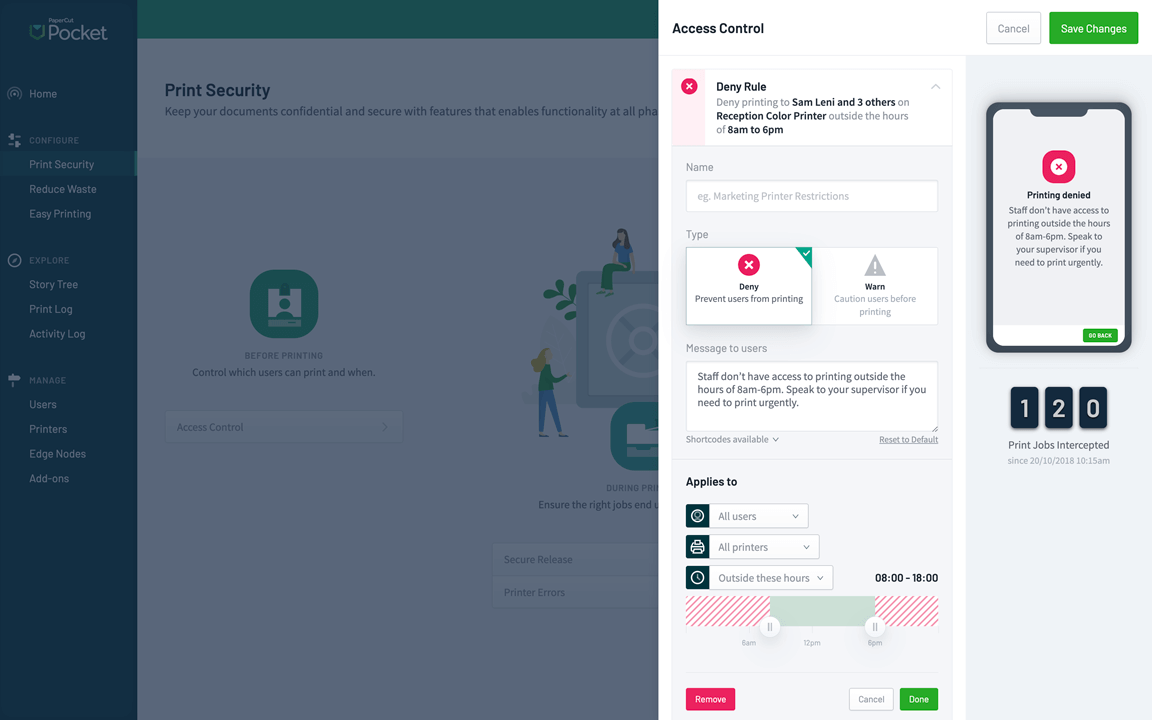
Before: Access control
Regulate printing access to manage who can print, when, and where, ensuring transparency and cost-effectiveness.
Shield icon
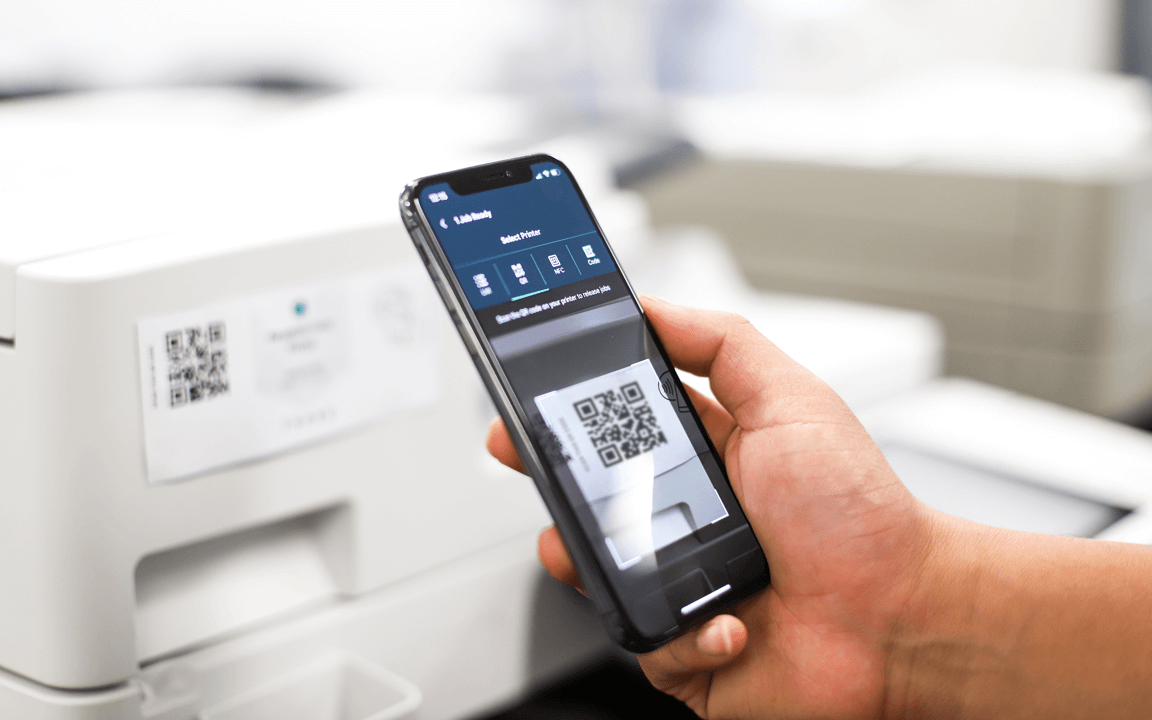
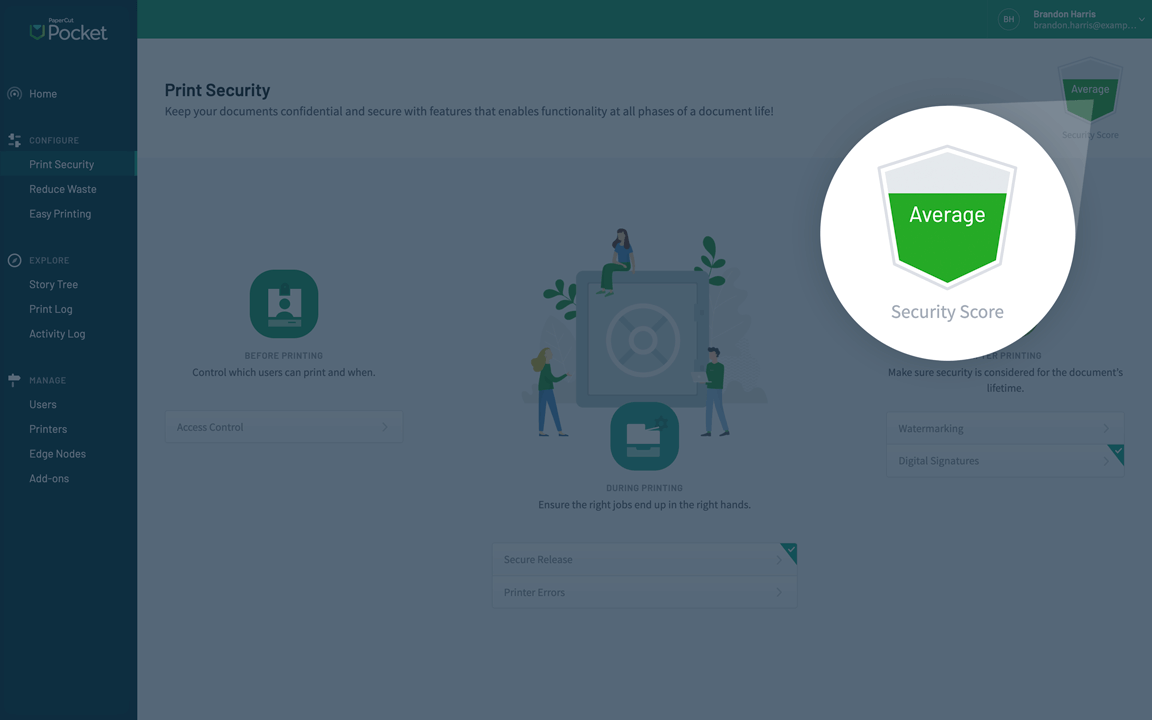
During: Secure release
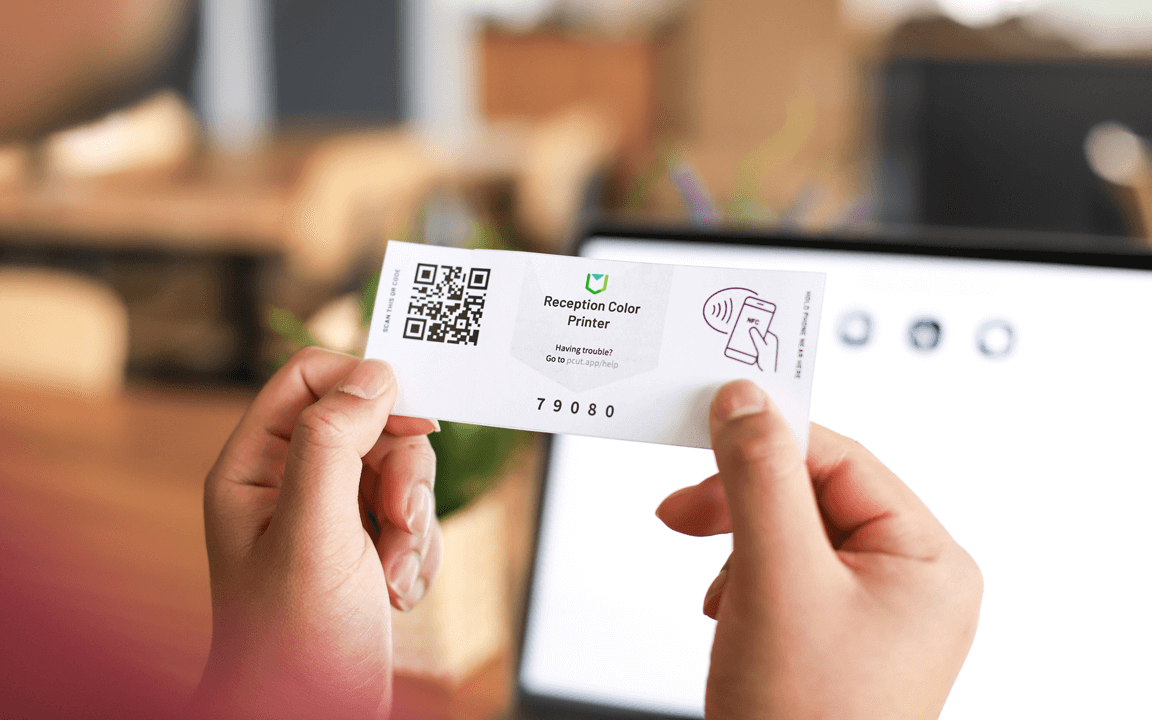
Retrieve your documents securely at the printer by scanning a QR code with your phone or using NFC technology, similar to mobile payments.
Paper and person icon
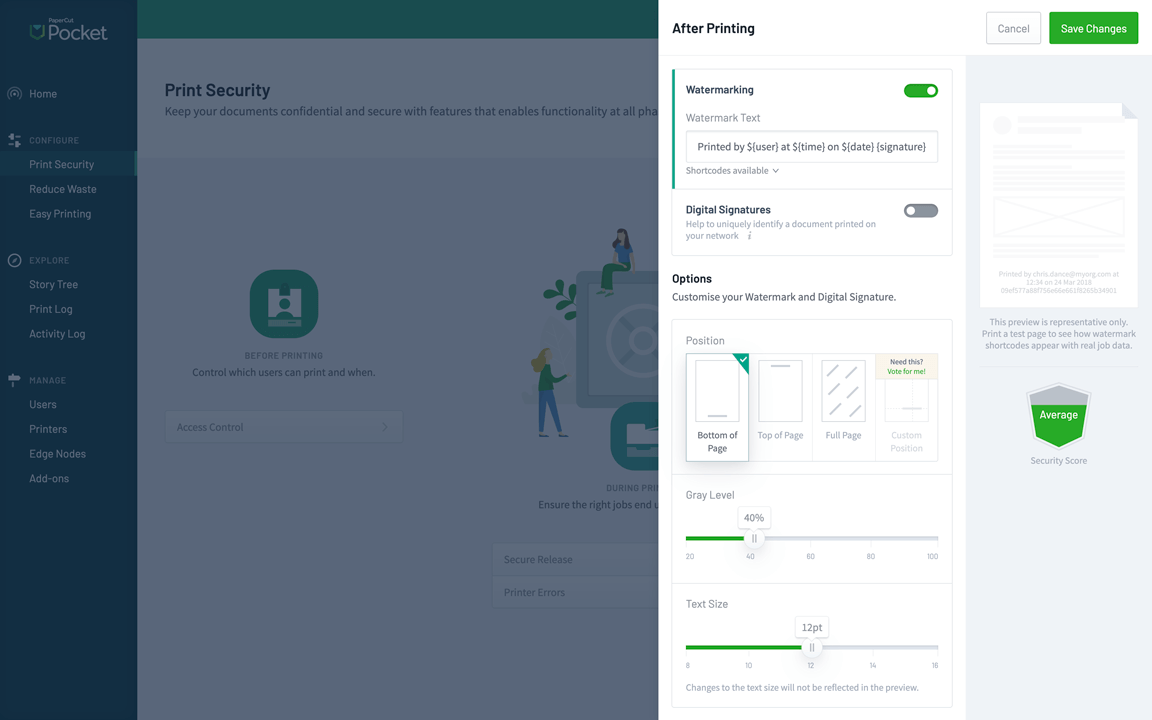
After: Watermarking
Reinforce document ownership and encourage responsible handling by adding a username watermark or digital signature.

SUSTAINABLE PRINTING

Eco-friendly printing that reduces waste

Reduce your environmental impact - without slowing anyone down. PaperCut Pocket makes it easy to cut waste and encourage greener printing habits with secure print release, eco-friendly nudges, and our Forest Positive printing program.

reduce paper icon
Zero uncollected print jobs
On average, 12% of print jobs go uncollected, wasting paper and toner. Set expiry times to automatically delete unclaimed jobs - reducing waste and keeping recycling bins empty.
bell icon
Eco-friendly nudges
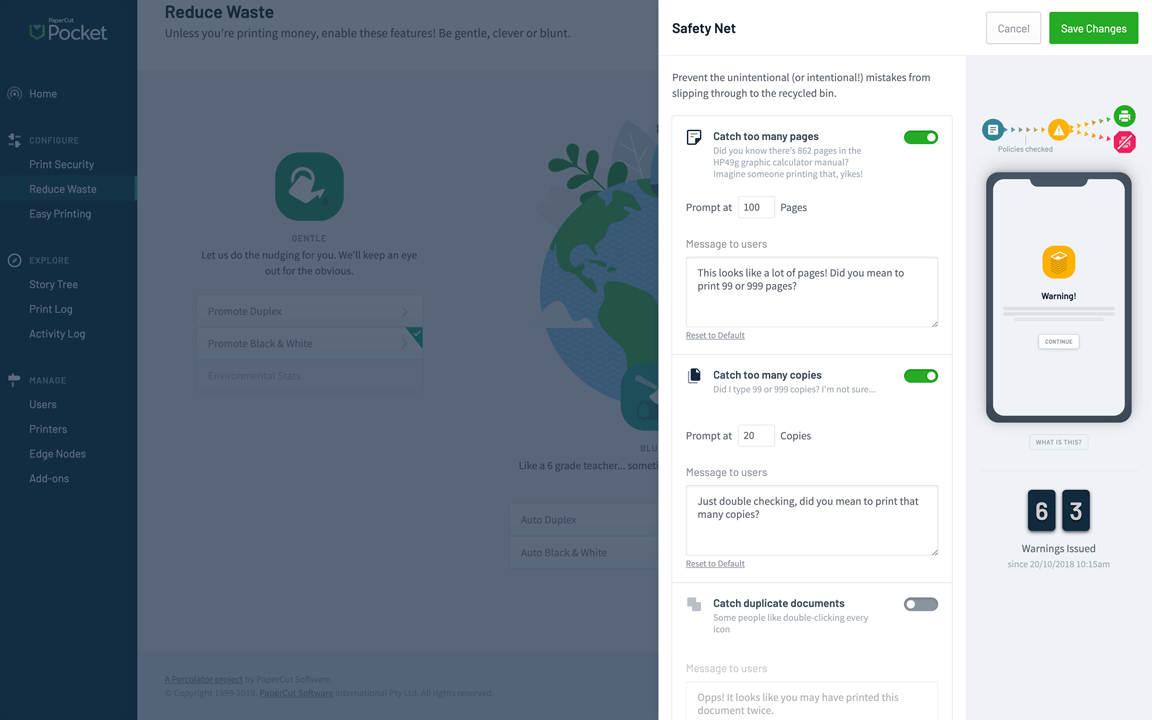
Give users a gentle reminder to choose 2-sided or black & white - right when they release a secure job from their phone.
caring for the world icon
Forest Positive printing
Reduce print waste, then go one step further. With our PaperCut Grows program, you can turn your essential printing into a Forest Positive force by planting trees as you print.

SMARTER PRINTING BUDGETS

Take control of your printing spend

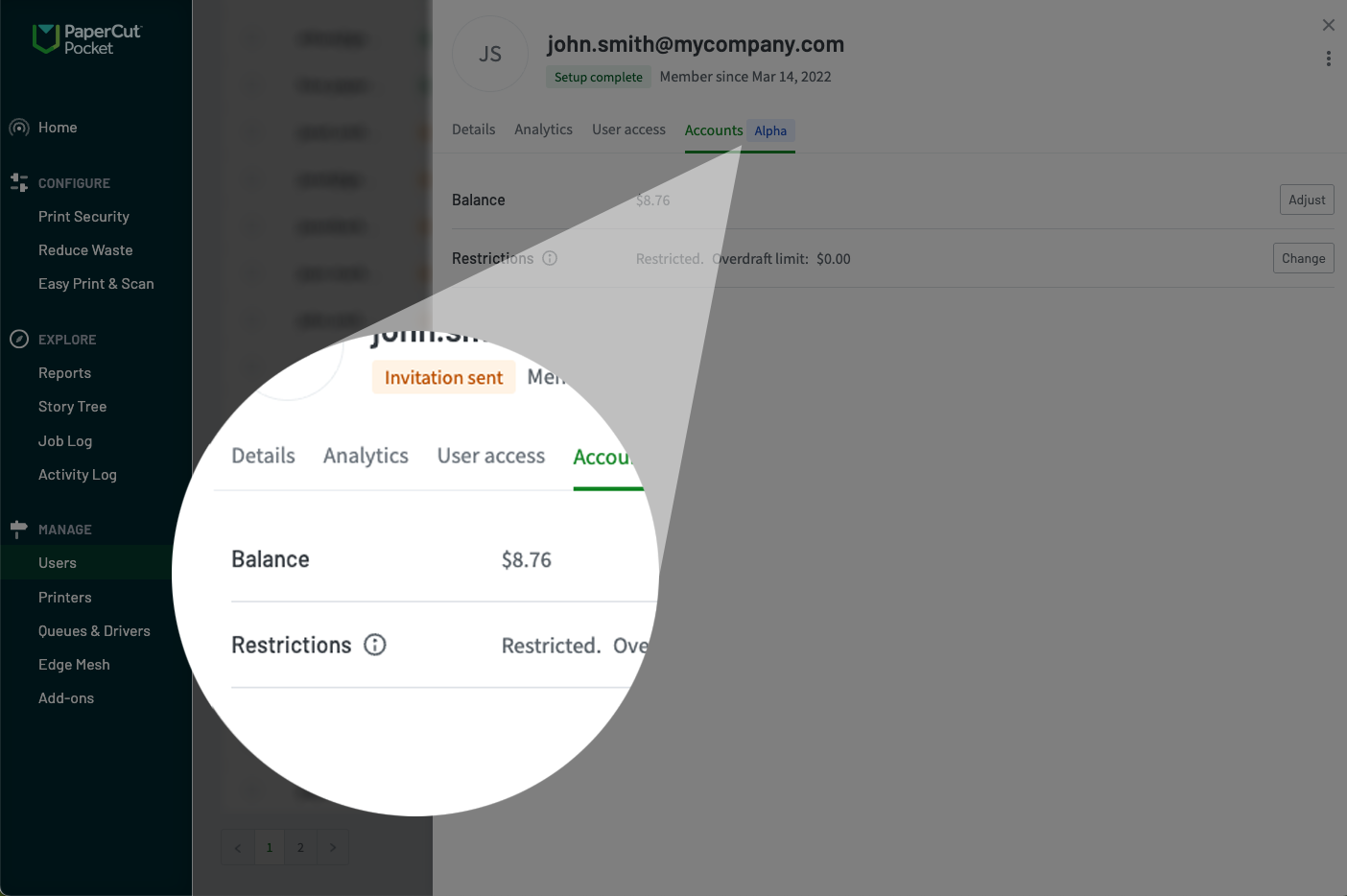
Print Quotas in PaperCut Pocket help schools and organizations manage their printing budgets and encourage thoughtful printing. Assign credit balances to users, set price lists for printers, and use cost tracking to get full visibility of printing behaviour.

assign quotas icon
Assign credit balances
Set individual print quotas to limit how much a user can print - perfect for managing usage and spend.
printer with cost assigned
Set print costs by printer
Use price lists to reflect real-world costs - like making colour or high-end printers more ‘expensive’ to use.
ringing bell icon
Track usage and cost trends
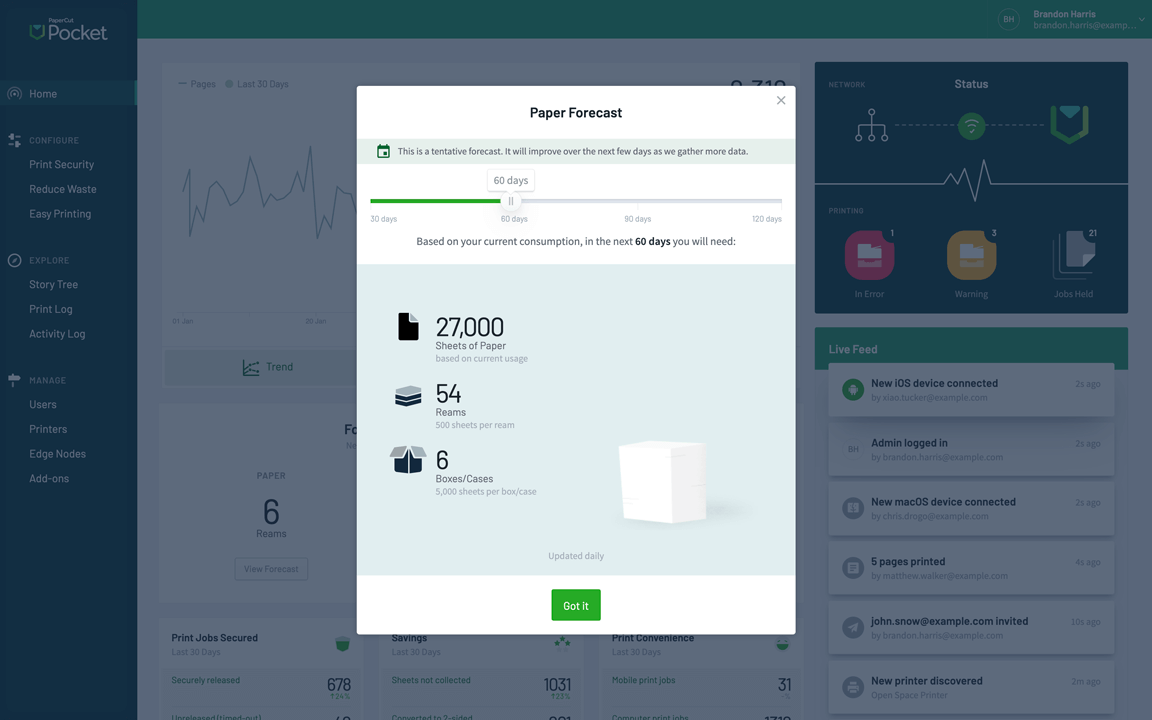
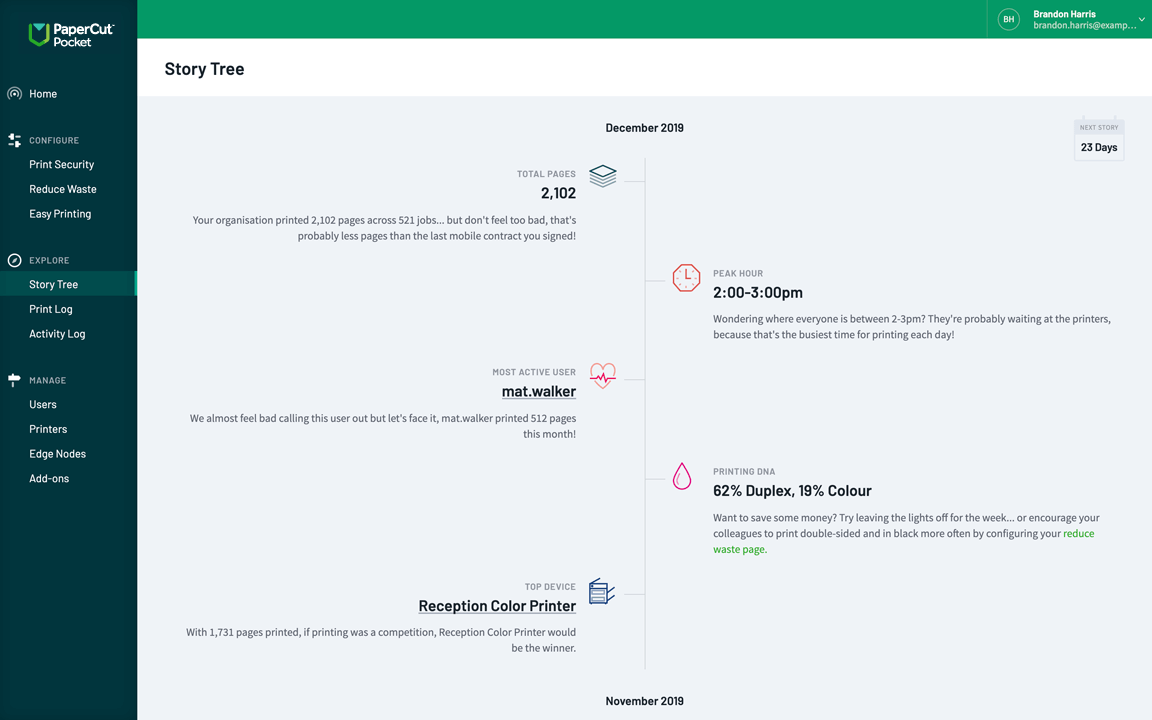
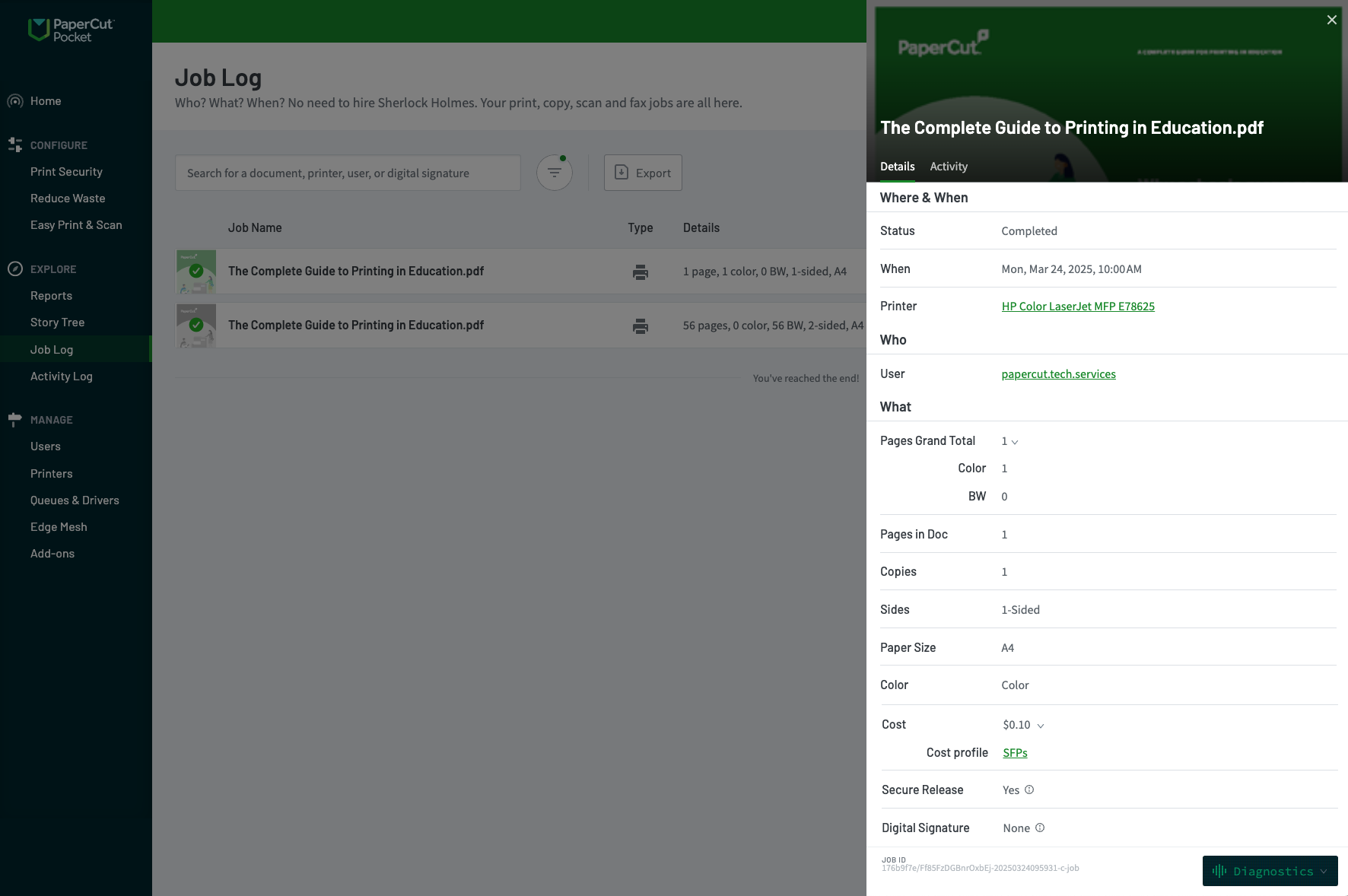
Get insights into who’s printing what, where, and how much it’s costing - helping you stay on top of budgets.

Secure data for peace-of-mind printing

Cog icon
Choice to retain printouts within the local network
lock key icon
Documents are encrypted both in transit and at rest
World icon
Keep your data stored in your specific region
Certificate icon
PaperCut is an ISO 27001 compliant organization

A closer look at PaperCut Pocket

Take a look at PaperCut Pocket’s features and learn how they solve solve print enablement and print management in your organization.

Take a visual tour of all features

Pricing that scales with you

Monthly subscription

  • Pay monthly by credit card, based on active users
  • Deploy the right print queues automatically
  • Improve security and confidentiality with mobile phone-based print release
  • Track printing and enable smart policies to save waste and promote responsible use
START FREE TRIAL
Active users Price per active user (USD)
1 - 50 active users $1.90
51 - 100 active users $1.81
101 - 200 active users $1.77
200+ active users Speak with us

Are you a Managed Service Provider (MSP)?

Partner with PaperCut Pocket to deliver cloud print that just works, while you stay focused on growing your business.
Well done! You've got this far

Now let's get into some details

Manual icon
Look under the hood
hand icon
Trial PaperCut Pocket

PaperCut Pocket FAQs

All the things you want to know about PaperCut Pocket

How much does PaperCut Pocket cost?

PaperCut Pocket is a monthly subscription that starts at $1.90 USD per Unique Active User. Instead of charging for your whole company or per printer, you only pay for the people who actually access the system during the billing period (such as by logging into an app or portal, or by printing, copying, or scanning).

Every account starts with a 40-day free trial with full access to all features to help you get started.

What is an “active user”?

Anyone with an authenticated session during the last calendar month. A user is considered active and billable if they perform any of the following "qualifying" actions within a calendar month:

  • Authenticated sessions: A user who runs an authenticated print client (Windows, Mac, or Chrome OS).

  • Mobile app use: A user who opens the PaperCut Pocket/Hive mobile app on iOS or Android.

  • User portal or admin console interaction: A user who logs into the User Portal or admin console.

Who is this free trial for, and how does it work?

This 40-day free trial is designed for anyone responsible for managing organizational printing, such as IT managers, admins, or business owners. While end users should contact their internal admin to get started, trial administrators enjoy unrestricted access to all PaperCut Pocket features and Add-Ons.

You will receive a notification a few days before the trial expires, at which point you can provide your credit card details to transition into a monthly subscription without any service interruption.

How about scanning?
PaperCut Pocket and PaperCut Hive are both products designed for the cloud, with security in mind and built on the same cloud-based platform. In addition to all the features of PaperCut Pocket, PaperCut Hive offers the ability to enable and monitor scanning, as well as use swipe cards for secure print release. This is made possible through the cloud-based PaperCut Hive Printer App, accessible via the printer's touchscreen.
Can users print from their phone?
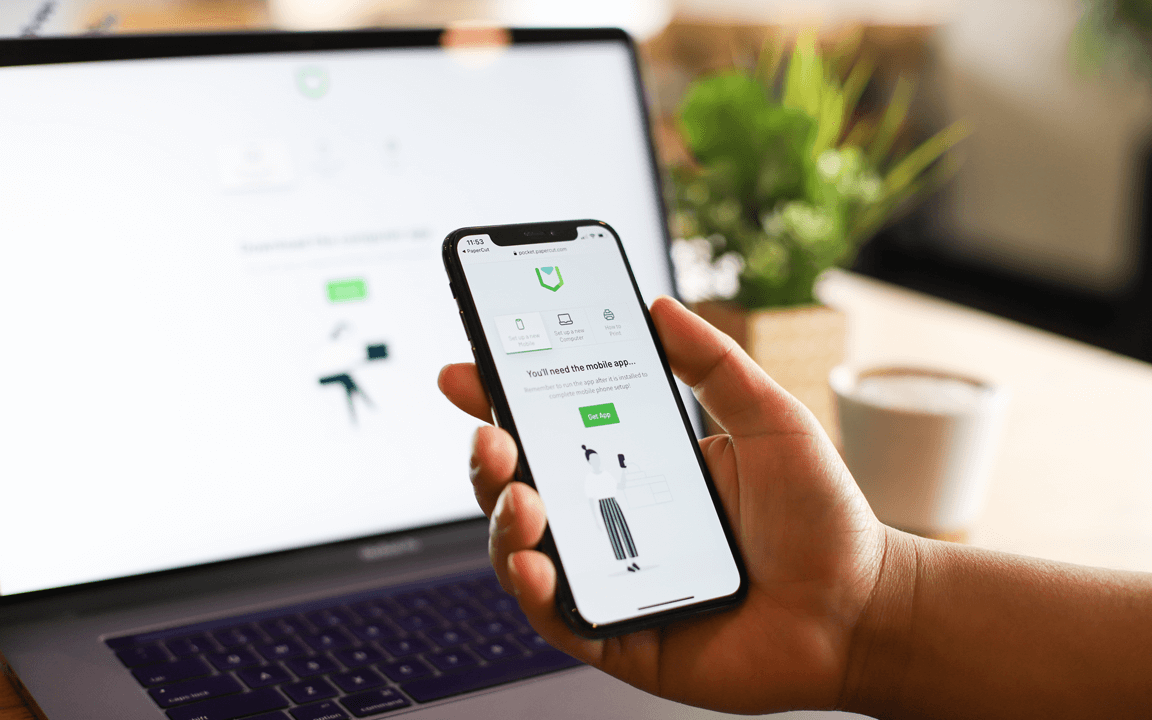
Yes, we support printing from iPhone or Android mobile devices. Users just need to follow the simple steps in their email to download the mobile App. Make sure users know they need to be connected to the office Wi-Fi network.
Do I have access to upgrades?
This is a cloud service and as long as your subscription is active you will be running the latest version. The software and client automatically update when new versions are released, you will always have the latest version.
What are my payment options?
Secure Online Credit Card Payment.

From your PaperCut Pocket trial, you can purchase directly through your Admin Console. Simply head to the Billing and Subscription page in your Admin dropdown menu.

When purchasing with your credit card, your information is sent directly to our secure credit card processor, FastSpring. This ensures that only you and the credit card processor can see your credit card information.

'FS * papercut' will appear on your Credit Card bill/statement.

Your Credit Card details are not stored on any server, nor canthey be viewed by our staff. All details are secure and passed to the FastSspring servers via SSL/HTTPS.

Which currencies do you accept?
We accept payments in most major currencies, including USD, GBP, EUR, AUD, and CAD. If you reside in a country outside these regions, the payment will be charged in USD.
Can I pay by check or have an invoice sent to me?
No. As PaperCut Pocket is provided as a recurring monthly subscription, the only payment method we can accept at this time is a credit card.
Do I need to wait for a license file to be sent to me?
Not at all. The moment you have finished entering your payment details, your subscription will go live. Payments will then occur monthly based on your active print user count.
What taxes are involved?
Fastspring will automatically calculate and charge the taxes applicable to your location. If you have a tax exemption (GST/VAT), you can waive it at the time of purchase by entering your exemption details.
What if my question isn't answered here?
If you've got a sticky situation that needs some extra attention, let's figure it out together. (Probably over a coffee or two.) Please send an email or get in touch.
For more FAQs go here >
No credit card required

Start printing with PaperCut Pocket

This site is protected by reCAPTCHA and the Google Privacy Policy and Terms of Service apply.