


What's next?
More information? Get started with PaperCut Hive? No matter what you’re after, we’ve got you covered.
Fill out the form next door to get the ball rolling.
PaperCut's AI-generated content is continually improving, but it may still contain errors. Please verify as needed.
 Whipping up your print jobs
 Taming the print beasts
 Plugging in the cables for you
 Unjamming your printer
 Executing print commands
 Sizzling the sausages
 Streamlining workflows
 Restocking paper

* PaperCut is constantly working to improve the accuracy and quality of our AI-generated content. However, there may still be errors or inaccuracies, we appreciate your understanding and encourage verification when needed.
We're sorry to hear that. To help us improve, can you tell us why you were unhappy with this help experience?
This site is protected by reCAPTCHA and the Google Privacy Policy and Terms of Service apply.
If you still need help with your issue, for more Help options.


We’ve delivered powerful, practical tools that give you more control and save you time. These updates make life easier for admins and support growing schools and global workforces. You get new ways to manage data, automate insights, and control costs.
Dive into the details below to see how these new features can enhance printing within your organization.
PaperCut Partners: Find dedicated sales and technical resources in our Partner Portal.
COST CONTROL
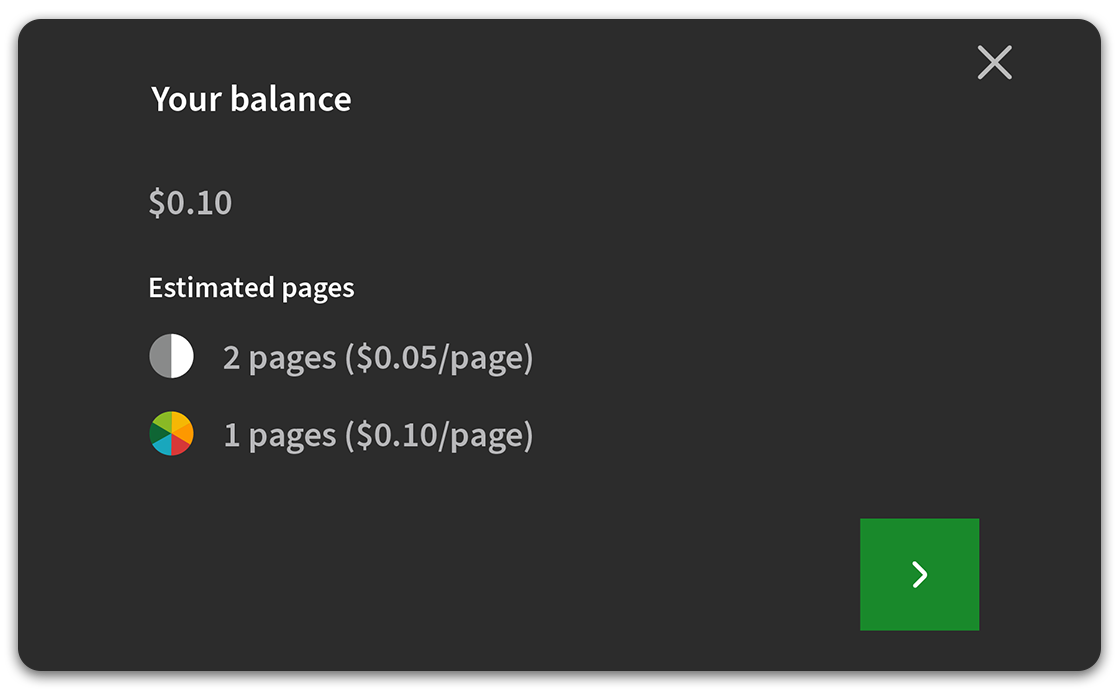
Take full control of MFD costs. Our Quotas feature is now complete with Copy Control, extending powerful, automatic budget enforcement to photocopying. Now, one quota balance governs both printing and copying, automatically blocking users when their balance is depleted to ensure you never overspend.


REPORTING
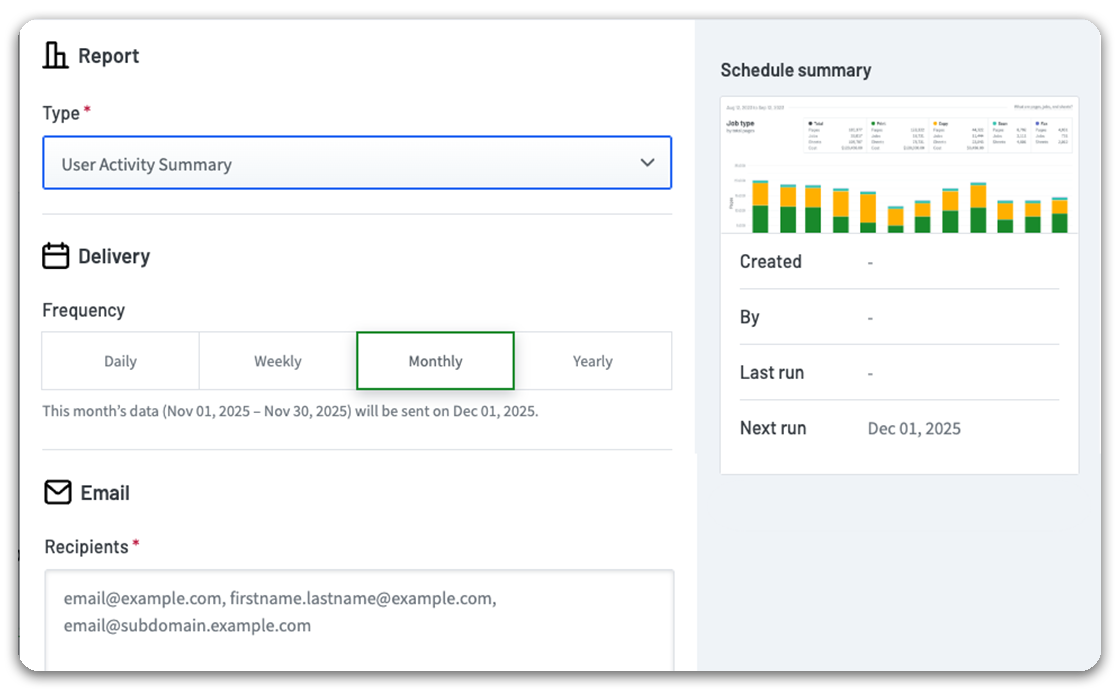
Reporting just got automated. Our new Scheduled Reports feature is a set-and-forget assistant that avoids you having to manually export data. Create a recurring schedule, and let Hive do the work for you.
Key reports like Print Volume, User Activity, and the new Transaction Report are sent automatically. They arrive as a CSV or PDF file, right to the inbox of principals, finance teams, or managers. No admin access is required.


Administration
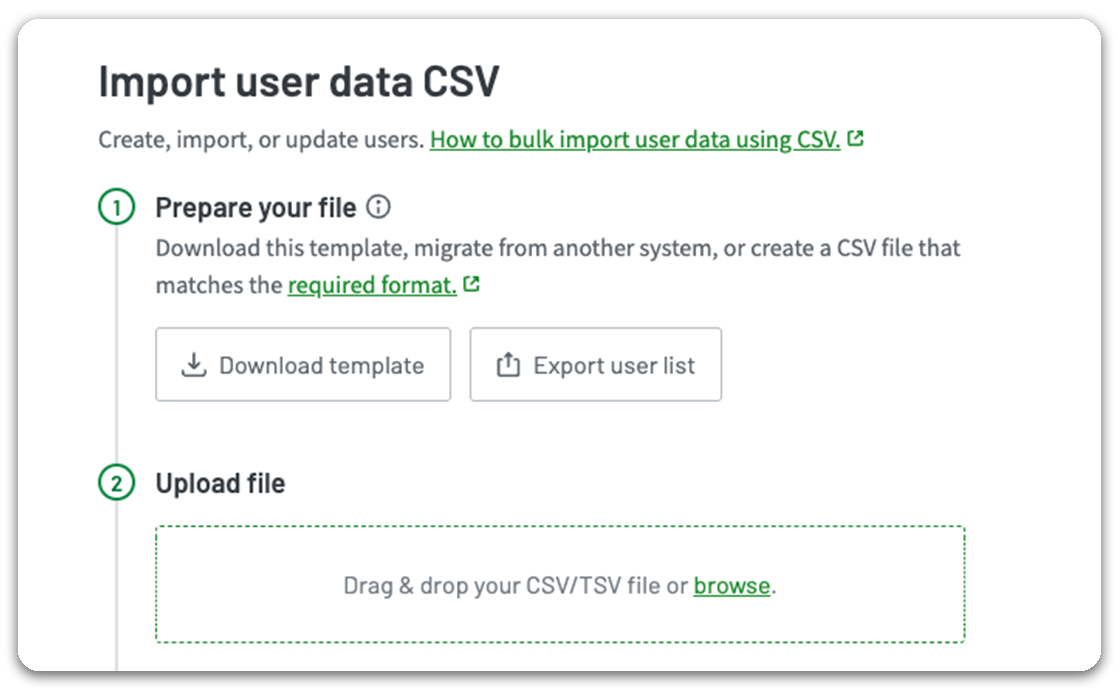
Get your users printing faster than ever. Our new User Data Import Tool simplifies creating, updating, deleting and migrating user data at scale.
It's a flexible, all-in-one solution. Use it to bulk-import a CSV or TSV file to manage everything from card numbers to quota balances. It's perfect for organizations that don’t use a supported IdP, need to import data the IdP doesn't sync, or are migrating from PaperCut MF.



USER EXPERIENCE
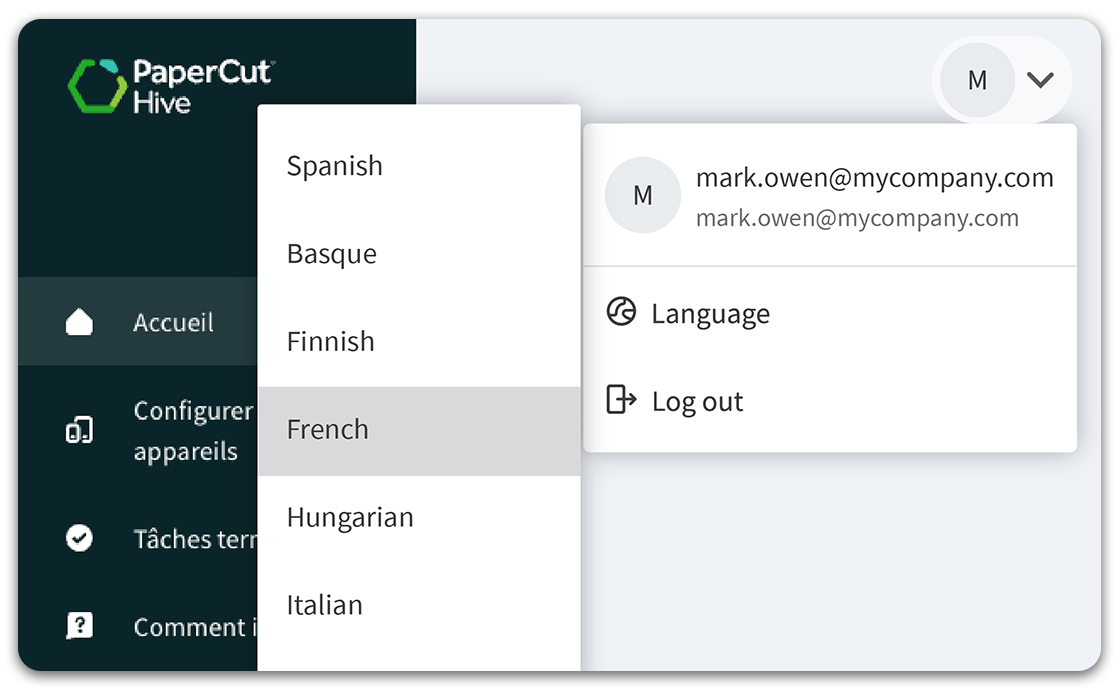
We've upgraded the User Portal to be more inclusive and accessible for everyone. This update introduces two key improvements: full language localization and a "Completed Jobs" log.


CUSTOMIZATION
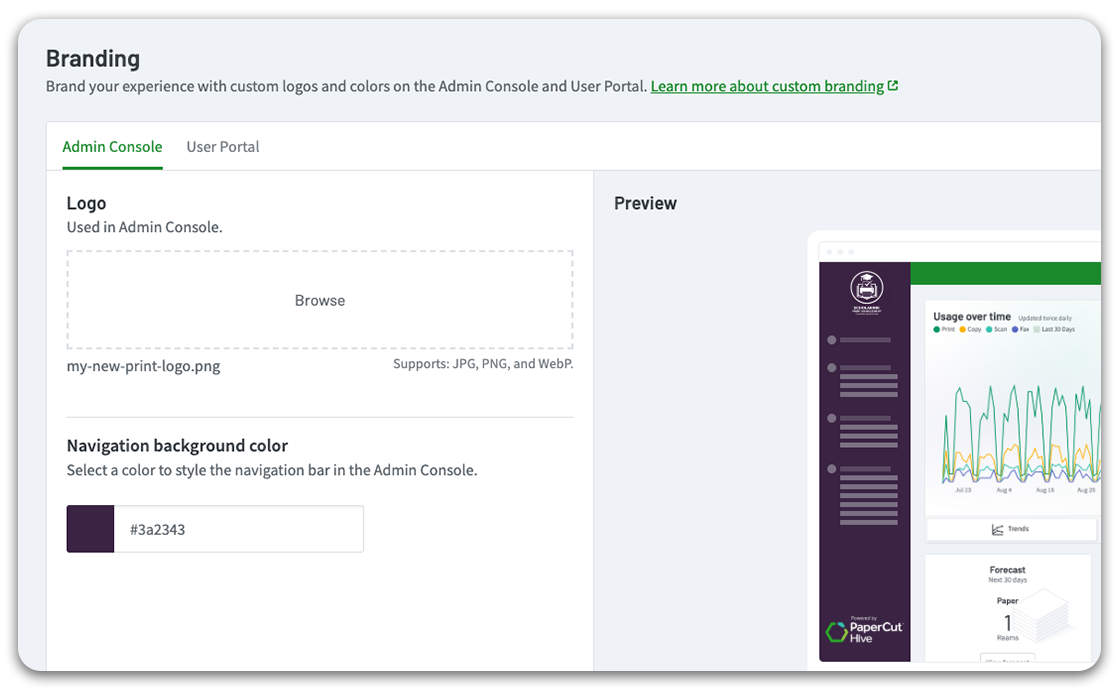
Make PaperCut Hive truly your own. Our new Custom Branding feature reinforces your organization's identity across the printing system.
This helps reassure users they are working with the correct, authorized software. A new Settings > Appearance tab gives you a simple, streamlined way to upload and configure your logo.


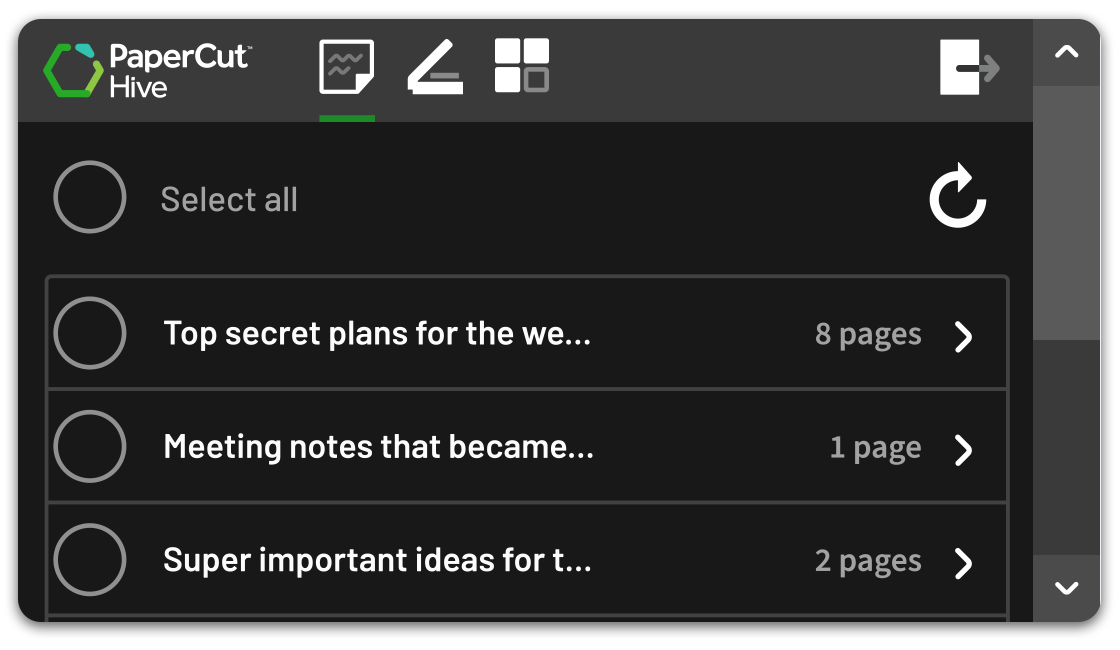
Introducing a new List View for the PaperCut Hive Full Embedded app. Our classic “Grid” view is great for large screens, but List View delivers a cleaner, more scannable experience on MFDs with smaller displays. You can now choose the best layout per-device in the admin console, giving you the flexibility to tailor the user interface to match your hardware.
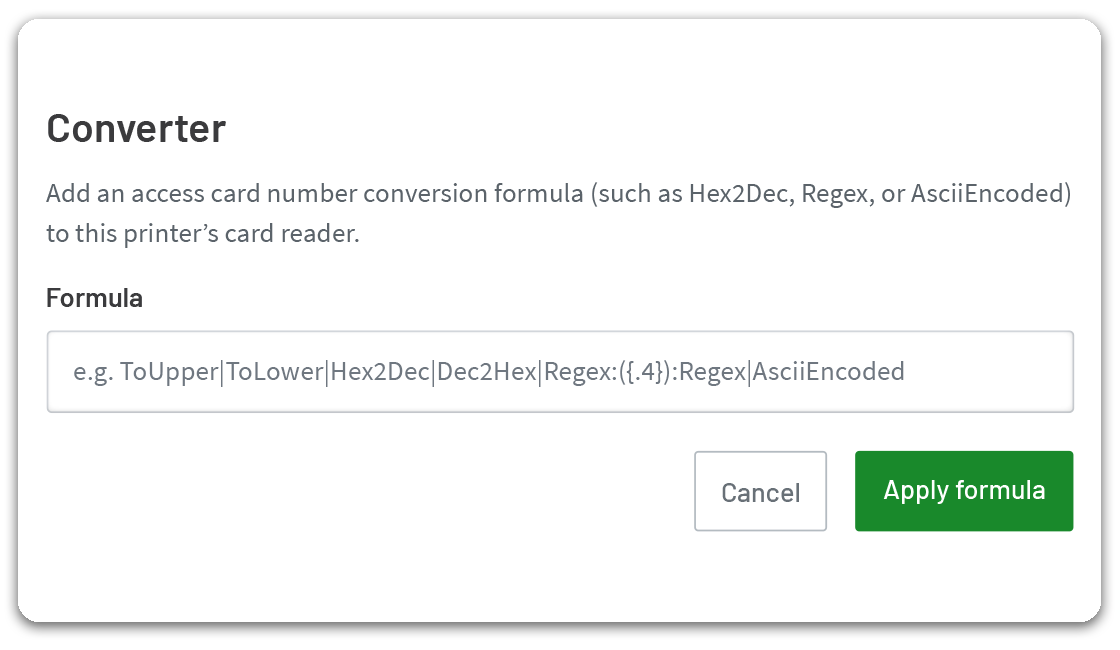
Introducing Swipe Card Number Conversion. This powerful tool solves frustrating card authentication problems. It’s perfect for when an MFD’s card reader data (like reversed hex) doesn’t match the card numbers in your user profiles (like decimal). You can now build flexible conversion formulas on a per-device basis to reformat raw card data before authentication, ensuring a seamless swipe-to-print experience.

More information? Get started with PaperCut Hive? No matter what you’re after, we’ve got you covered.
Fill out the form next door to get the ball rolling.

This site is protected by reCAPTCHA and the Google Privacy Policy and Terms of Service apply.