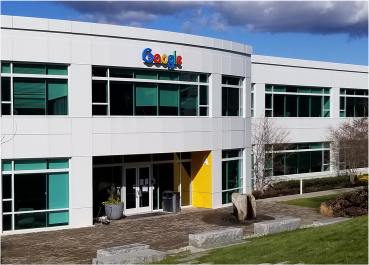
I recently had the incredible opportunity to spend some hands-on time with a brand-new Googlebook at Google’s headquarters. If you’ve been following the news since the big reveal and Googlebooks now available at stores, you know that Google is making a massive leap by building Googlebook OS on the Android technology stack.
Let me be the first to tell you: these devices are built for productive desktop work.
The hardware is premium, but the software experience is what truly shines. You get a desktop-level Chrome browser complete with the extensions you already know and love. The continuity is flawless when you shift from working on your Android phone to the Googlebook, your data, apps, and settings are just there. There’s no need to constantly email or message files to yourself just to switch screens.
And for the tech-heavy crowd? Developers and university students are going to absolutely love the readily available Linux terminal via a VM. As someone who spends a lot of time in Google’s new Antigravity CLI, having a native, powerful environment on a Google laptop is a game-changer.
So, what about print?
Whenever a massive OS shift happens, IT admins instantly start sweating about their print environments. But, if you’re a PaperCut customer, you can breathe easy.
Because Googlebook OS is built on an Android foundation, PaperCut already has the tools you need. PaperCut Mobility Print, PaperCut Pocket, and PaperCut Hive Android apps will work out of the box. The exact same Android app that lets you print from your smartphone today will work on your new Googlebook to keep your documents flowing smoothly through PaperCut.
Looking to the enterprise future
Right now, Google is aiming the initial wave of Googlebooks squarely at the premium consumer market. But the future holds incredible potential for Google Workspace admins. At PaperCut, we are working to ensure that as Googlebooks inevitably scale into corporate fleets, our customers will have a frictionless, zero-touch experience when pushing PaperCut apps to user devices.
If you’re wondering how we can be so confident, it’s because we have the ultimate testing ground.
For half a decade, Google has relied on PaperCut MF to enable seamless, secure printing for all Googlers globally. We are in the fortunate position of being able to jointly “eat our own dog food.” Because Google uses PaperCut internally to manage thousands of printers across their own complex network, we can guarantee that the printing experience on Googlebooks will be rigorously tested, refined, and ready for all of our mutual customers.
The future of laptops is looking remarkably bright, and we’re making sure the future of printing is right there with it.