Web print, internet print, browser print… Whatever you want to call it, you want to print from an internet page.
Let’s break down printing from a web browser real quick.
Printing from the internet is a form of BYOD (Bring Your Own Device) printing. Users expect to print no matter what device they’re using - laptop, desktop, tablet, smartphone - from any web browser they’re using - Chrome, Safari, Firefox, Explorer, etcetera.
The good news is there are multiple software options that enable web browser printing if it’s not currently working for you.
How does web printing work anyway?
To allow people to be able to print to your local printers across the Internet, all they need is for you to expose the printer to a public IP address.
Whoa, there! What does that mean?
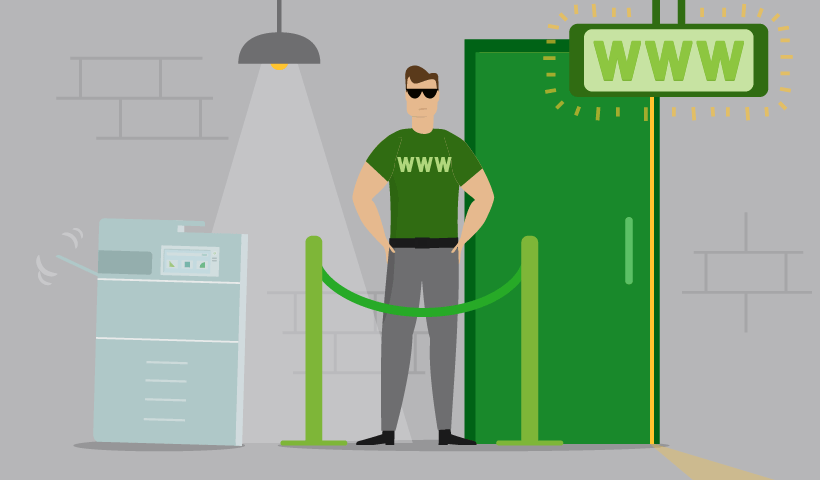
Think of a nightclub, where only certain people can gain entrance. By default, you would block anyone wanting to gain access to use the printer. If, however, we expose the printer to the Internet, we are now moving the printer outside of the building and allowing anyone to print, and I mean anyone.
This can be a security issue and can result in people using your printer without permission.
But at the same time, you don’t want to have to give someone access to your network, just to print (because now you have opened the door to let them in).
So what do you do???
Web Print with PaperCut MF/NG
The answer? Our feature in PaperCut MF/NG which is literally named WebPrint.
Web Print is a driverless printing service available with PaperCut MF/NG.
It allows users to print by uploading documents from a web browser. No client software or driver installation is required.
Web Print enables printing from user-owned devices without the need to install printer drivers and manage server authentication.
Thousands of universities use Web Print. If you’re one of those students and you’re here looking for help, I highly recommend you chat with your university IT team for some campus assistance.
How does the Web Print feature work?
Our Web Print feature enables printing from users’ laptops without installing print drivers. Web Print is accessed from the print system’s User Web Tools. Then users upload their documents using a standard web browser of their choice.
Web Print is just one of PaperCut’s BYOD printing solutions. Once you have PaperCut NG or PaperCut MF installed and set up, users are authenticated once they log in to the User web interface. All documents are trackable by the sysadmin.
- A user uploads their document from their workstation via the web interface of their choice.
- The document is sent to the Web Print system and converted into a print job.
- The Web Print server sends the document to the printer
Web Print is not available on direct print queues. You must set up a server queue for your nominated device/printer.
Benefits of Web Print
- Completely web browser based
- No drivers, client software, or browser plugins required
- No server authentication management required
- Accessible from any web browser
- User authentication with regular network/domain login information
- All popular document formats supported: PDF, DOC/DOCX (and other Microsoft Office Word formats), XLS/XLSX (and other Microsoft Office Excel Formats), PPT/PPTX (and other Microsoft Office PowerPoint formats), and Microsoft XPS (XML Paper Specification).
- Common image formats supported: JPG, GIF, PNG, TIFF, and BMP.
Other web print options from PaperCut
Since you just want to print from an internet browser, let’s talk more about lowercase web print. As in, you might be looking for a cloud printing service that lets you print from a web browser.
Cloud printing can refer to enabling print via the cloud or managing print in the cloud. But considering we’re dealing with web browser-based printing, we’ll just stick to talking about print enablement.
PaperCut Mobility Print is our free standalone BYOD printing solution that lets you print in any interface from any application on any device. You can auto-install printer drivers to print from Chromebooks, iPads, iPhones, Macs, Windows, and Android devices. You can also print over the internet with its Cloud Print functionality.
PaperCut Pocket is one of our cloud-hosted print management solutions that enables you to print all online and all in the cloud.
This solution can be self-installed and enables driver-free printing on Chromebooks, Android, macOS, iOS, and Windows devices. PaperCut Pocket enables web browser printing while empowering your business with print management in the cloud.
Not sure which option is right for you?
We can help with that.
Fill out the below form and one of our team will reach out for a chat and discuss your needs, key considerations, and work with you to get you printing quickly and easily!

Speak with Sales
Need a little help from a human? Speak with us, we don’t bite.
By filling out and submitting this form, you agree that you have read our Privacy Policy, and agree to PaperCut handling your data in accordance with its terms.
This site is protected by reCAPTCHA and the Google Privacy Policy and Terms of Service apply.