Whether you’re rolling out PaperCut Hive or Pocket for the first time or fine-tuning a well-oiled setup, these Q4 2025 updates slot naturally into your workflow. They focus on cutting support tickets, improving visibility, and making the experience more intuitive for everyone who prints.
At a glance
- Unified quotas for print and copy
- Easy onboarding with our User Data Import Tool
- Automated insights with Scheduled Reports
- Language support in the User Portal
- Make PaperCut Hive and Pocket feel like home with custom branding
Unified quotas for print and copy
Quotas in PaperCut Hive and Pocket help guide behaviour and keep everyday printing predictable. With this release, PaperCut Hive expands that control to copying, giving teams a consistent way to manage both print and copy usage. Using PaperCut Pocket? This might be a great moment to explore whether PaperCut Hive could give you the extra control you’re looking for.
With PaperCut Hive’s ability to restrict users based on their balance, copying now follows the same rules as printing. If a user doesn’t have enough credit, the device won’t let them continue, helping you keep budgets under control and usage fair for everyone.
As a bonus, the User Portal takes some of the pressure off admins by giving users visibility of their recent activity and the cost associated with it. They can see where their quota has gone and check their current balance before they start a job.
Easy onboarding with our User Data Import Tool
The new User Data Import Tool lets you bring essential user details (like balances, card numbers, and access codes) into PaperCut Hive or Pocket at scale, using a simple CSV or TSV file. This is especially useful when key data lives outside your Identity Provider (IdP), such as card numbers stored in a door access system or other external source.
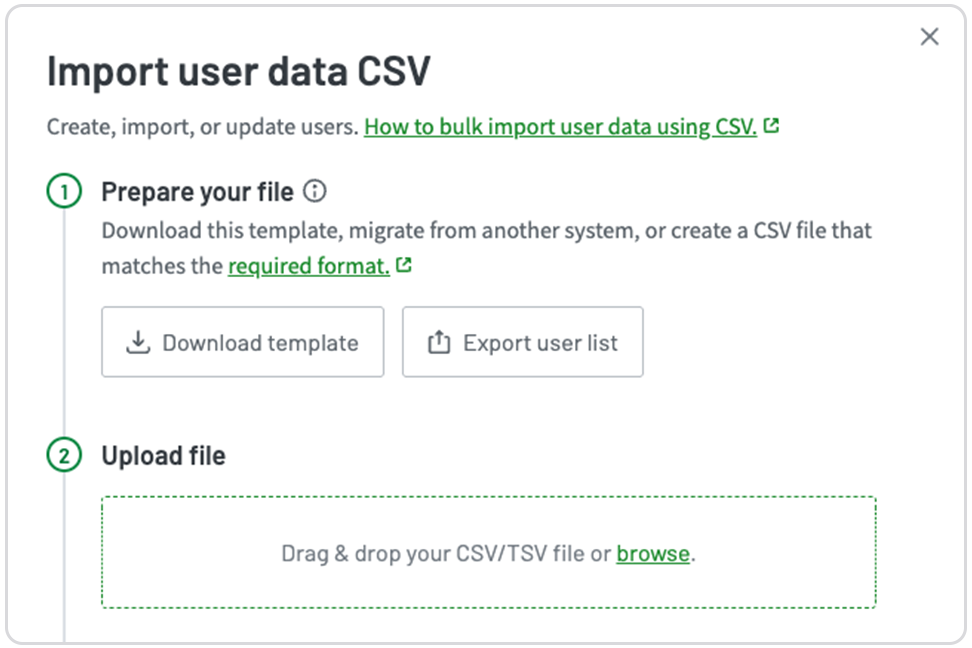
Preparing user data in advance means everyone starts with the details they need already in place. That leads to fewer card-related login issues, fewer support tickets, and far less troubleshooting in the first week, no matter whether you’re starting with print management for the first time, moving from PaperCut MF, or switching from another solution. The result is the same: users walk up to a device with confidence, and admins enjoy a calmer, more predictable rollout.
Automated insights with Scheduled Reports
Pick your report, be it Printer or User Activity, through to transaction logs, set a schedule, and PaperCut Hive or Pocket delivers it straight to the people who need it, no admin access required.
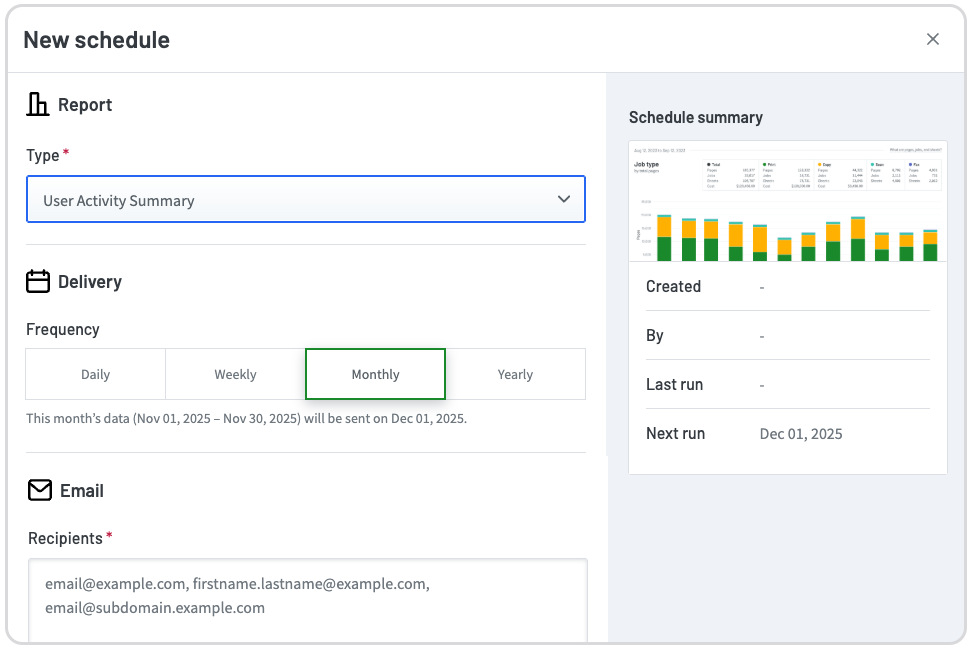
The right people get the right data at the right time. Finance can budget confidently, school leaders can spot trends and reduce waste, and departments get visibility without filing requests. And for admins, it removes one of the biggest reporting bottlenecks: reports arrive on time, every time.
Language support in the User Portal
People naturally want to use software in the language they’re most comfortable with, and a single-language interface can make simple tasks far more confusing than they need to be.
The latest updates to the PaperCut Hive and Pocket User Portal introduce local language support, making the experience clearer and more accessible for everyone. Users can now navigate the portal in a language that feels familiar, helping them move through everyday printing tasks with more confidence.
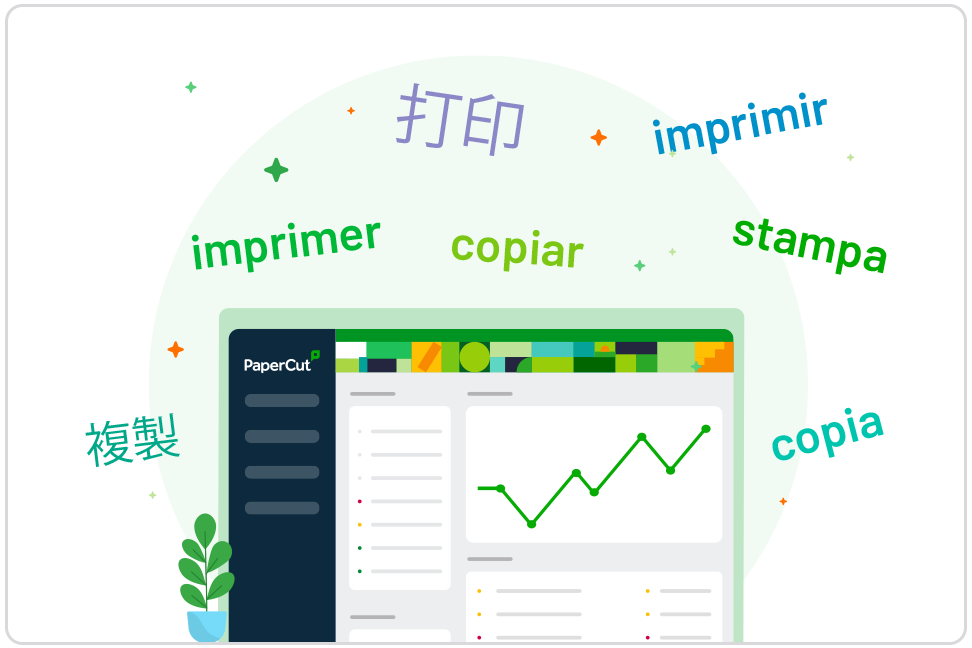
This improvement builds on the language support we already provide in our Embedded apps and user emails, giving global organizations a more consistent experience across the tools their users interact with.
Make PaperCut Hive and Pocket feel like home with Custom Branding
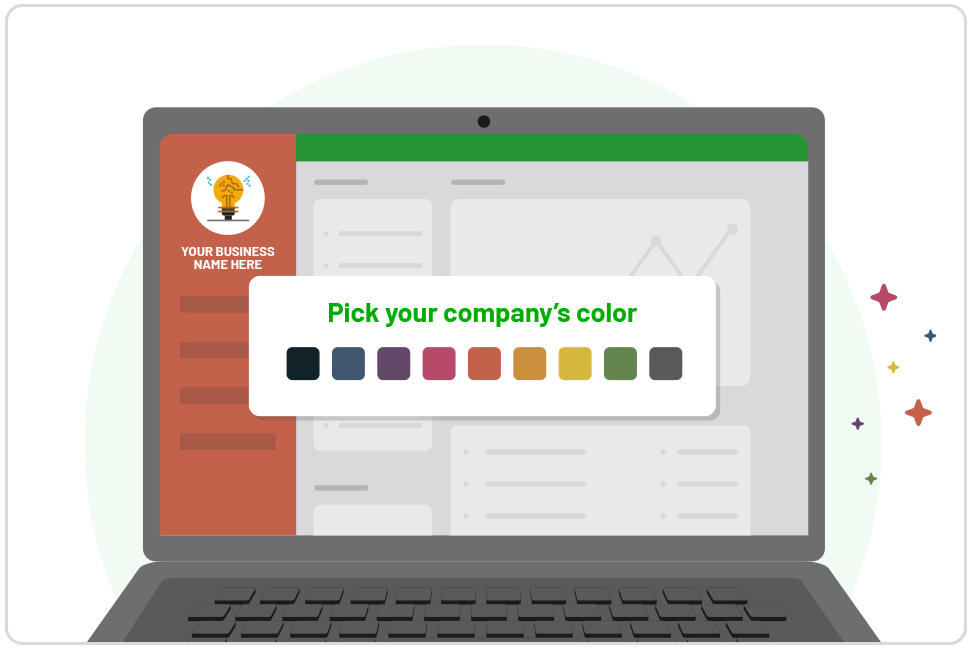
With this release, PaperCut Hive and Pocket adds custom branding options that bring that sense of familiarity into the printing experience.
Through the new Appearance settings, you can add your organization’s logo and introduce your brand color across the PaperCut Hive and Pocket Admin Console and User Portal. It offers a simple way to create a more connected and recognisable experience for your users.
This addition also supports teams moving from PaperCut MF or delivering managed print servers, giving them an easy way to maintain a cohesive look and feel. A touch of color and a familiar logo help the environment feel more aligned with the rest of your IT ecosystem.
Additional enhancements
Here are two smaller, but equally handy updates that help smooth out your everyday printing experience.
Print Job List View
If you’re working with MFDs that have smaller screens, the new List View brings a cleaner, easier-to-scan layout to the PaperCut Hive Full Embedded app. It sits alongside the classic Grid view, giving you the freedom to pick whichever layout feels right for each device. A small tweak, but it makes the experience feel smoother for users.
Card Number Conversions
Some card readers speak a slightly different language than the data stored in your user profiles, which can lead to those frustrating “why won’t my card work?” moments. Swipe Card Number Conversion fixes that by letting you build simple conversion formulas on a per-device basis to reformat raw card data, like reversed hex, before authentication. It means fewer manual workarounds to make data match, and a faster experience to first print.
Wrap-up
This release is all about making everyday printing easier. More control for admins, more clarity for users, and fewer bumps along the way. Whether it’s guiding costs, streamlining onboarding, automating reports, or improving the experience across interfaces, PaperCut Hive and Pocket now fit even more nearly into how your organization works.
To dive deeper into what’s new, reach out to your PaperCut Partner or connect with our team to get started with PaperCut Hive or Pocket.