TL;DR: Key Takeaways
- The news: Google’s new “Googlebook” platform runs on a new Android-based operating system (currently codenamed “Aluminium OS”), officially shifting the endpoint foundation from Linux to Android.
- The IT impact: This introduces a new architecture to the already wild BYOD landscape of macOS, Windows ARM (Copilot+), traditional Windows devices, and legacy Chromebooks.
- The print shift: Because it’s Android-based, print deployment on these devices will shift from Chrome extensions to native Android app deployment.
- The solution: PaperCut unifies this “Fractured fleet”, allowing IT admins to support whatever device users choose without the support headache.
The Hype vs. The Hardware
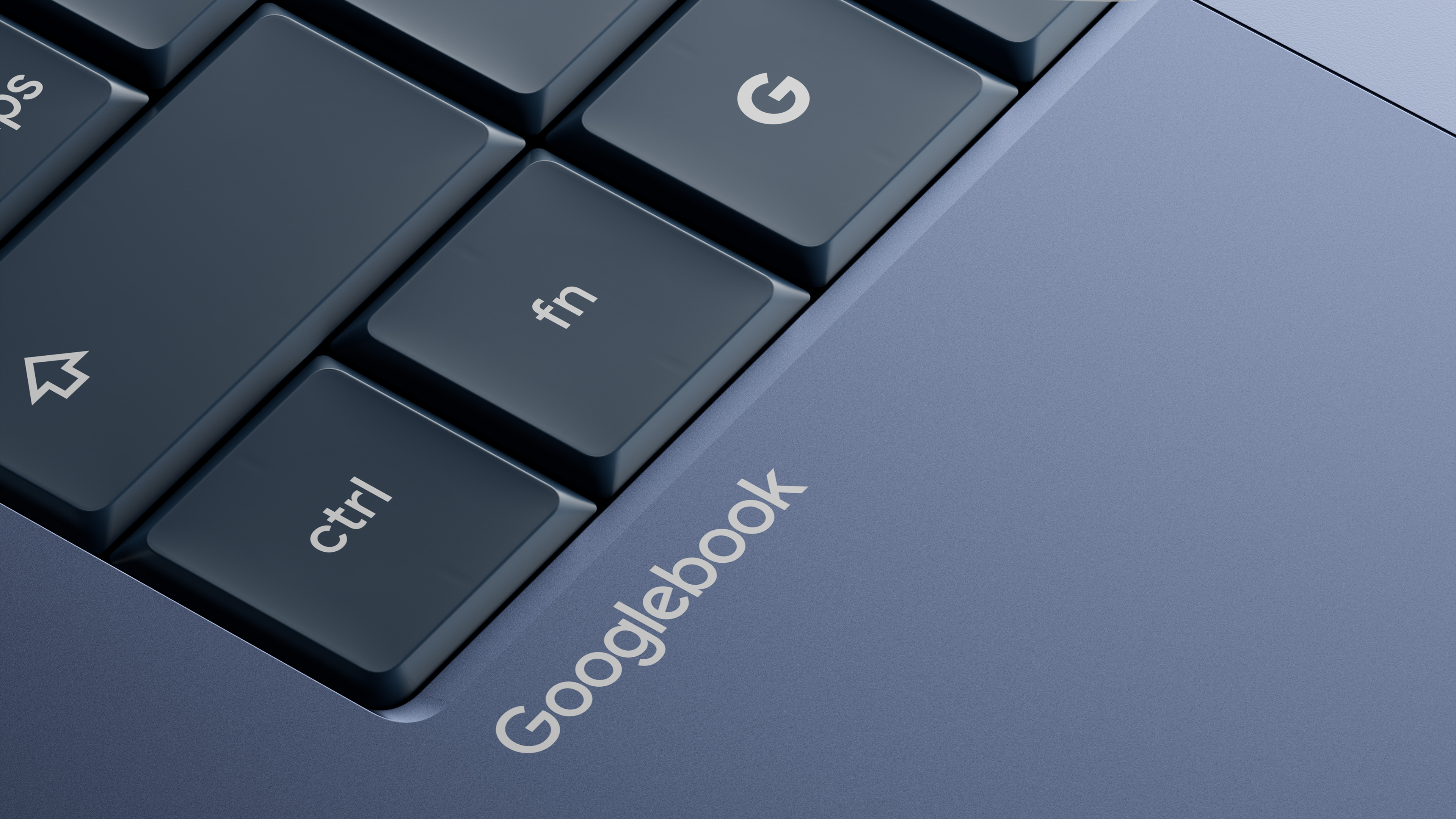
Google just dropped a massive bombshell on the tech world with the announcement of the new “Googlebook” platform. Between the sleek new hardware, the deep integration of Gemini AI, and the headline-grabbing “Magic Pointer,” it’s safe to say the laptop landscape is fundamentally shifting.
With the Magic Pointer, your cursor becomes a contextual co-worker. AI can draft your emails, analyze your spreadsheets, and build your presentation decks before you’ve even finished your morning coffee.
It’s mind-blowing tech. But there is one glaring reality that AI still hasn’t solved:
Gemini can generate a quarterly report in seconds, but at the end of the day, someone still has to hit ‘Print’ and that print job still needs to securely make its way to your office copier. AI lives in the cloud, but the office still lives in the physical world.
And for IT admins, bridging the gap just got a lot more complicated.
Welcome to the “Fractured Fleet” nightmare
If you manage endpoint infrastructure, you can geek out over the new Googlebook features on your own time. On company time, you are likely looking at this announcement and realizing your BYOD (Bring Your Own Device) environment is about to get wild.
Think about what a standard enterprise or higher-education fleet looks like as we head towards the fall of 2026:
- Traditional Windows x64 machines
- The new wave of Windows on ARM (Copilot+ PCs)
- macOS devices (like the new budget-friendly MacBook Neo)
- Legacy Linux-based ChromeOS devices
- And now, Android-based Googlebooks (running OS codenamed “Aluminium”)
Users will fight fiercely over which operating system is superior, that’s exactly why BYOD policies are so popular. But despite their brand loyalty, every single one of those users has the exact same expectation when it comes to getting their documents on paper: Ctrl+P needs to just work.
The shift from Linux to Android
For IT teams, the Googlebook introduces not only new hardware, but a completely new endpoint architecture.
Historically, deploying printers to Chromebooks meant relying on Chrome extensions and the legacy Linux foundations of ChromeOS to route print jobs.
This is where Google’s shift to an Android foundation becomes a massive win for IT. Because “Aluminium OS” is built on Android, it utilizes a true, native print spooler. It’s faster, more secure, and infinitely more reliable than a browser extension. Furthermore, it allows admins to tap into the incredibly mature Android Enterprise ecosystem. Instead of juggling Workspace extensions, admins can seamlessly deploy the PaperCut Mobility Print or the PaperCut Pocket and Hive mobile apps via their existing MDM, using the same policies they already use for mobile devices.
Google is giving the laptop fleet a mobile-grade management upgrade. You just need the right tool to hook it into your printers.
The great unifier
So, how do you manage print queues, track usage, and ensure secure document release across a fleet with five different underlying architectures?
You don’t chance your hardware strategy; you unify your print strategy.
PaperCut allows IT teams to confidently say “yes” to whatever device a user brings to the table, whether that’s an ARM-based Copilot+ PC or a brand-new Android-based Googlebook, without creating a print support nightmare. We’ve been enabling printing on Android for years. It’s no secret that Google relies on PaperCut for their own internal print management, so you can trust we’re well-equipped to bridge the gap between Google latest AI innovations and your office’s physical printers.
What’s next?
As we get closer to the official hardware launch this Fall, keep an eye out for our comprehensive technical deployment guide outlining exactly how to handle print management for the new Googlebook generation.
But you don’t need to wait for Google’s new hardware to fix your print infrastructure. If you’re already wrestling with a mixed environment of Macs, Copilot+ PCs, and legacy Chromebooks, we can help you solve it today:
- Need a quick, free fix? Download PaperCut Mobility Print and get your BYOD users connected to your network printers in minutes.
- Want simple cloud print management? Start a free trial of PaperCut Pocket to enable printing and track usage.
- Need a more advantaged integration with your MFDs? Reach out to our team to explore PaperCut Hive or PaperCut MF.
We’ll unify your current fleet now, giving you the confidence your print environment will be ready for those new Googlebooks the moment they arrive.
The endpoint landscape is fractured, but your print strategy doesn’t have to be. Let your users choose their devices; we’ll make sure they can print from them.
Frequently asked questions (FAQ)
Will existing ChromeOS print extensions work on the new Chromebooks?
No. Because the new Googlebooks run on an Android-based foundation (currently codenamed “Aluminium OS”) rather that the traditional Linux foundation of ChromeOS, legacy Workspace browser extensions will not be compatible. Instead, printing will rely on native Android print spooling.
How do I deploy network printers to Googlebooks?
Deployment will shift away from pushing Google Workspace extensions. IT admins will instead deploy Android applications (like the PaperCut Mobility Print or PaperCut Hive apps) directly to the Googlebooks through their Mobile Device management (MDM) solution.
Do I need a separate print management system for Googlebooks versus Windows or Mac?
Not with PaperCut. Our platform acts as a single pane of glass for your entire “Fractured fleet”. You can manage secure printing, track usage, and deploy print queues for macOS, Windows on ARM (Copilot+), traditional Windows x64, and the new Android-based Googlebooks all from one place.
Are traditional Chromebooks going away?
While the premium Android-based Googlebooks represent the future of the platform, legacy Linux-based Chromebooks will remain in circulation, especially in education. PaperCut will support both environments simultaneously, so you don’t need to choose between the past and the future.