



How a user experiences and interacts with PaperCut NG/MF varies depending on how it is implemented. When configured as a silent monitoring solution, users might not even know PaperCut NG/MF is in use. In other environments, users make extensive use of the various services that are available.
Services are provided to users through one of two interfaces:
The User Client
The User Client is an optional piece of software that provides additional functionality. The client software serves a number of purposes including to:
-
Display the user’s account balance (for print charging or quota environments)
-
Display account selection or print conformation popups.
-
Show system messages such as “low balance” notifications.
-
Display popup warnings as configured by the administrator (e.g. Print policy discourage printing of emails).
-
Provide popup authentication services in anonymous desktop environments.
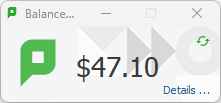
You can customize the appearance of the User Client to fit in with your organization. For more information, see Customize the User Client . The features visible to the user (e.g. popup dialogs) are a function of server-side settings and are configured by the administrator.
The User web interface
The User web interface provide additional features for users. Functionality includes summaries and logs of usage, using TopUp/Pre-Paid Cards, transferring funds and displaying usage costs. The User Web Pages are accessed either via the Details link on the User Client window, or via the browser URL http://[server_name]:9191/user .
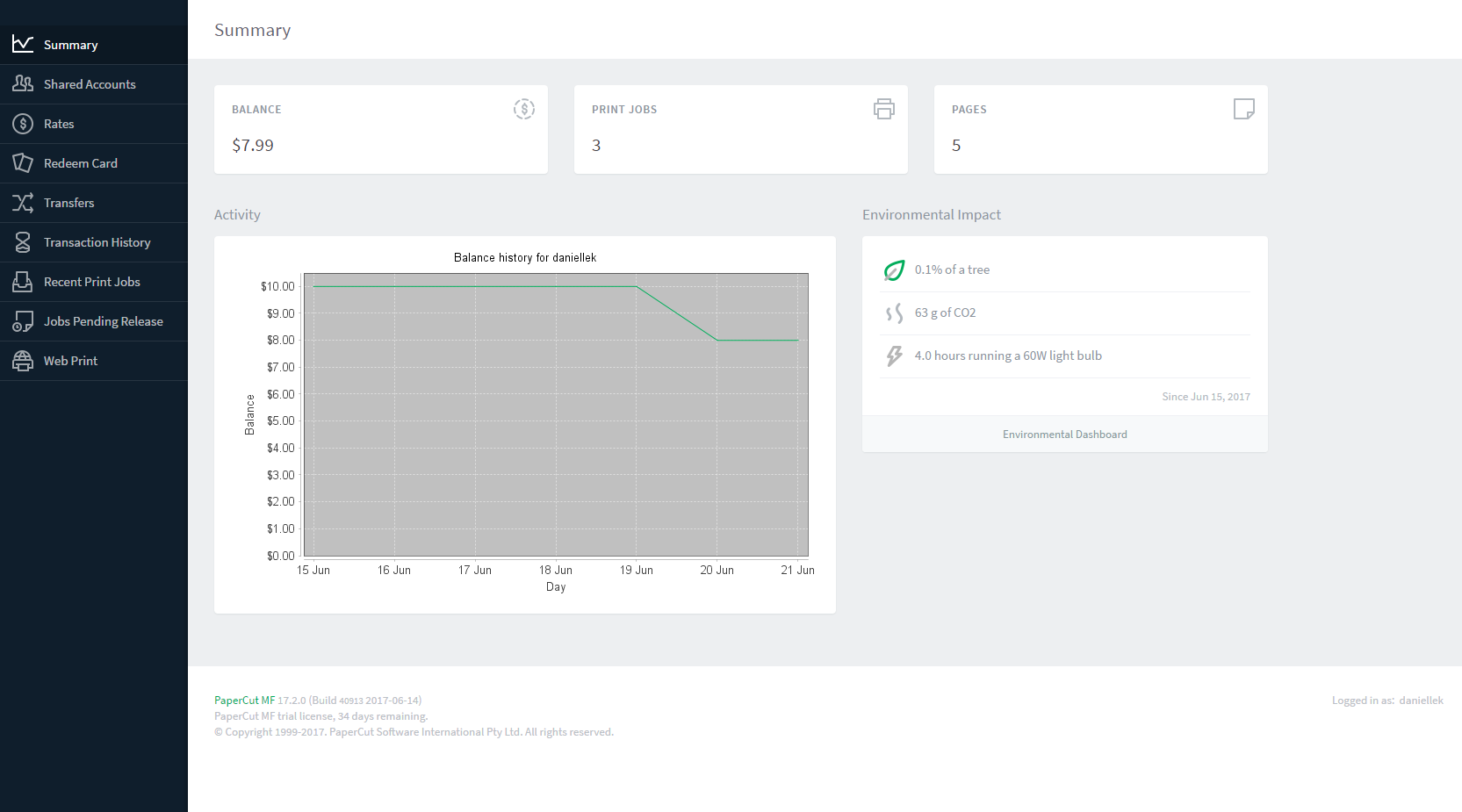
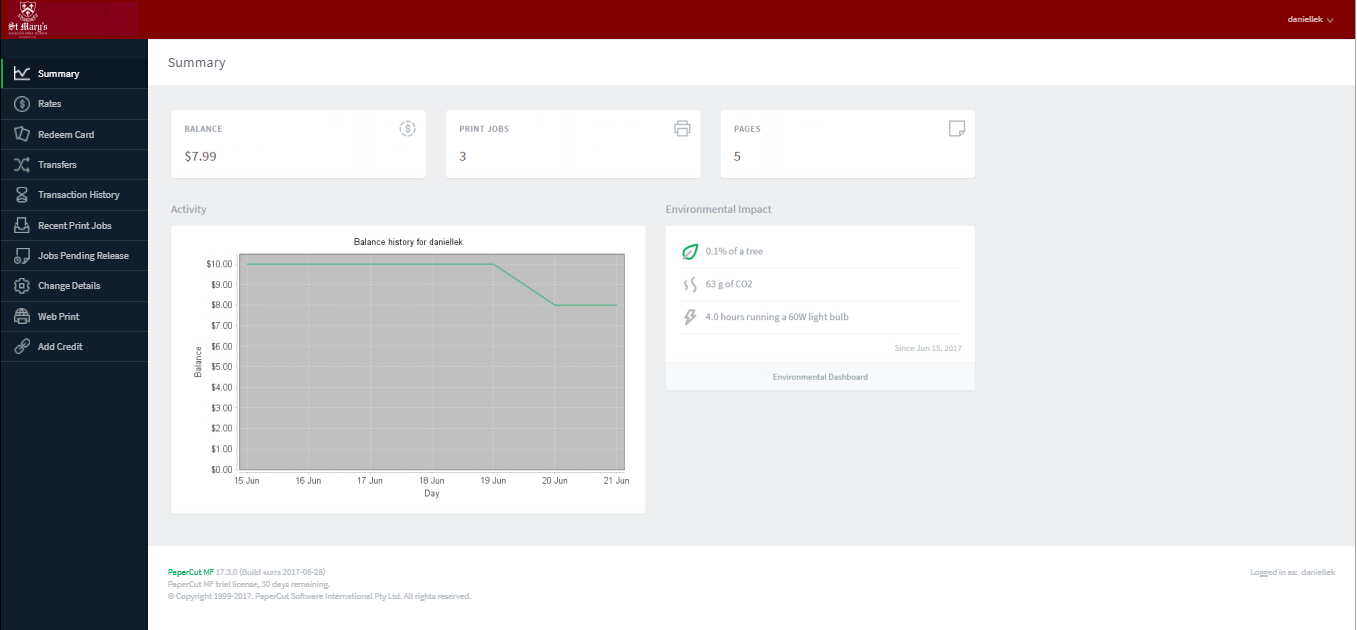
You can customize the appearance of the user web pages to fit in with your organization’s existing intranet, web pages or color scheme. For more information, see Customize the User web interface .
Also see:
The iPad / iOS app (for iPad printing)
The PaperCut iPad / iOS App enables printing from your iPad or any iOS device to your PaperCut-managed printers across your enterprize.For more details see iOS printing (iPad & iPhone) .
Comments